20
Change the play mode to make tracks/files play
repeatedly, play in random order or play only their
beginnings.
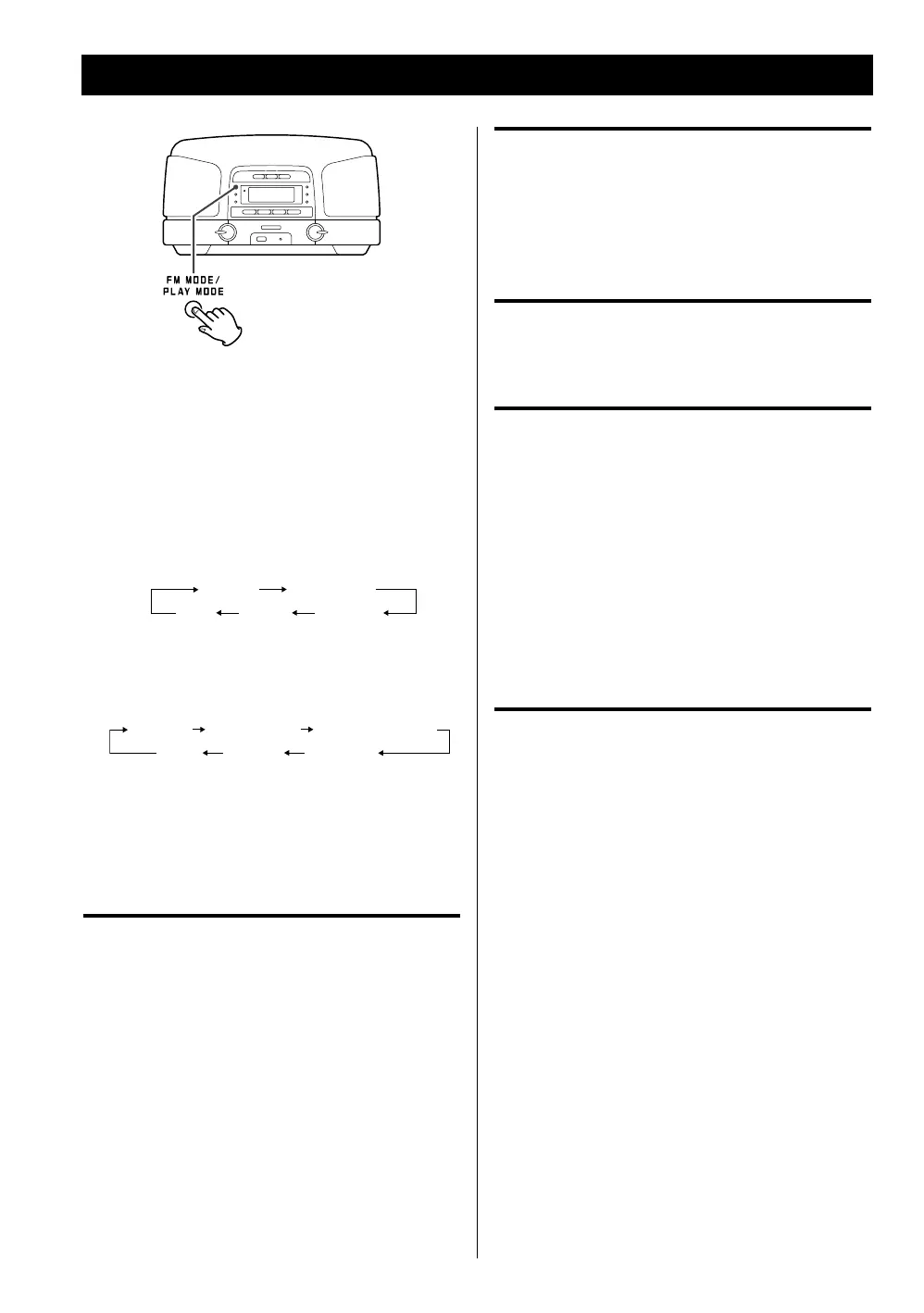
Select the play mode during playback or press
the PLAY/PAUSE (G/J) button to start playback.
Each time the PLAY MODE button is pressed, the mode
is changed in the following order:
When a CD is loaded
(o)
REPEAT REPEAT ALL
SHUFFLEINTRO
When an MP3/WMA disc or USB memory is
loaded
REPEAT REPEAT FOLDER
REPEAT ALL
(o) INTRO SHUFFLE
< Repeat mode will be cancelled when you open the disc
compartment cover, when you pull out USB memory,
or when one of the following buttons is pressed: STOP,
FUNCTION, STANDBY/ON.
Repeat one track/file
Press the PLAY MODE button once during playback.
“REPEAT” lights.
The current track/file will be played back repeatedly.
If you press a SKIP (. or /) button and select
another track/file, the track/file you selected will be
played back repeatedly.
You can also select a track/file to be repeated when the
unit is stopped. Press the PLAY MODE button, select a
track/file using a SKIP (. or /) button, and then
press the PLAY/PAUSE (G/J) button to start playback.
During programmed playback, the curren
t tracks/files
will be played back repeatedly.
Repeat all tracks/files
To play back all the tracks/files repeatedly, press the
PLAY MODE button repeatedly until “REPEAT ALL”
appears.
During programmed playback, the programmed
tracks/files will be played back repeatedly.
Repeat all the files in a folder (MP3/WMA)
To play back all the files in a folder repeatedly, press the
PLAY MODE button twice. “REPEAT FOLDER” lights.
Play the tracks/files randomly
Press the PLAY MODE button repeatedly until “SHUFFLE”
appears.
< If you press the / button during shuffle playback,
the next track/file will be randomly selected and
played back. If you press the . button once, the
currently played track/file will be played back from the
beginning.
< Shuffle playback does not work during programmed
playback.
Play only the beginnings of tracks/files
Press the PLAY MODE button repeatedly until “INTRO”
appears to play back only the first 10 seconds of all
tracks/files.
< Intro playback does not work during programmed
playback.
Repeat/Shuffle/Intro Playback



 To Next Page