26
Deleting a file from USBRecording to USB 2
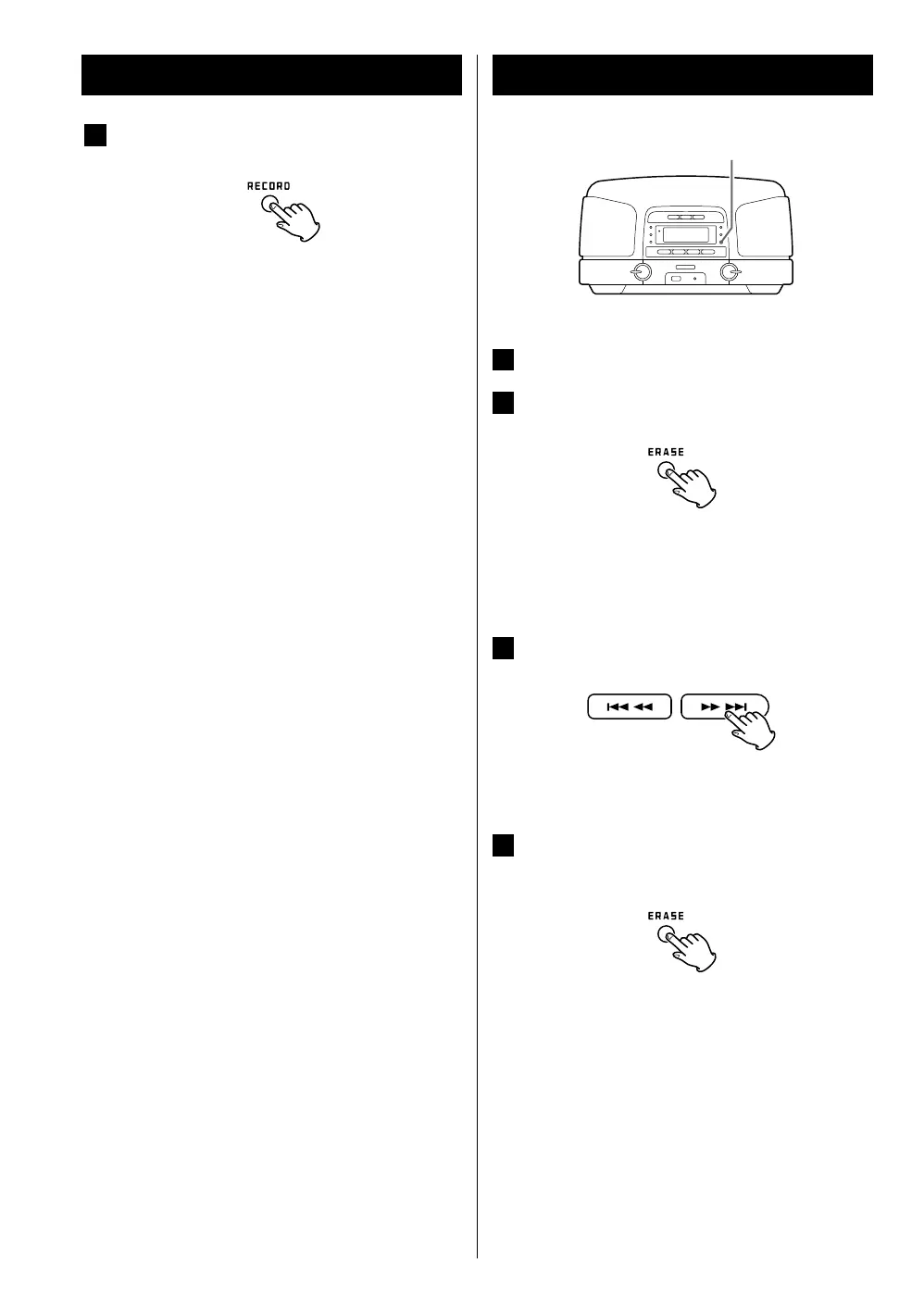
ERASE
1
Play the file that you want to delete.
2
Press the ERASE button.
< “CANCEL” is displayed.
If you want to cancel the erasing, press the ERASE
button again.
3
Press the SKIP button (. / /).
< ERASE is displayed.
4
Within 10 seconds, press the ERASE button
again.
< Deletion will be cancelled if you do not press the
ERASE button again within 10 seconds.
4
If you want to stop recording, press the RECORD
button again.
< Only the RECORD button and the volume knob can be
used while recording. The volume knob only affects
the recorded level when recording from the AUX IN.
< You cannot record to a USB memory device if it has no
free space or the device is locked.
< Timer recording is also available. (page 28)



 To Next Page