18
3
1
5
4
2
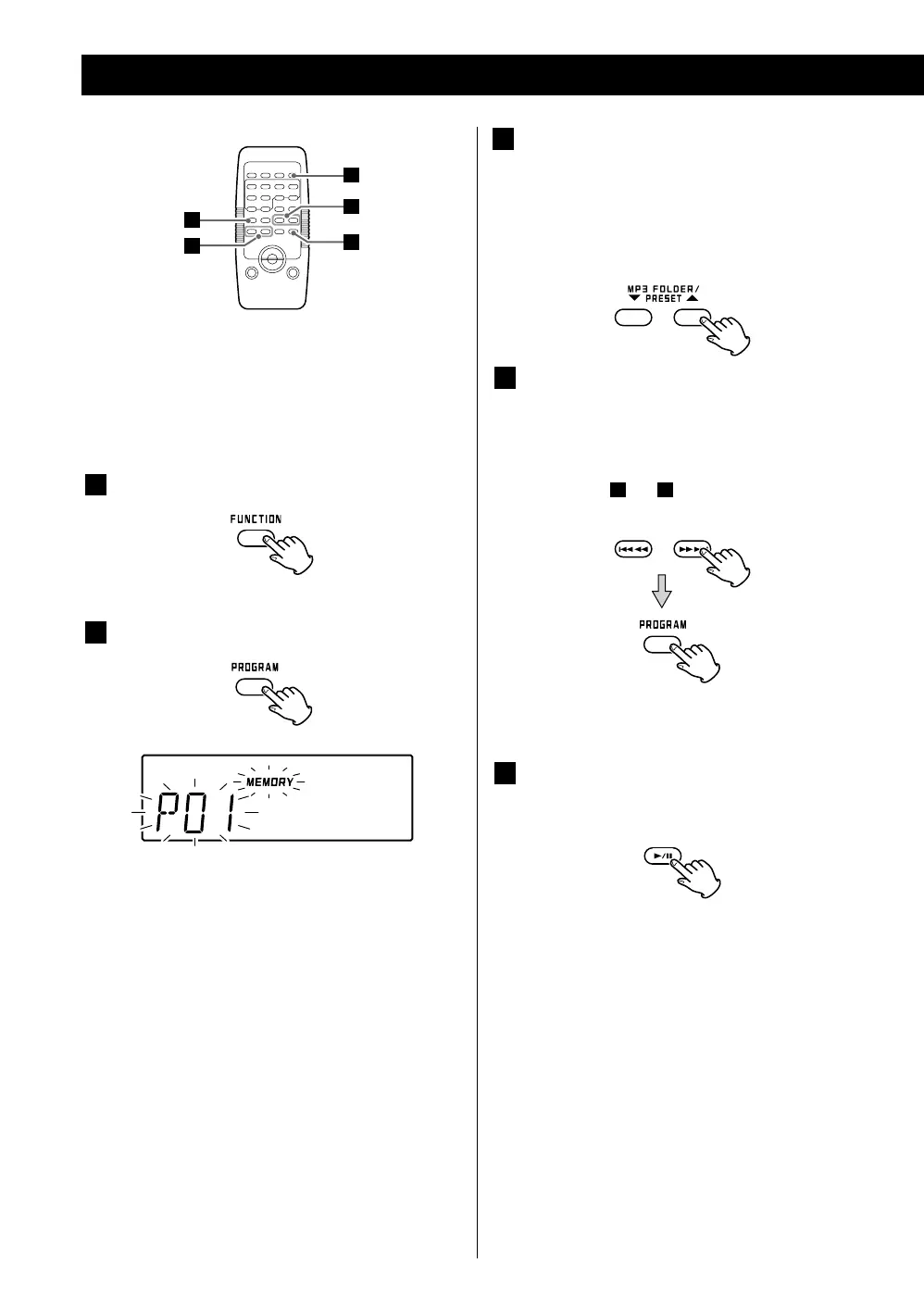
Up to 32 tracks/files can be programmed in the desired
order.
Shuffle and Intro functions do not work during
programmed playback.
1
Press the FUNCTION button to select “CD” or
“USB”.
2
Press the PROGRAM button.
“MEMORY” and the programmed number blink on
the display.
< To cancel programmed playback mode, press the
STOP (H) button.
Program Playback
4
Press a SKIP (. or /) button repeatedly to
select a track/file, and then press the PROGRAM
button.
The track/file is programmed, and “P02” is shown.
< Repeat steps
3
and
4
to program more tracks/files.
< You can program up to 32 tracks/files.
< To cancel programming after P01 has been
programmed, press the STOP(H) button twice.
5
When you are done adding tracks/files to the
program, press the PLAY/PAUSE (G/J) button
to start programmed playback.
3
Press the MP3/WMA FOLDER buttons
repeatedly to select a folder on an MP3/WMA
disc or USB memory.
< MP3/WMA files not stored in folders are treated as
being in the “001” (root) folder.
< Skip this step when playing an ordinary CD.
< When the playback of all the programmed tracks/files
has finished, or the STOP button is pressed twice, the
MEMORY indicator will disappear and programmed
playback mode will be ended.
The program is retained in memory until you
open the disc compartment cover or the power is
interrupted. You can return to programmed playback
by pressing the PROGRAM button and the PLAY/
PAUSE (G/J) button.
This unit can record from CDs onto USB memory
devices in a programmed order.
For detailed information on how to record, see page
25.



 To Next Page