24
ENGLISH
Playing a CD 2
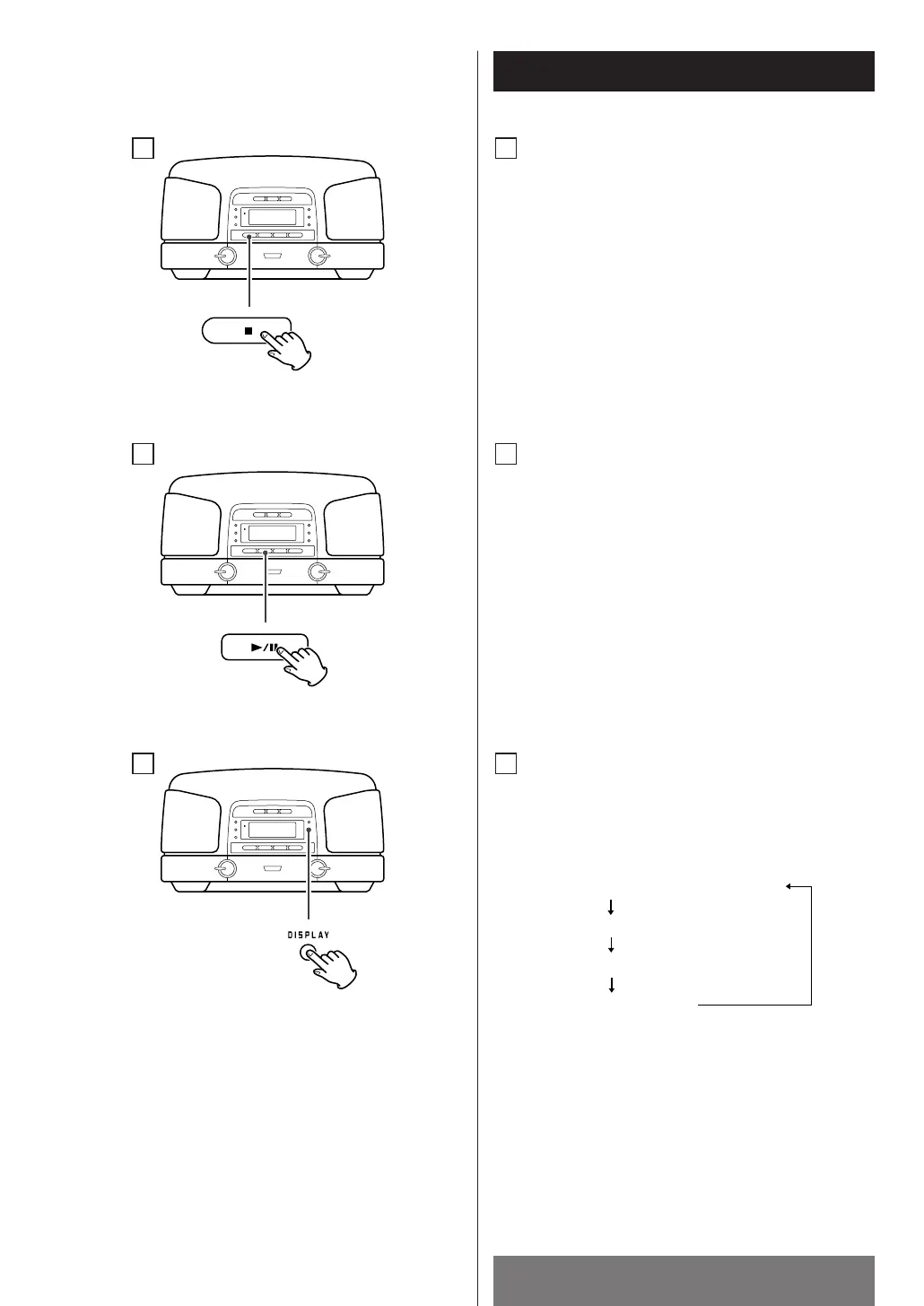
DISPLAY button
During playback, press this button repeatedly to
change the display mode as follows:
C
< Clock display and timer mode display appears for
4 seconds and returns to original display.
<
In the stop mode, remaining time of the disc
cannot be selected.
C
B
A
To stop playback
Press the STOP button (H) to stop playback.
A
To suspend playback temporarily
(pause mode)
Press the PLAY/PAUSE button (y/J). Playback
stops at the current position.
To resume playback, press the PLAY/PAUSE
button (y
/J) again.
B



 To Next Page