26
ENGLISH
Playback from a Specific Part
Example
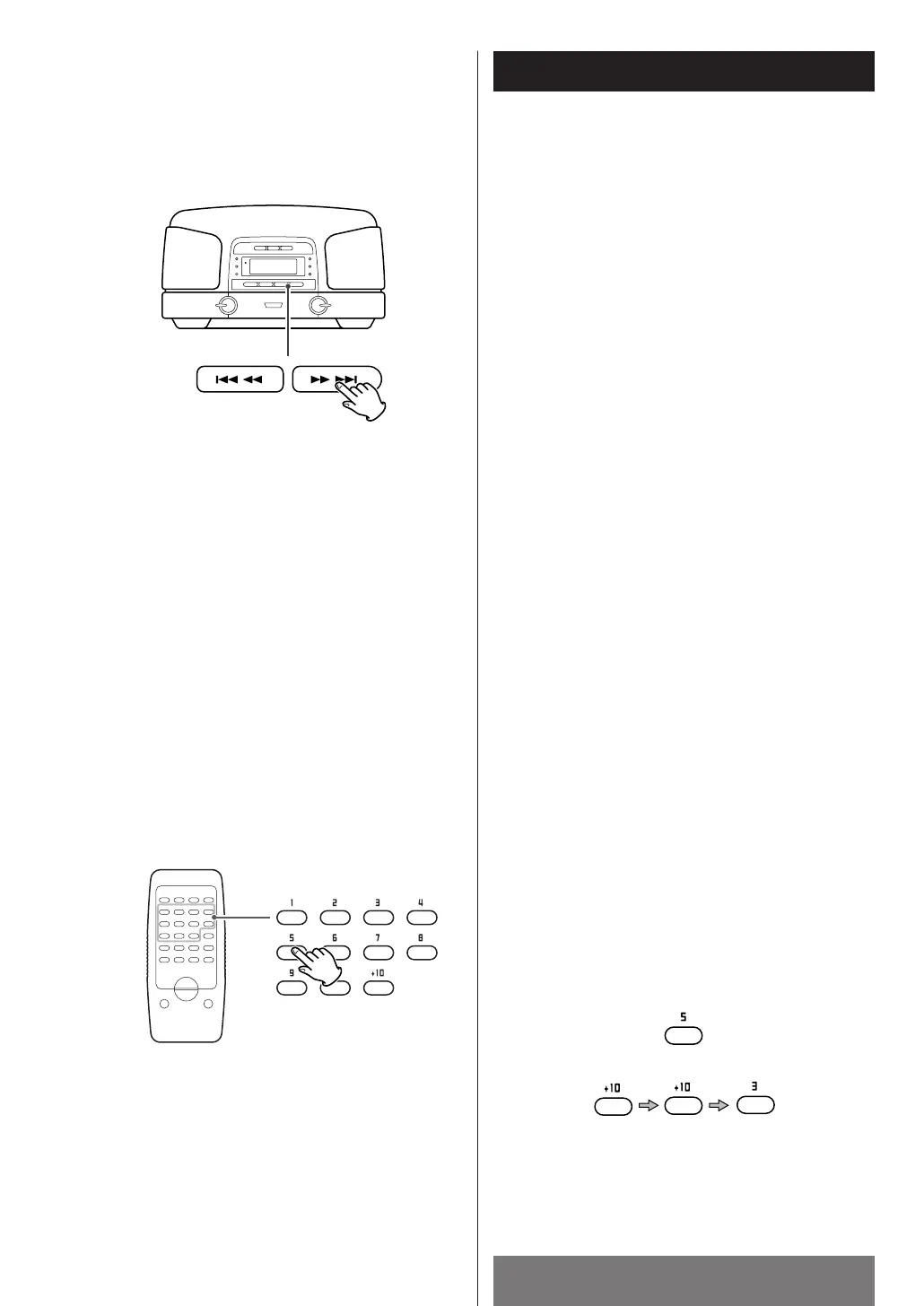
To select the track No.5:
To select the track No.23:
Direct access play
Press the numeric buttons corresponding to the
required track. The player starts from the specified
track directly.
To skip to the next or a previous
track
During playback, press the SKIP button (.
m
or
,
/) repeatedly until the desired track is
found. The selected track will be played from the
beginning.
In the stop mode, press the SKIP button (.
m
or
,
/) repeatedly until the desired track is
found, and press the PLAY/PAUSE button (y
/J) to
start playback from the selected track.
< When the .
m
button is pressed once during
playback, the track being played will be played
from the beginning. To return to the beginning of
the previous track, press the .
m
button
twice.
<
During programmed playback, the next or previous
track in the program is played.
Search for a part of a track
During playback, hold down the SKIP button
(.
m
or
,
/) and release it when the
part you want to listen to is found.



 To Next Page