10/29/2019 Tech Works CI-Series Systems Planning & Installation Manual Page 31 of 42
When the microphone is enabled
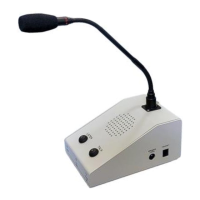
The Operator must speak directly into the Console Microphone
At a distance of ~6” for proper response
The "LIMIT/VOX" indicator lights Green to indicate the Microphone is on
During normal operation, the "LEVEL/VOX" Indicator flashes Red to indicate proper microphone level
Operation with Accessories:
The PTT Foot Switch allows hands free operation, and overrides VOX if the Environment becomes
noisy
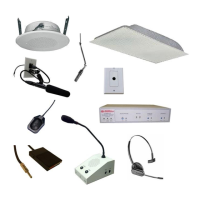
If the Operator has a Push-to-Talk Foot Switch (Optional)
PTT disables VOX mode
When the Foot Switch is pressed the Console Microphone is immediately activated
When the Foot Switch is Released the Console returns to Listening
The Wireless Headset allows the Operator to move about the room,
while carrying on a conversation with the Procedure Room
If the Operator has a Wireless Headset (Optional)
The Wireless Headset has an ON/OFF switch, when the Headset is ‘Off’ the function is the same as
above. The Headset has priority, and converses with the Procedure Room when the
“HEADSET ON” indicator is lighted Red;
The Console Microphone, Speaker, and Switches, are disabled
The Listen and Talk indicators are forced off
Configuration Jumpers (Console Cover Removed):
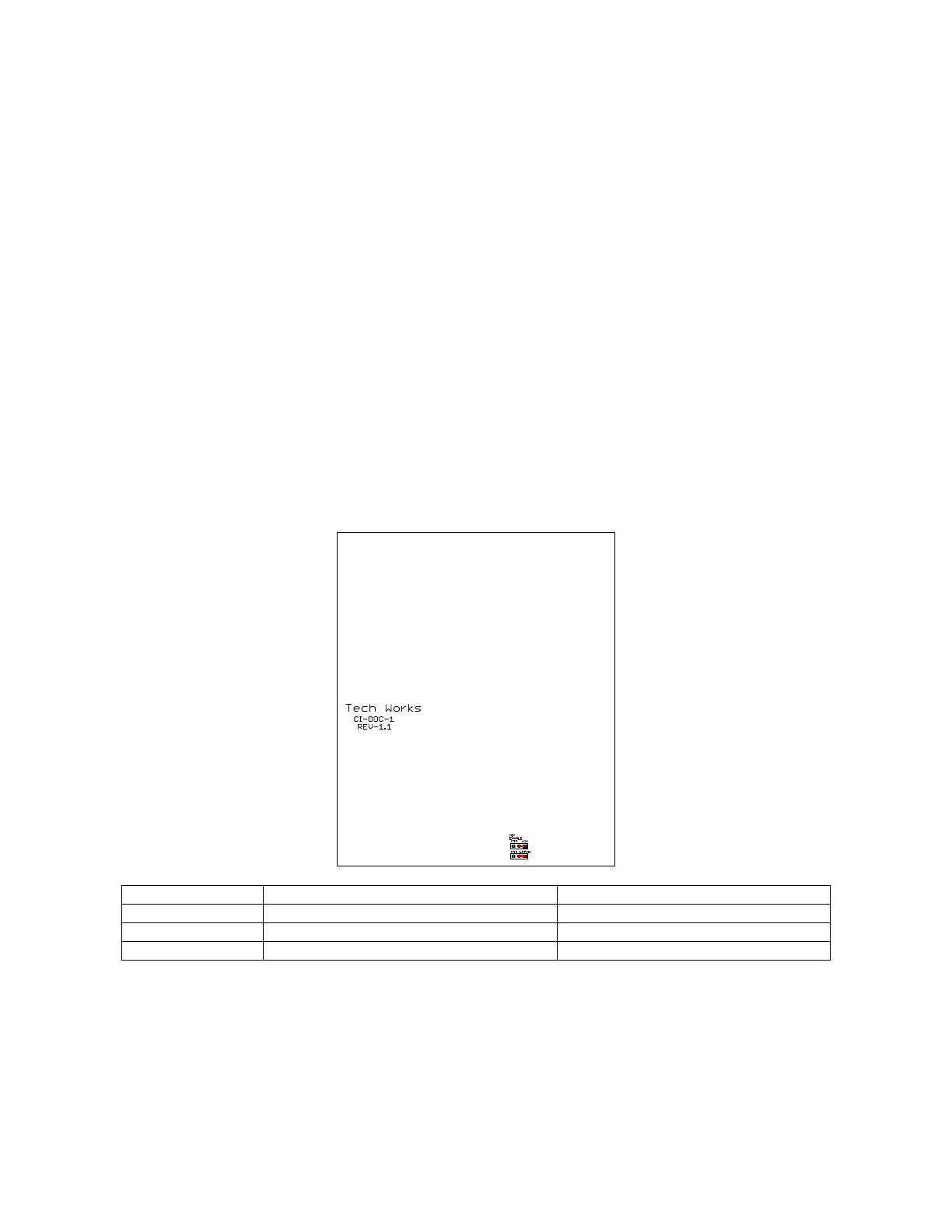
Jumper:
Other Combinations are allowed and give special functionality where required like VOX with PTT or
PTT with LATCHing Button.
Cleaning – If the product becomes dirty and requires cleaning DO NOT USE CLEANING CHEMICALS
SUCH AS 409, SIMPLE GREEN, or other solvents. If possible only use water to make a damp soft cloth
and rub lightly to preserve the finish. If further cleaning or disinfecting is required, use only isopropyl alcohol
on a soft cloth. Alcohol may dull the finish of the product but will not harm the electronics.


 To Next Page