9
support@techage.com
2.3 Video Talk on Mobiles
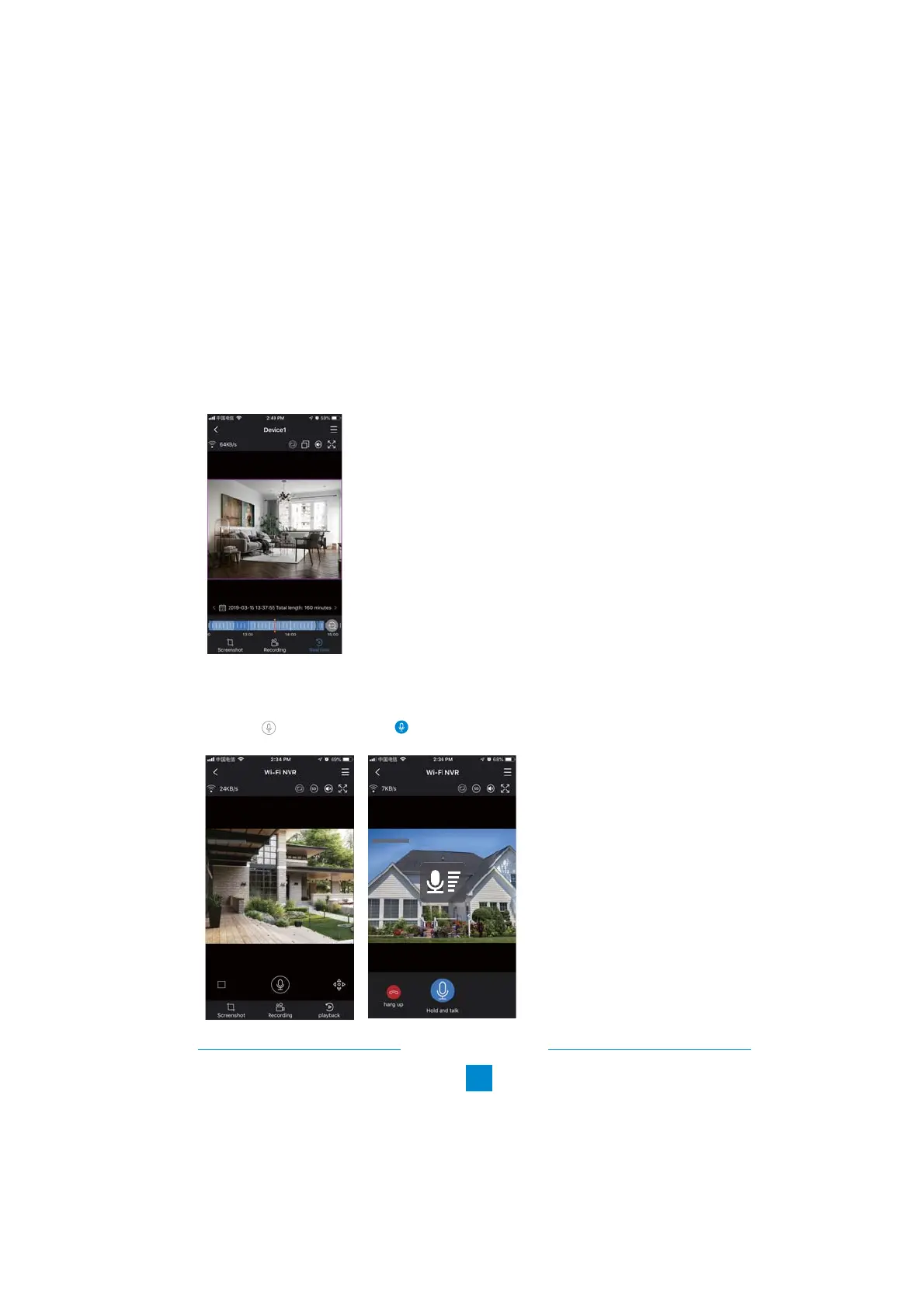
If your camera has both microphone and speaker, it supports the two way video talk. You can
click the and long press the to talk to people nearby the cameras or let them get out.
2019/08/31 14:36:26 SAT
CAM 1
2019/08/31 14:36:26 SAT
CAM 1
2.2 Playback on Mobiles
In the "IP PRO" APP, while viewing live video of the system, click Playback, you will enter the
remote playback menu. It will automatically play back video of camera 1, you can switch cameras
by choosing different channels.
Tips:
Videos in playback are HD and real time which requires very good network conditions. We suggest
to playback in LAN. Remote playback in WAN mainly depends on network conditions.



 To Next Page