TECHBASE (C) MBus Gateway RTU 2/8
© 2014 TECHBASE
Group
Technical contact - support.techbase.eu 2/8
1.2 Find device in the LAN network
You can connect to the device using your PC. Please connect gateway device to the same network as
your PC and use SSH to connect to the device e.g. using PuTTY in Windows or ssh command in Linux.
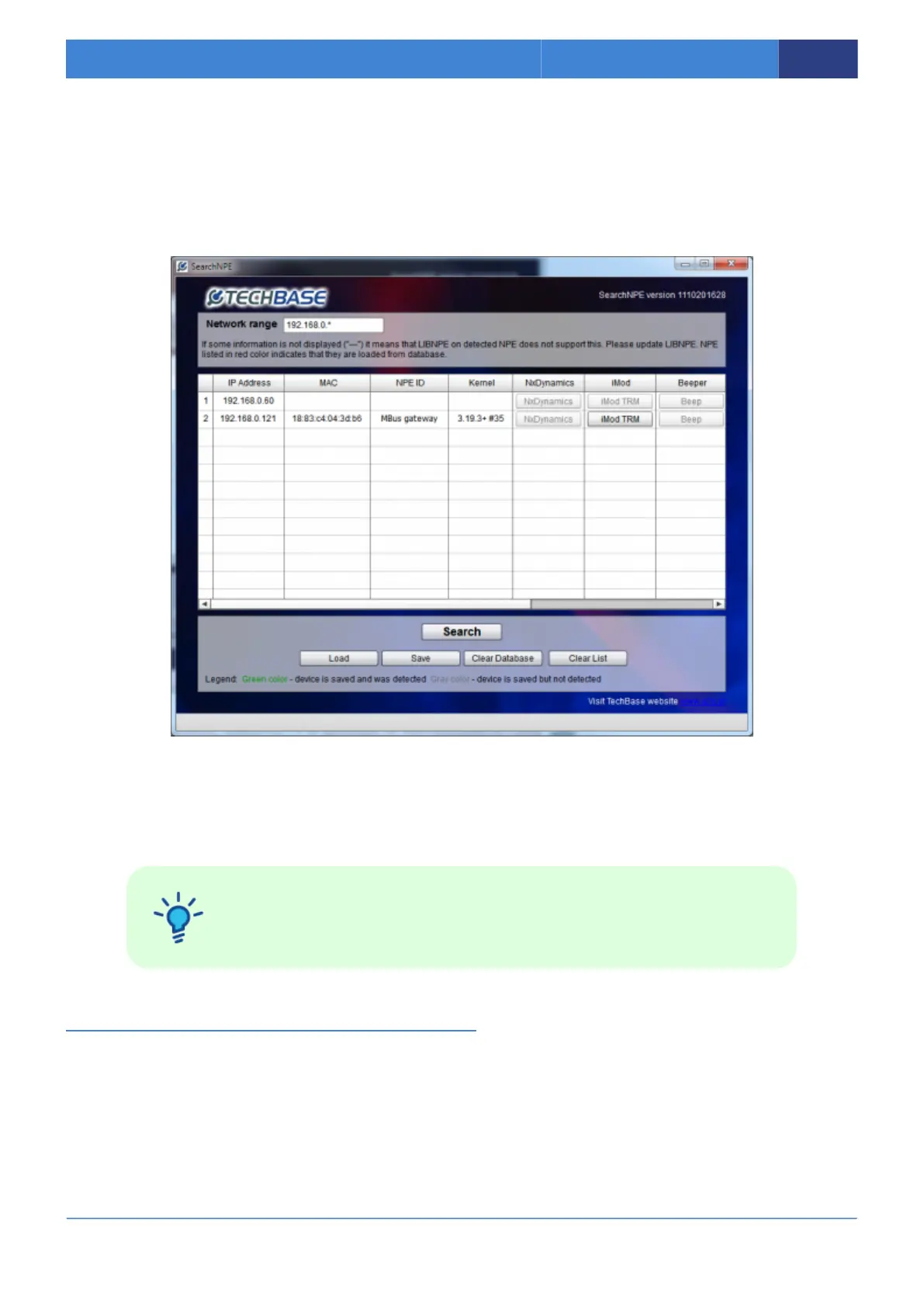
First find the device in the network using SearchNPE.
If you know IP address of the device, you can connect by SSH port.
You can find PuTTY at following address: http://the.earth.li/~sgtatham/putty/latest/x86/putty.exe
Port: 22
Login: root
Password: techbase
2. Configuration MBus Gateway
There is 2 ways to configurate device. Using our iModCloud system
(http://www.a2s.pl/en/imodcloud-p-7572.html) or using SSH. You can choose one.
2.1 Configuration using iModCloud
2.1.1 Login to iModcloud



 To Next Page