TECHBASE (C) MBus Gateway RTU 6/8
© 2014 TECHBASE
Group
Technical contact - support.techbase.eu 6/8
2.3 Run configuration
Properly configuration file have name - MainConfig.xml, so the next step is change name of
configuration file to MainConfig.xml. To do this please do following steps:
cd /mnt/mtd/iMod/config
mv MBusScan.xml MainConfig.xml
The last step is run the iMod:
imod start
3. Edit configuration.
3.1 iMod Wizard
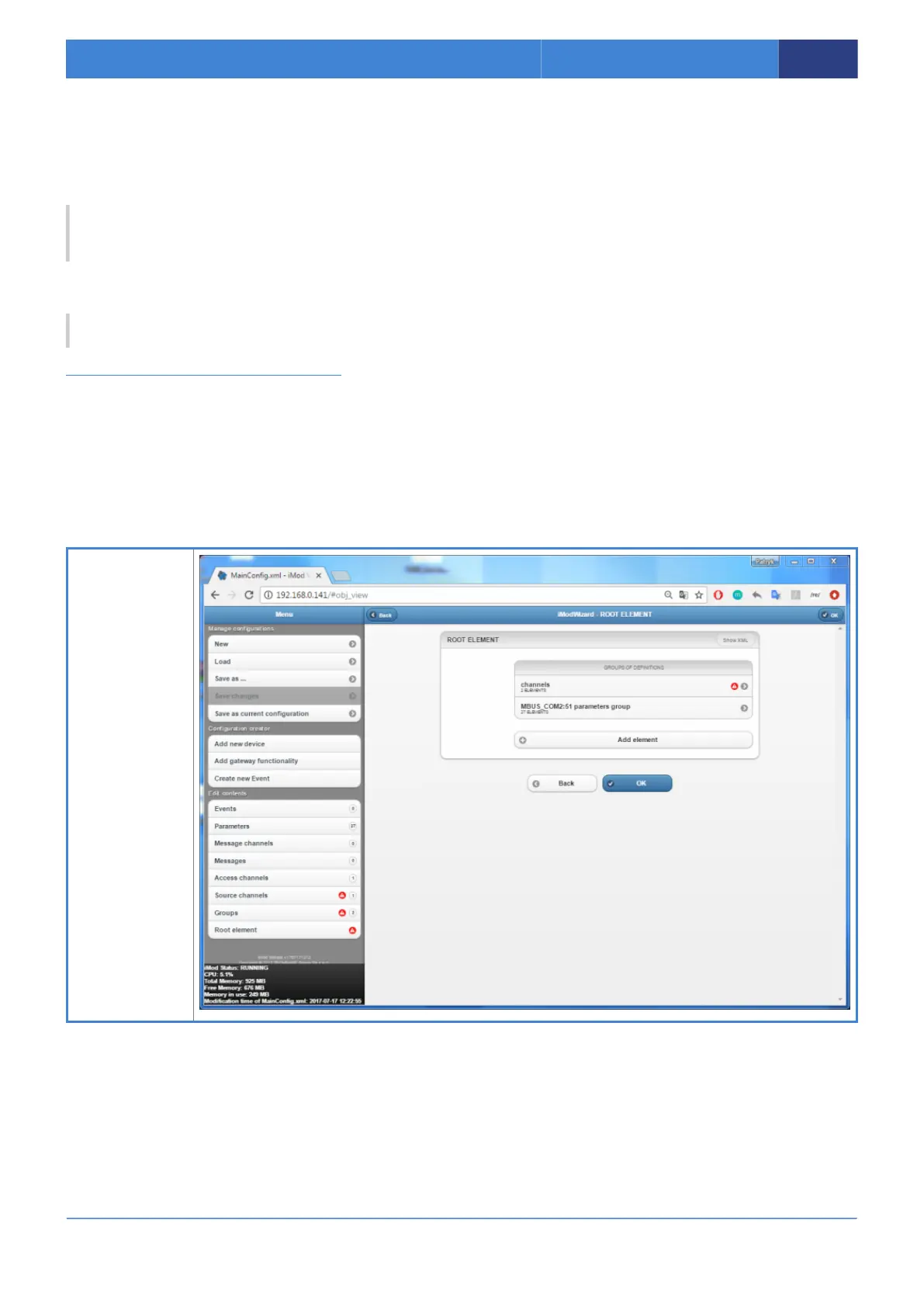
iMod Wizard allow to simple edit and install configuration on MBus Gateway. Find IP Address of your
device (1.2 Find device in the LAN network) and then please type it into address bar in the browser.
Go to the MBus Gateway View and follow the instructions below. In this example you can shange RTU
port configuration.
1. Main
configuration file
should be
autoloaded after
page loaded.
2. In the side
menu you can
choose elements
which you want
edit.
3. For change
RTU port settings,
please select the
“Access
channels” from
menu.



 To Next Page