44
www.techfrost.com
ENGLISH
9.2 Alarms HACCP informations display
Please operate in the following way:
• Please make sure that keyboard is not jammed and that some procedure is not in progress.
• Please keep the DOWN key pressed for 1 s: the display will visualize the rst available label.
• Please press and release the UP key or the DOWN key to select “LS.”
• Please press and release the BLAST CHILLING key: the display will visualize the code of the
most recent alarm.
To visualize the information related to an alarm HACCP please operate in the following way:
• Please press and release the UP key or the DOWN key to select an alarm code, for example
“AH3.”
• Please press and release the BLAST CHILLING key: the LED HACCP will stop ashing to remain
permanently turned on and the display will visualize, for example, the following informations
in sequence:
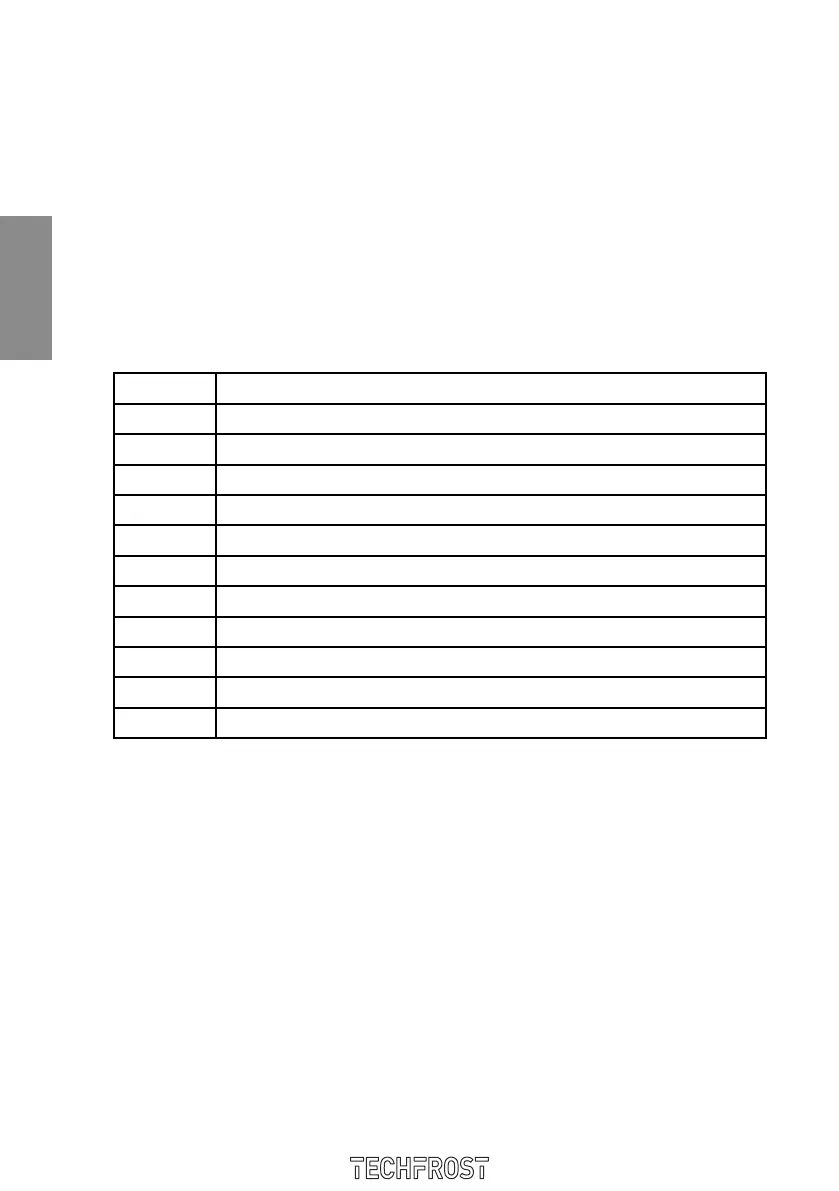
Informaz. Signicato
8.0 il valore critico è di 8.0 °C / 8 °F
StA il display sta per visualizzare la data e l’ora in cui l’allarme si è manifestato
y11 l’allarme si è manifestato nel 2011 (continua...)
n03 l’allarme si è manifestato nel mese di marzo (continua...)
d26 l’allarme si è manifestato il 26 marzo 2011
h16 l’allarme si è manifestato alle 16 (continua...)
n30 l’allarme si è manifestato alle 16 e 30
dur il display sta per visualizzare la durata dell’allarme
h01 l’allarme è durato 1 h (continua...)
n15 l’allarme è durato 1 h e 15 min
AH3 il codice di allarme selezionato
The display visualizes every information for 1 s. To abandon the succession of information please
operate in the following way:
• Please press and release the START/STOP key: the display will again visualize the code of se-
lected alarm.
To go out of the procedure please operate in the following way:
• Please abandon the succession of information.
• Please press and to release the UP key or the DOWN key until the display visualizes the suitable
greatness “the display” or do not operate for 60 s.
9.3 Cancellation of HACCP alarms informations
Please operate in the following way:
• Please make sure that the keyboard is not jammed and that some procedure is not in progress.
• Please keep the DOWN key pressed for 1 s: the display will visualize the rst available label.
• Press and release the UP key or the DOWN key to select “rLS”.
• Press and release the BLAST CHILLING key: the display will visualize “0”.


 To Next Page