EasyManua.ls Logo

Technics RS-610US - Page 2

Technics RS-610US
25 pages
Print Icon
To Next Page IconTo Next Page
To Previous Page IconTo Previous Page
Loading...
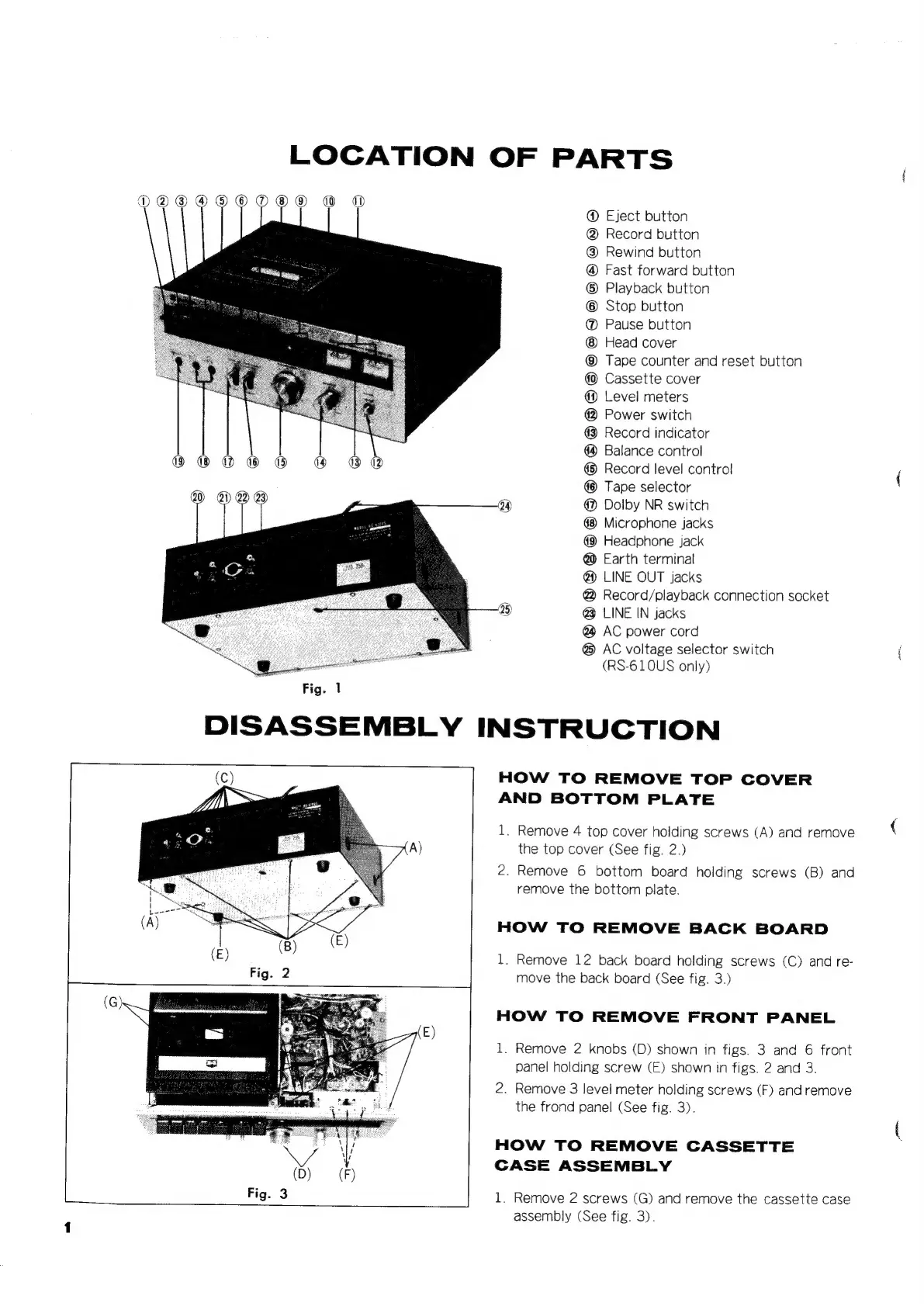
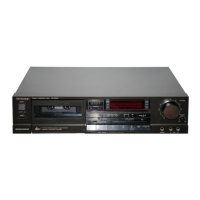
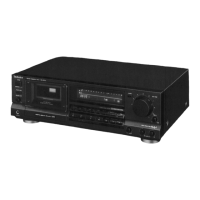
LOCATION
OF
PARTS
DOAODODOODO®
@
@
Eject
button
@
Record
button
@
Rewind
button
@
Fast
forward
button
©
Playback
button
©
Stop
button
@
Pause
button
Head
cover
@
Tape
counter
and
reset
button
Cassette
cover
@
Level
meters
@
Power
switch
@
Record
indicator
Balance
control
@
Record
level
contro!
Tape
selector
@
Dolby
NR
switch
Microphone
jacks
Headphone
jack
@
Earth
terminal
@)
LINE
OUT
jacks
@
Record/playback
connection
socket
@
LINE
IN
jacks
@
AC
power
cord
@
AC
voltage
selector
switch
(RS-610US
only)
Fig.
1
DISASSEMBLY
INSTRUCTION
HOW
TO
REMOVE
TOP
COVER
AND
BOTTOM
PLATE
1.
Remove
4
top
cover
holding
screws
(A)
and
remove
the
top
cover
(See
fig.
2.)
2.
Remove
6
bottom
board
holding
screws
(B)
and
remove
the
bottom
plate.
HOW
TO
REMOVE
BACK
BOARD
1.
Remove
12
back
board
holding
screws
(C)
and
re-
move
the
back
board
(See
fig.
3.)
HOW
TO
REMOVE
FRONT
PANEL
1.
Remove
2
knobs
(D)
shown
in
figs.
3
and
6
front
panel
holding
screw
(E)
shown
in
figs.
2
and
3.
2.
Remove
3
level
meter
holding
screws
(F)
and
remove
the
frond
panel
(See
fig.
3).
HOW
TO
REMOVE
CASSETTE
CASE
ASSEMBLY
1.
Remove
2
screws
(G)
and
remove
the
cassette
case
assembly
(See
fig.
3).

Related product manuals