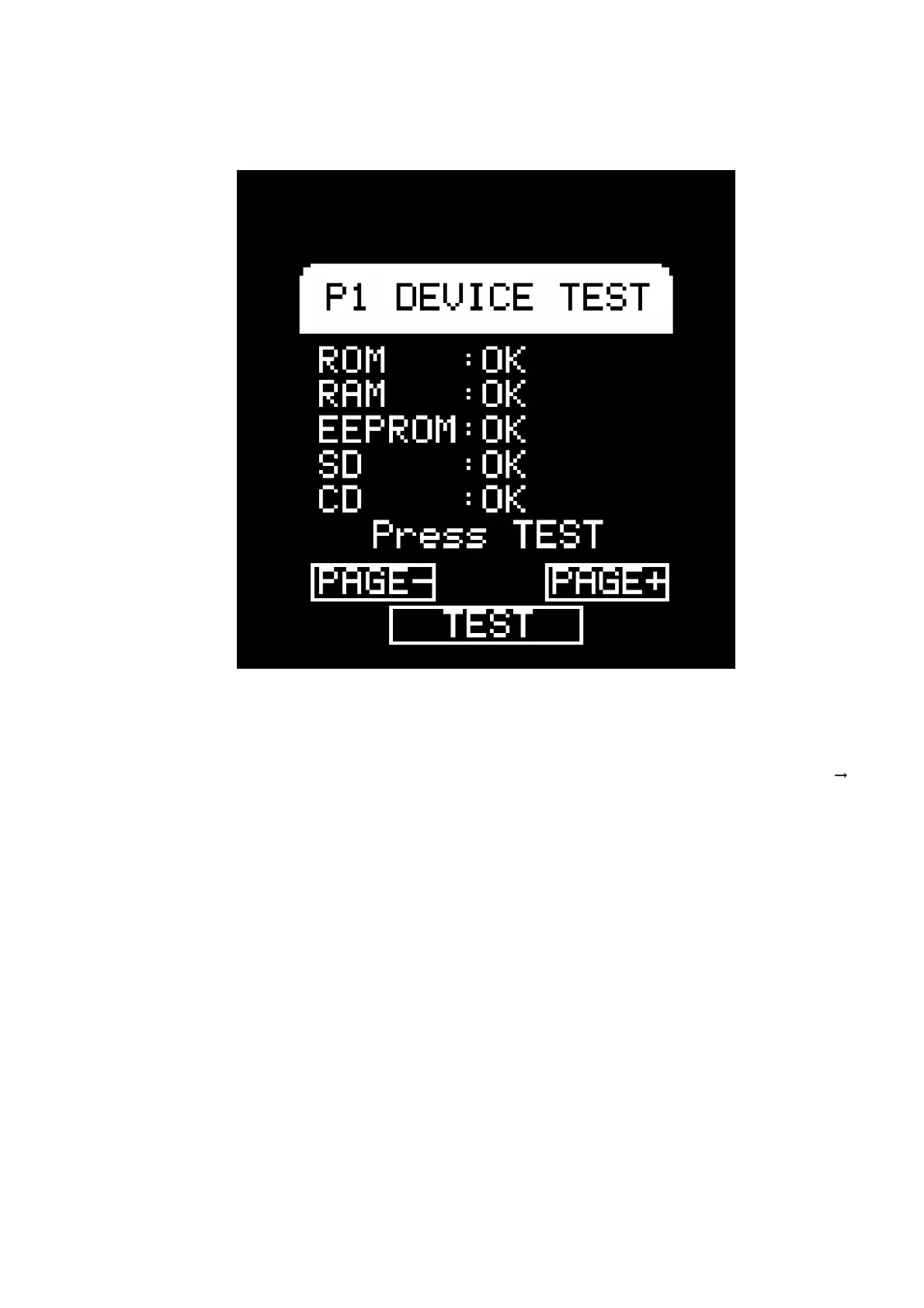
by real-time REC button operation or escape to page 1.
10.2. TT BRAKE TEST
- Set the brake to the maximum for FAST and press the start button
with a CD inserted. (Please Wait is displayed for some time.) /
Press the [FAST] button when steady rotation has been reached.
The TT count from pressing [FAST]until complete stop is
measured and the value is displayed on the LCD. / Next, set to the
maximum for SLOW, press the start button, and then press the
[SLOW] button in the same way to display the respective results
on the LCD. (SLOW inspection ispossible only after FAST has
been performed once.) / Judgment standard: [FAST] Within 80
degrees (TT count values 15858) OK, [SLOW] Angle difference
from FAST within 60 degrees (count value 11894 or more) OK
- Tempo reset is done automatically with entry to this page.
27





 To Next Page