RQT5414
6
LEVEL
1 2 3
4 5 6
≥10
7 8 9 0
A-B REPEAT
REPEAT
RANDOM
AUTO
CUE
TAPE LENGTH
SIDE A/B
TIME FADE
PEAK SEARCH
PROGRAM
CLEAR
RECALL
TIME
MODE
SEARCH
OPEN/CLOSE
SKIP
/
DIGITAL RE-MASTER PROCESSING
PHONES
PHONES LEVEL
SENSOR
MAXMIN
EDIT GUIDE
TAPE
LENGTH
SIDE A/B
TIME
FADE
PEAK SERCH
TIME
MODE
AUTO
CUE
OPEN/CLOSE
12345
67890
≥10
PROGRAM
CLEAR RECALL RANDOM REPEAT
VIRTUAL BATTERY OPERATION
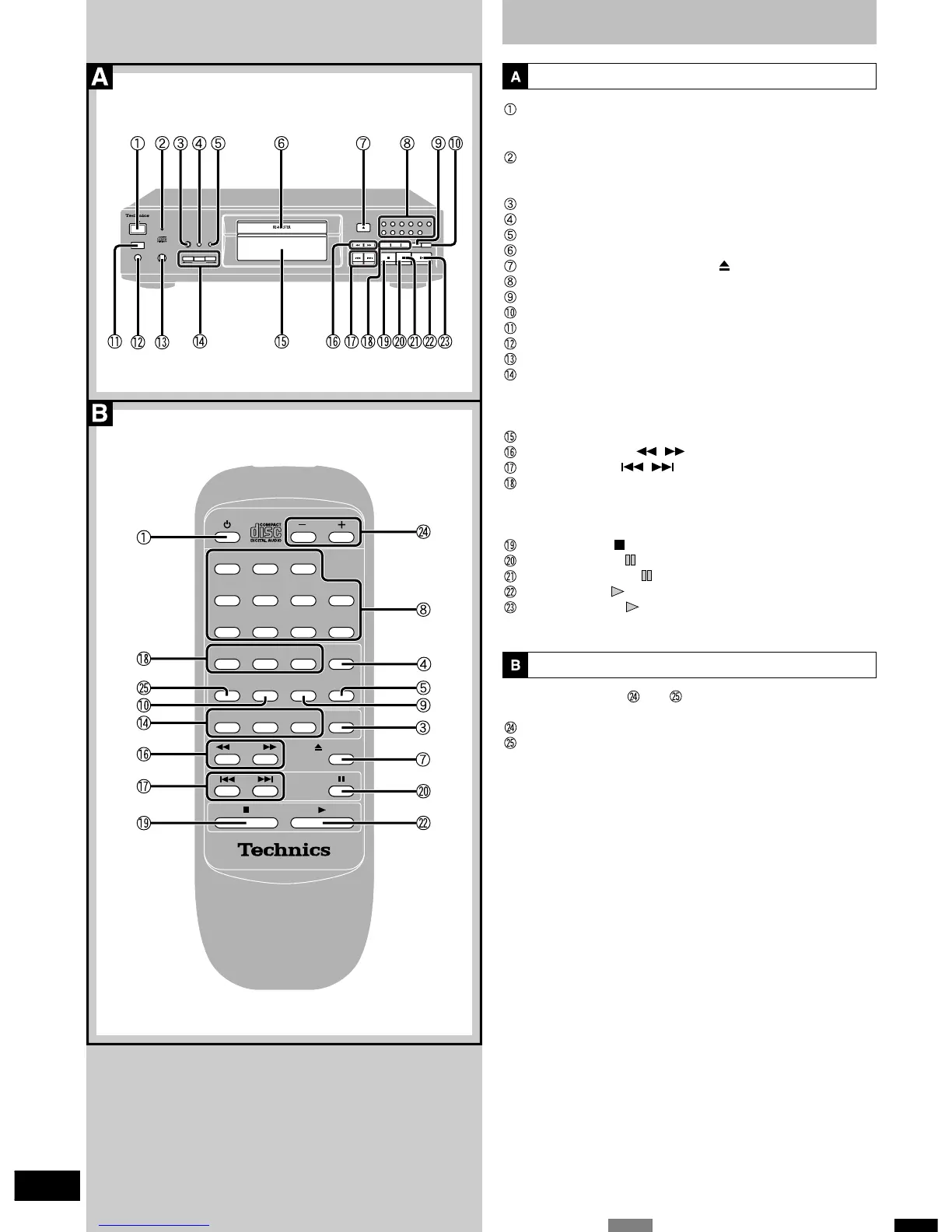
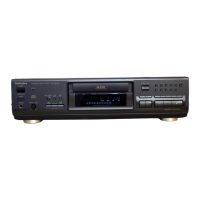
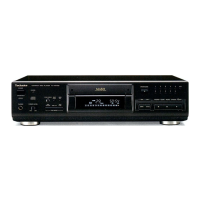
Controls
Main unit
Standby/on switch (
HH
HH
H/ I )
Press to switch the unit from on to standby mode or vice versa. In
standby mode, the unit is still consuming a small amount of power.
Standby indicator (
H H
H H
H )
When the unit is connected to the AC mains supply, this indicator
lights up in standby mode and goes out when the unit is turned on.
Peak search button ( PEAK SEARCH )
Time mode select button ( TIME MODE )
Auto cue button ( AUTO CUE )
Disc tray
Disc tray open/close button ( OPEN/CLOSE )
Numeric buttons (1–9, 0, ≥10)
Random play button ( RANDOM )
Repeat button ( REPEAT )
Remote control signal sensor ( SENSOR )
Headphones jack ( PHONES )
Headphones volume control ( PHONES LEVEL )
CD edit record buttons ( EDIT GUIDE )
•Tape length button ( TAPE LENGTH )
•Tape side select button ( SIDE A/B )
•Time fade button ( TIME FADE )
Display panel
Search buttons ( , )
Skip buttons ( , )
Program play buttons
•Program button ( PROGRAM )
•Clear button ( CLEAR )
•Recall button ( RECALL )
Stop button ( )
Pause button ( )
Pause indicator ( )
Play button ( )
Play indicator ( )
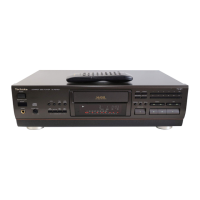
Remote control
With the exception of and , the buttons on the remote control
function the same as the buttons on the main unit.
Level control (
–
LEVEL
+
)
A-B repeat button ( A-B REPEAT )



 To Next Page