135
DE
EN
FR
NL
13 Other functions
13.1 Sleep Timer
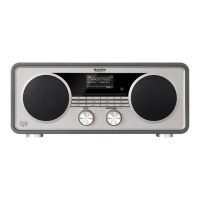
The sleep timer automatically switches the TECHNIRADIO 6 IR to Standby aer the
set time.
> Open the Main menu by pressing the MENU buon and use the SELECT knob
to select [System seings] > [Sleep].
> Press the SELECT knob.
> Use the SELECT knob to select a period aer which the TECHNIRADIO 6 IR
should switch o. You can choose between O, 15, 30, 45 and 60 minutes.
> Press the SELECT knob to accept the seing.
When the sleep timer is active, a moon symbol appears on the display
showing the time still available.


 To Next Page
 Loading...