10
4. Controls/Functions
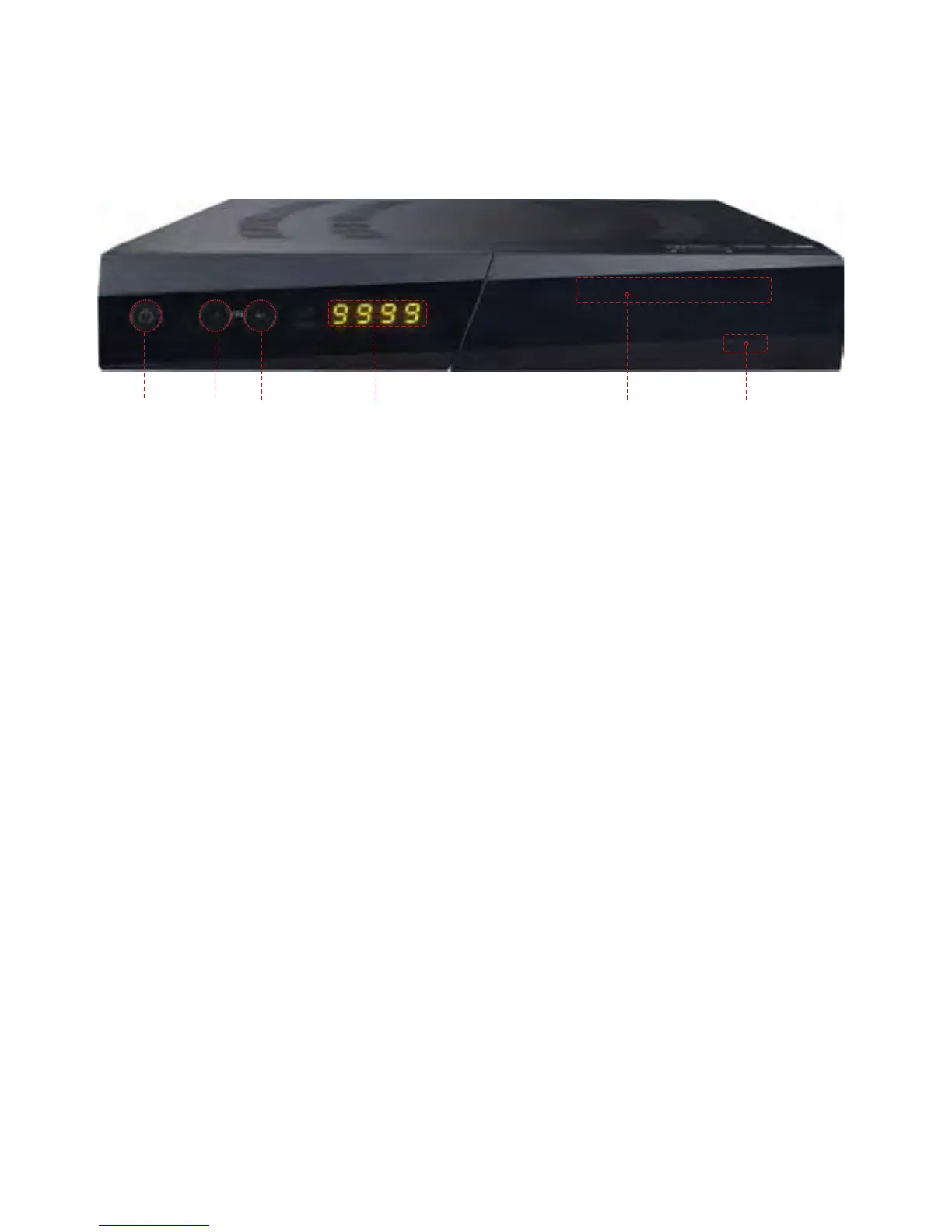
4.1 Front Panel
❶ Standby/Power on Indications Lamp: Flashes red light in ‘Standby’ mode and
shows no light in ‘Power ON’ mode.
❷ Power: Switches the receiver between ‘Standby’ and ‘Power ON’ modes.
❸ - ❹ CH. (▲/▼): To switch channels or change the cursor position on the
application screen.
❺ USB: To connect USB devices such as Memory stick or external Hard Disk Drive.
❻ Smart Card Reader: Insert smart card for encrypted channel access.
❶❸ ❹ ❻❷ ❺



 To Next Page