15
English
6. Operation
6.1
Getting Started
After your receiver is powered on, proceed with installation as follows :
➊
Menu Language Setting
1. Turn on your TV and receiver.
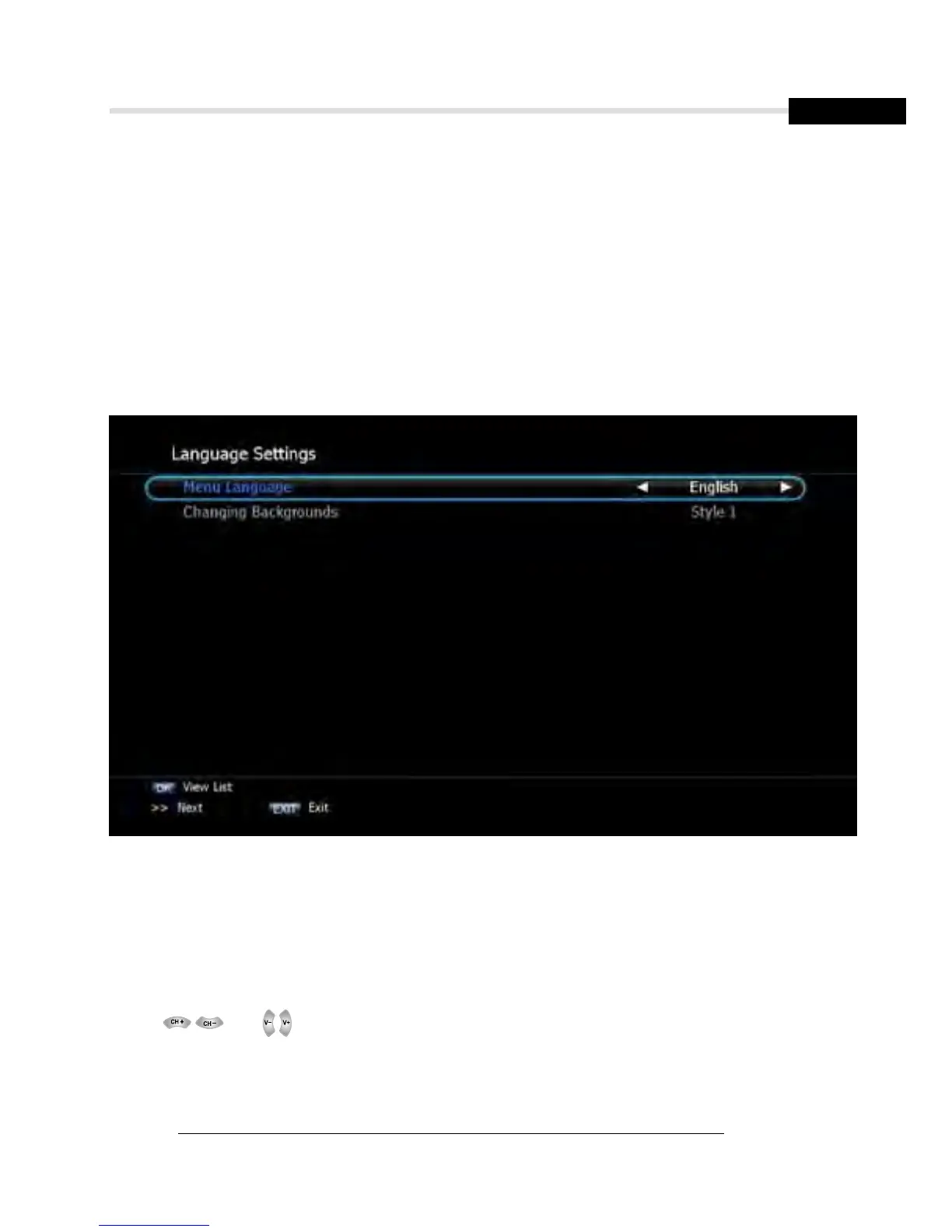
2. The wizard menu for language selection will appear.<Figure 6.1.1>
Select one language and press Recall (>>) to proceed.
Figure 6.1.1
➋
Antenna Setup
1. Press the MENU button to display the main menu.
2. Use and to move in the menu.
3. Press OK on ‘Satellite Setup’. The following window will appear. <Figure 6.1.2>
If you have a motorized dish, press OK on ‘Motorized Setting’. < Figure 6.1.3>
✽ Note: Enter a 4-Digit password if need arise. The default password is ‘0000’.



 To Next Page