21
English
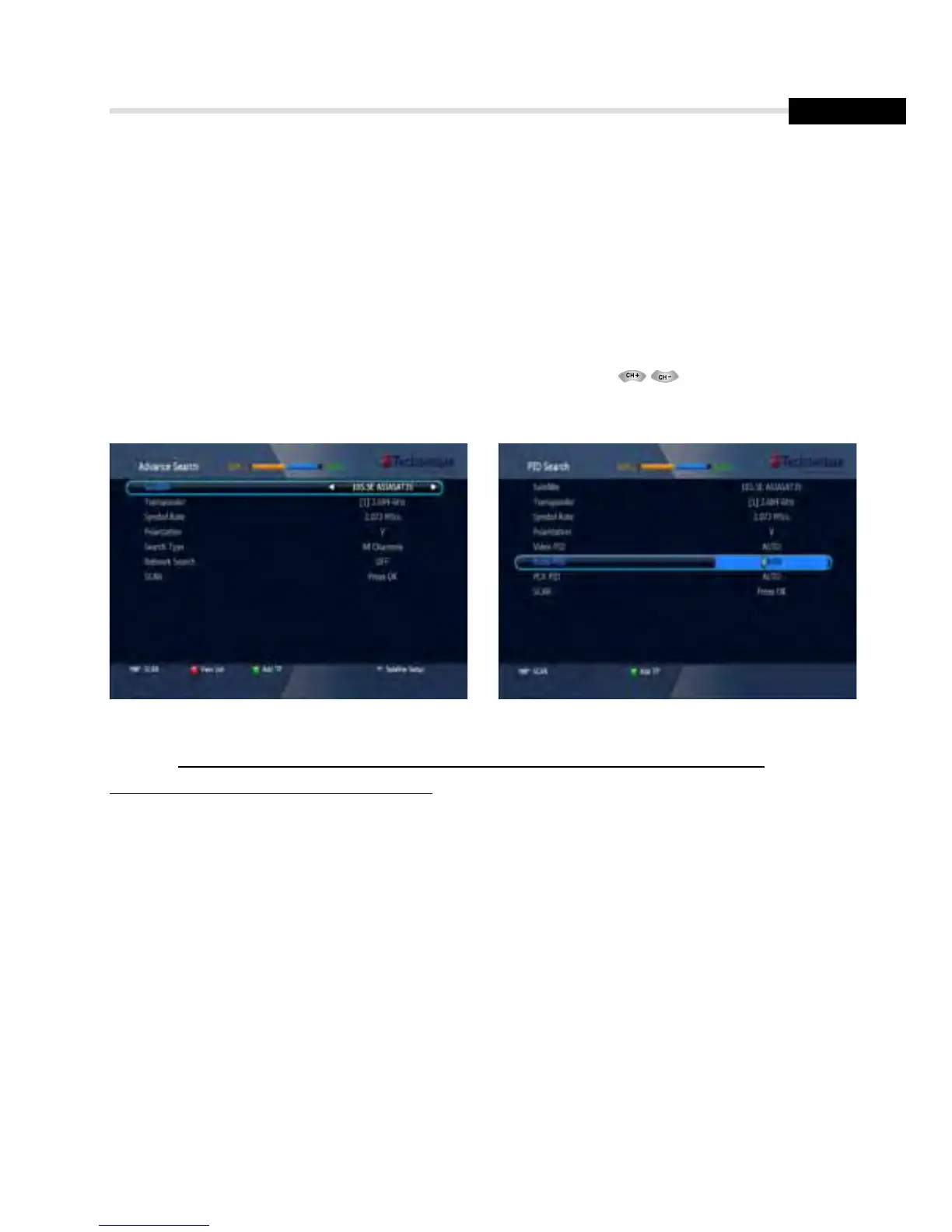
▣ Package Identifier (PID) Search <Figure 6.1.12>
1. Select a transponder.
2. To change a transponder’s information (Frequency, Symbol Rate), use the NUMERIC buttons.
3. To add a new transponder, press the GREEN button.
4. To delete a transponder, press the YELLOW button with the cursor next to the Frequency parameter.
5. To search a transponder, set its different parameters and press
You can search a specific channel of the transponder by setting its PID data (Video, Audio and PCR).
6. Operation
6.1
Getting Started
Figure 6.1.11 Figure 6.1.12
✽ Note: If you cannot access programs after correctly completing a scan procedure,
please contact your seller or your installer.



 To Next Page