24
6. Operation
6.1
Getting Started
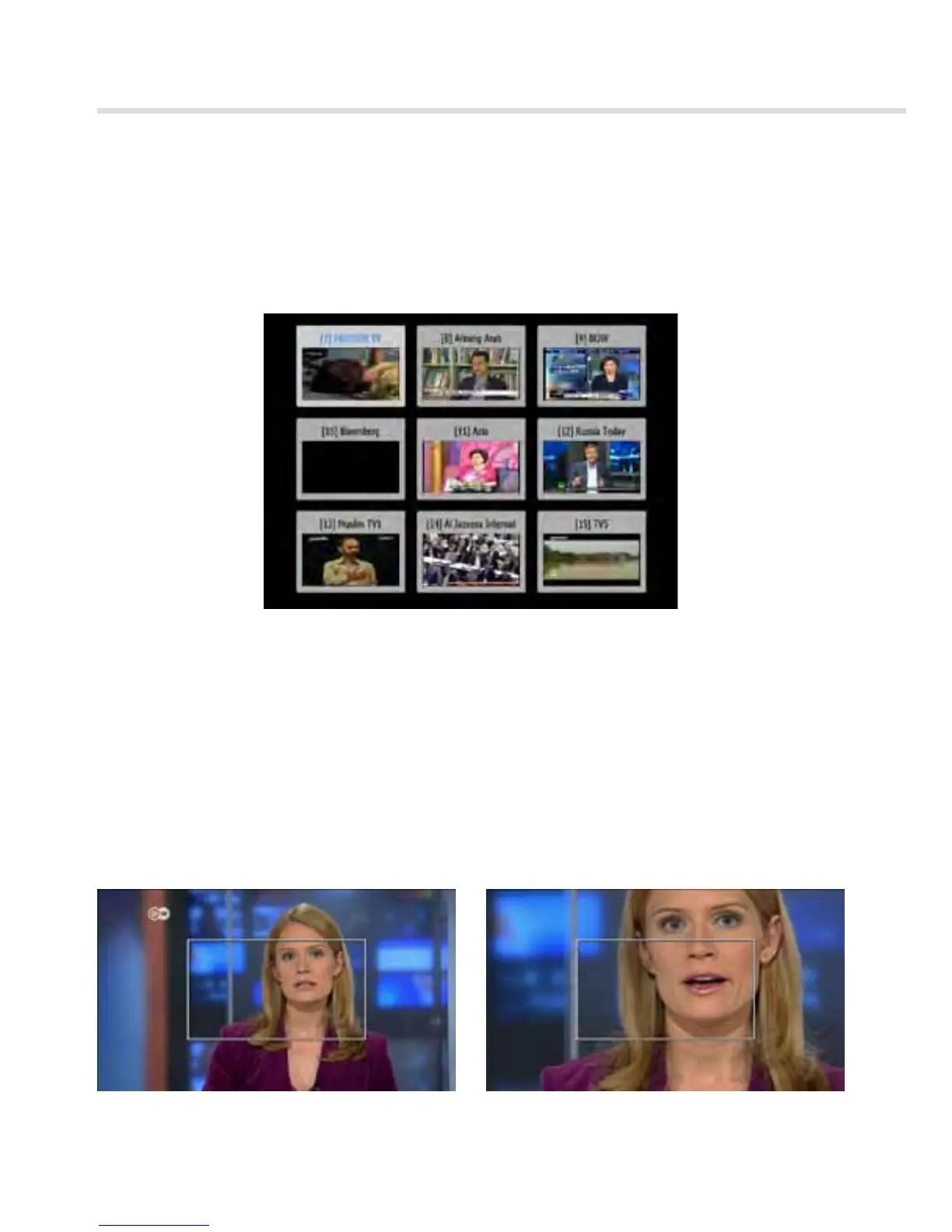
▣ Multi Picture Display <Figure 6.1.14>
You can press MOSAIC to display multiple pictures;
you can choose the number of pictures such as 1X2, 2X2, 2X3 or 3X3.
Figure 6.1.14
Figure 6.1.15 Figure 6.1.16
▣ ZOOM
You can press ZOOM to zoom in the video.
1. Press the FREEZE button and press ZOOM.
You can zoom in sections of Freezed Video <Figure 6.1.15>
2. While watching a program, press ZOOM.
You can zoom in sections of playing video. <Figure 6.1.16>
3. To cancel the freeze status, please release the zoom status.



 To Next Page