33
English
6. Operation
6.2 System Setting
➐
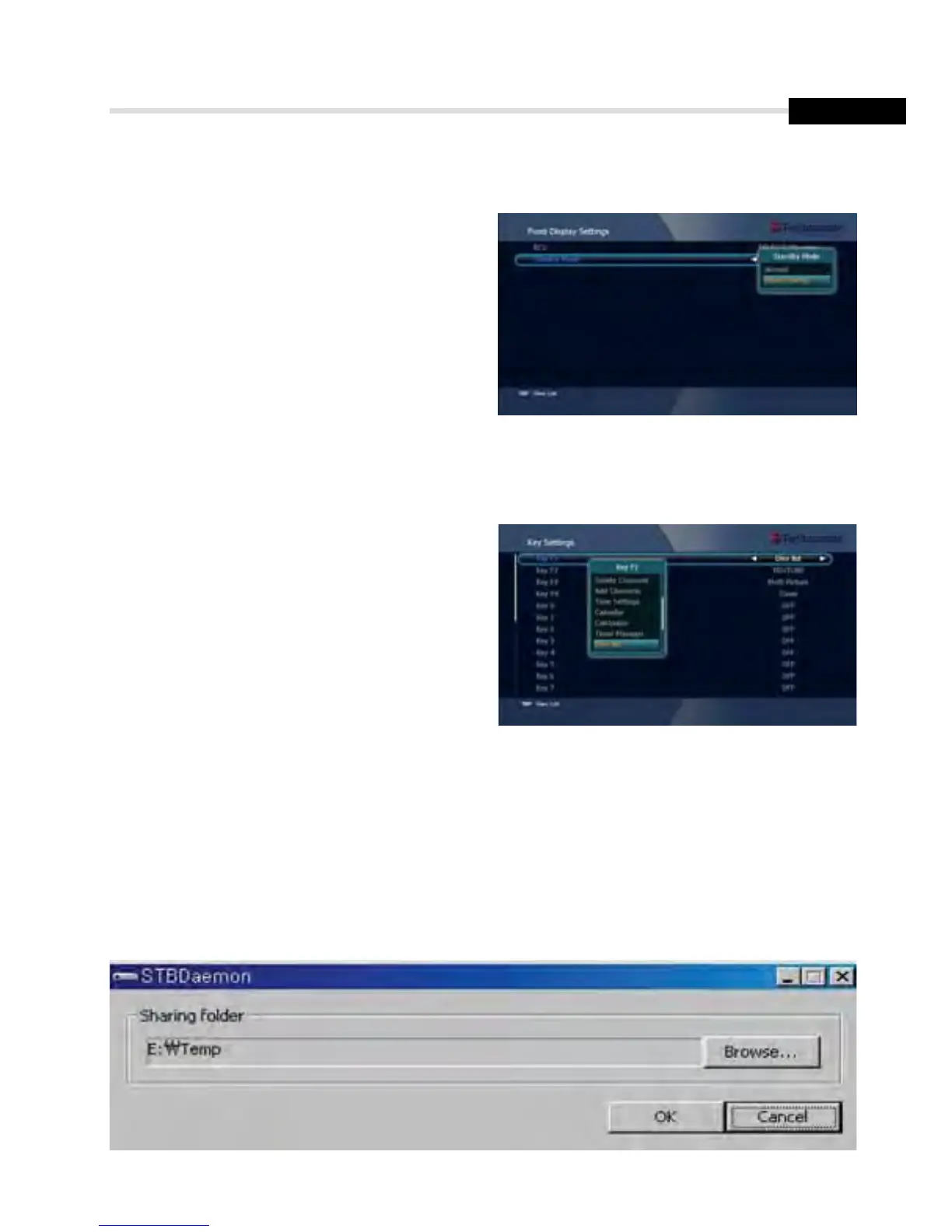
Front Display Setting
This submenu allows you to set the Standby
Mode. <Figure 6.2.11>
▪ Standby Mode: Select the Standby Mode.
▪ RCU: You can choose the RCU Type.
➑
Key Setting
This submenu allows you to set the Function
Key (Auto Scan / Lock Channel / Timer
Manager / Dvix List /...)
➒
Connecting your receiver to a PC via your Network
1. Follow these instructions prior to connecting your receiver to your PC:
a) Run the PC Tool program (STB Daemon) before connecting to your PC.
b) Click Browser and select a sharing folder on your PC.
Figure 6.2.11
Figure 6.2.12



 To Next Page