46
6.5 Entertainment
6. Operation
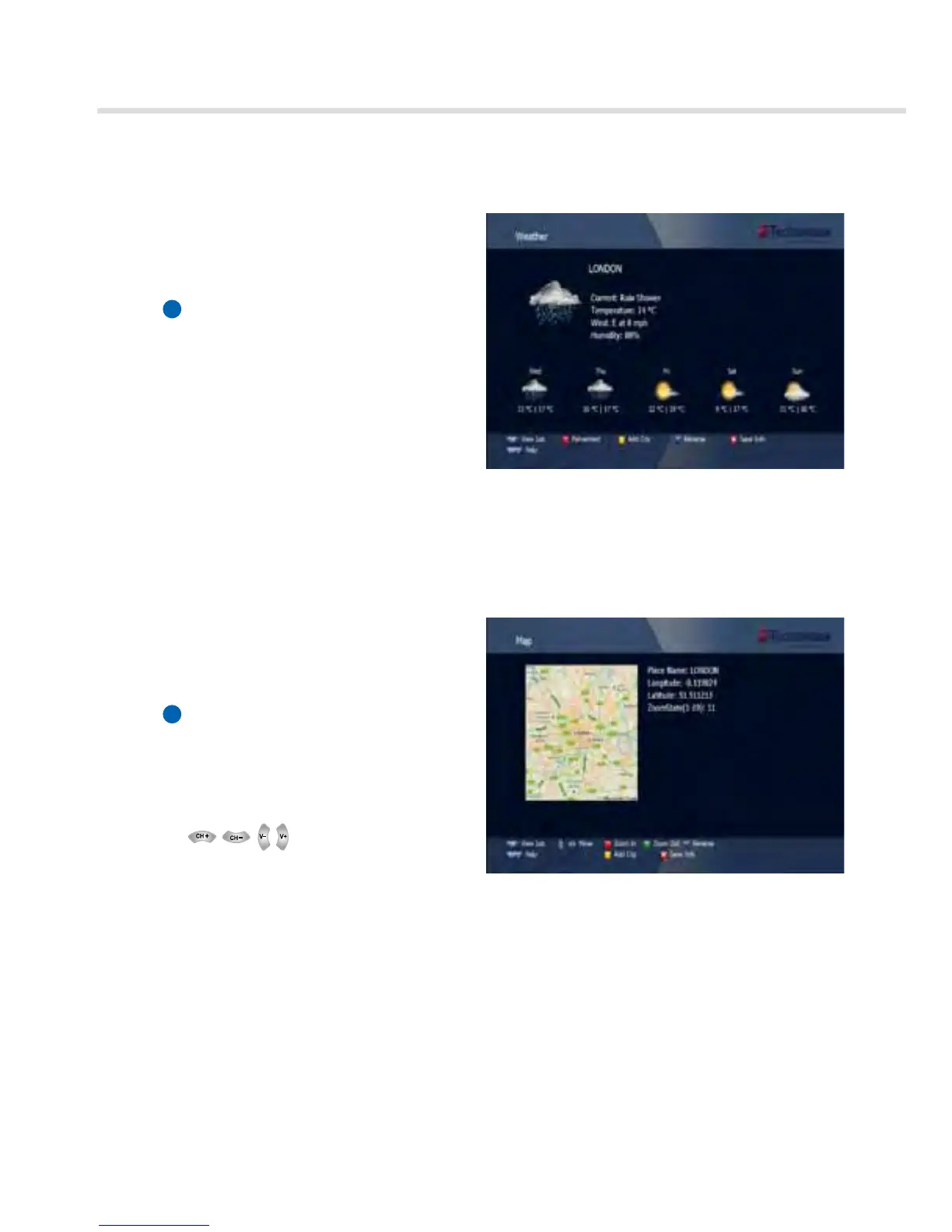
Figure 6.5.4
Figure 6.5.5
➌
Weather
Searching the Weather for City, Country.
1. Press Blue button.
2. Enter the City or Country name.
3. Press EXIT to save and exit the window.
▪ View List: To view the saved list.
▪ Fahrenheit/Celsuis: To display the
temperature.
▪ Add City: To add City on list.
▪ Rename: To modify the City name.
▪ Save Info: To save the added City name.
➍
MAP
Searching the MAP for City, Country.
1. Press Blue button.
2. Enter the City or Country name.
3. Press Exit to save and exit the window.
▪ View List: To view the saved list.
▪ Move:
▪ Zoom In: To enlarge MAP.
▪ Zoom Out: To reduce MAP.
▪ Add City: To add City on list.
▪ Rename: To modify the City name.
▪ Save Info: To save the added City name.



 To Next Page