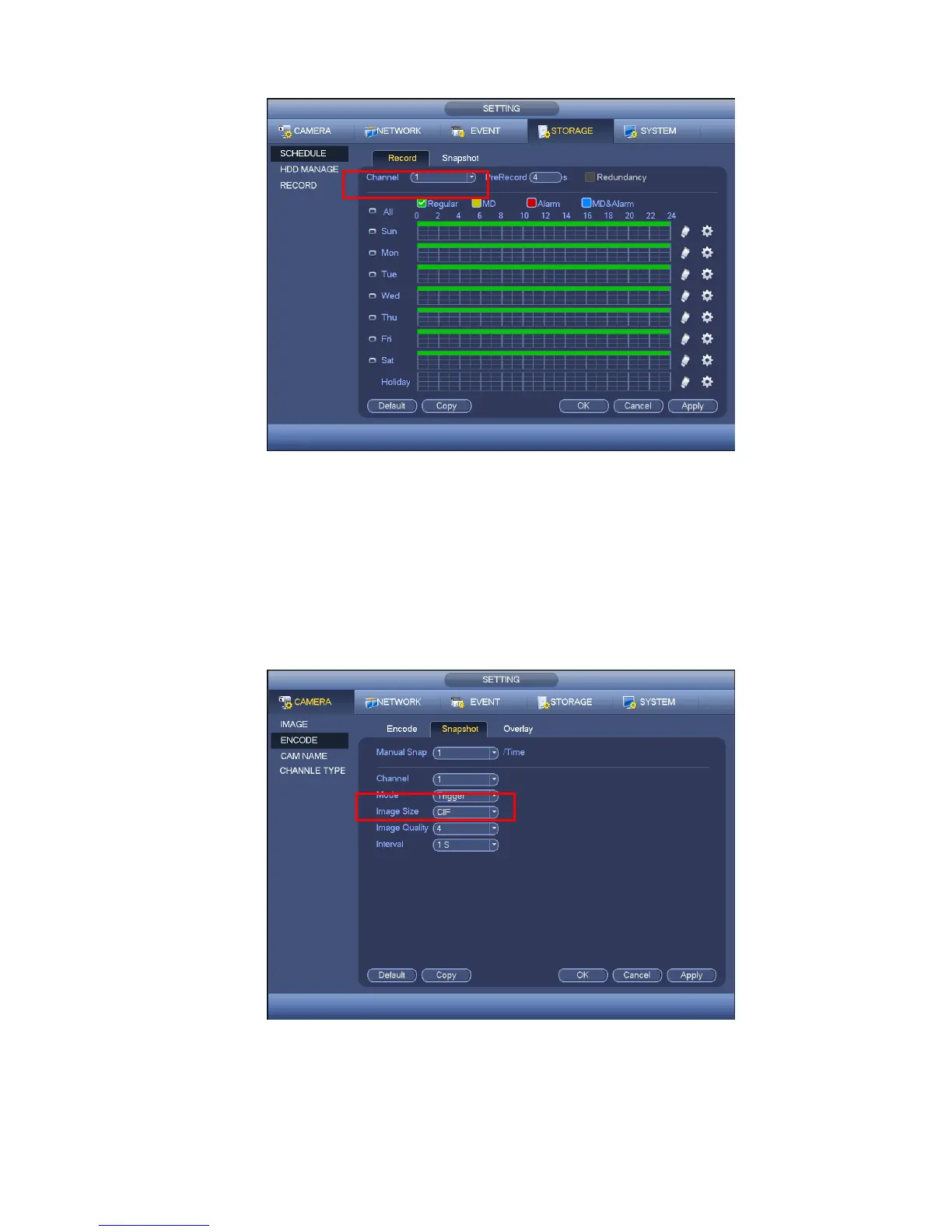
Figure 4-107
4.10.4.1.2.2 Trigger Snapshot
Please follow the steps listed below to enable the activation snapshot function. After you enabled
this function, system can snapshot when the corresponding alarm occurred.
In main menu, from Setting->Camera->Encode->Snapshot interface, here you can input snapshot
mode as trigger, size, quality and frequency. See Figure 4-108.
In main menu, from Setting->Event->Detect, please enable snapshot function for specified channels
(Figure 4-109).
Figure 4-108


 To Next Page