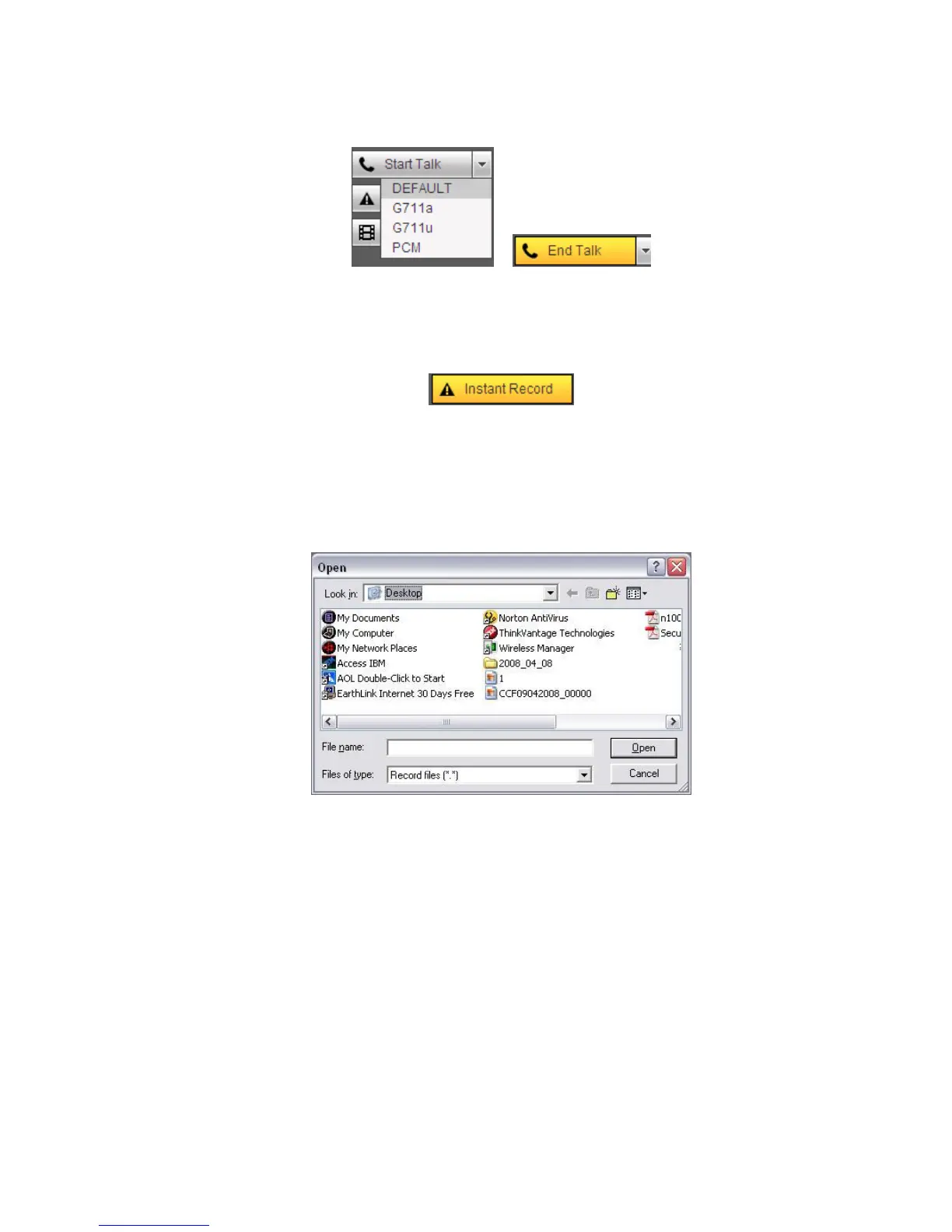
Please note, if audio input port from the device to the client-end is using the first channel audio input port.
During the bidirectional talk process, system will not encode the audio data from the 1-channel.
Figure 5-6
Section 4: Instant record button. Click it, the button becomes yellow and system begins manual
record. See Figure 5-7. Click it again, system restores previous record mode.
Figure 5-7
Section 5: Local play button.
The Web can playback the saved (Extension name is dav) files in the PC-end.
Click local play button, system pops up the following interface for you to select local play file. See Figure
5-8.
Figure 5-8
Section 6: From the left to the right ,you can see video quality/fluency/ full screen/1-window/4-
window/6-window/8-window/9-window/13-window/16-window/20-window/25-window/36-window..
You can set video fluency and real-time feature priority.
Section 7: PTZ operation panel. Please refer to chapter 5.5 for detailed information.
Section 8: Image setup and alarm setup. Please refer to chapter 5.6 for detailed information.
Section 9:From left to right, it is to set video quality, video latency, full screen, 1-window, 4-window.
Section 10:Zero-channel encoding. This function allows you to view several-channel in one
window. It supports 1/4-channel mode. Please go to chapter 4.10.5.2.3 to enable zero-channel
encoding function first.
5.4 Live


 To Next Page