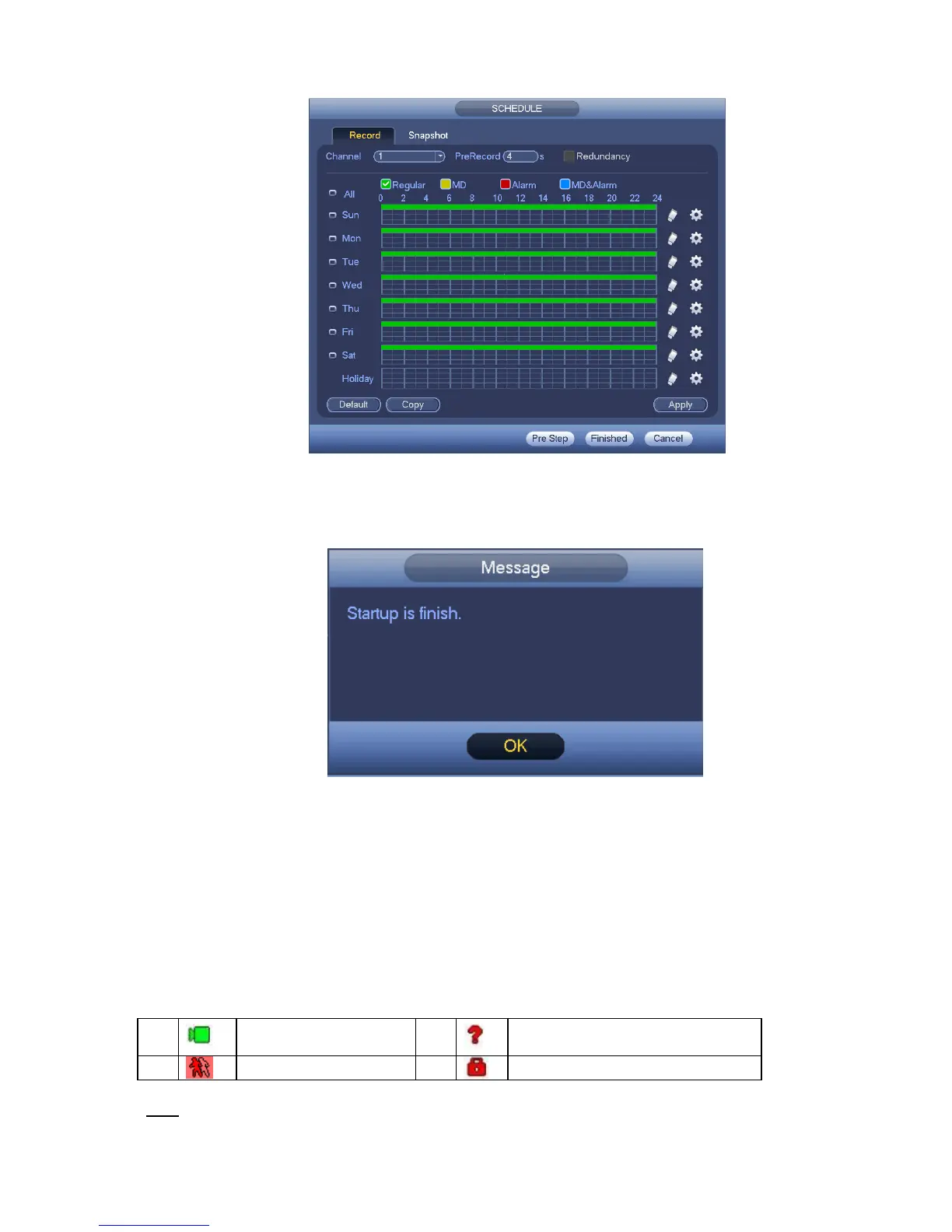
Figure 4-5
Click Finish button, system pops up a dialogue box. Click the OK button, the startup wizard is complete.
See Figure 4-6.
Figure 4-6
4.3 Manual Record
4.3.1 Live Viewing
After you logged in, the system is in live viewing mode. You can see system date, time, channel
name and window No. If you want to change system date and time, you can refer to general settings
(Main Menu->Setting->System->General). If you want to modify the channel name, please refer to
the display settings (Main Menu->Camera->CAM name).
Tips


 To Next Page