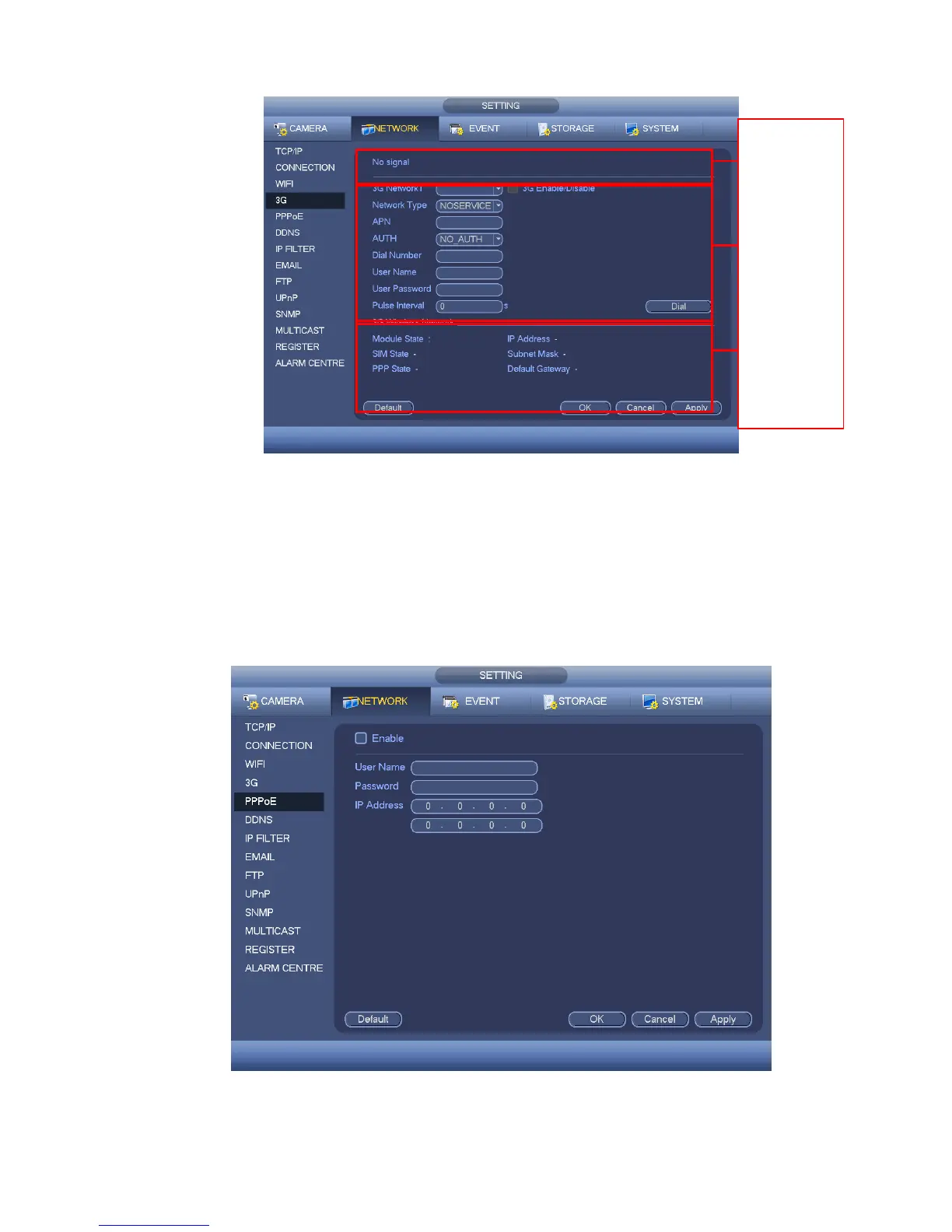
Figure 4-65
4.10.2.5 PPPoE
PPPoE interface is shown as in Figure 4-66.
Input “PPPoE name” and “PPPoE password” you get from your ISP (Internet service provider).
Click save button, you need to restart to activate your configuration.
After rebooting, DVR will connect to internet automatically. The IP in the PPPoE is the DVR dynamic
value. You can access this IP to visit the unit.
Figure 4-66
4.10.2.6 DDNS Setup


 To Next Page