3.
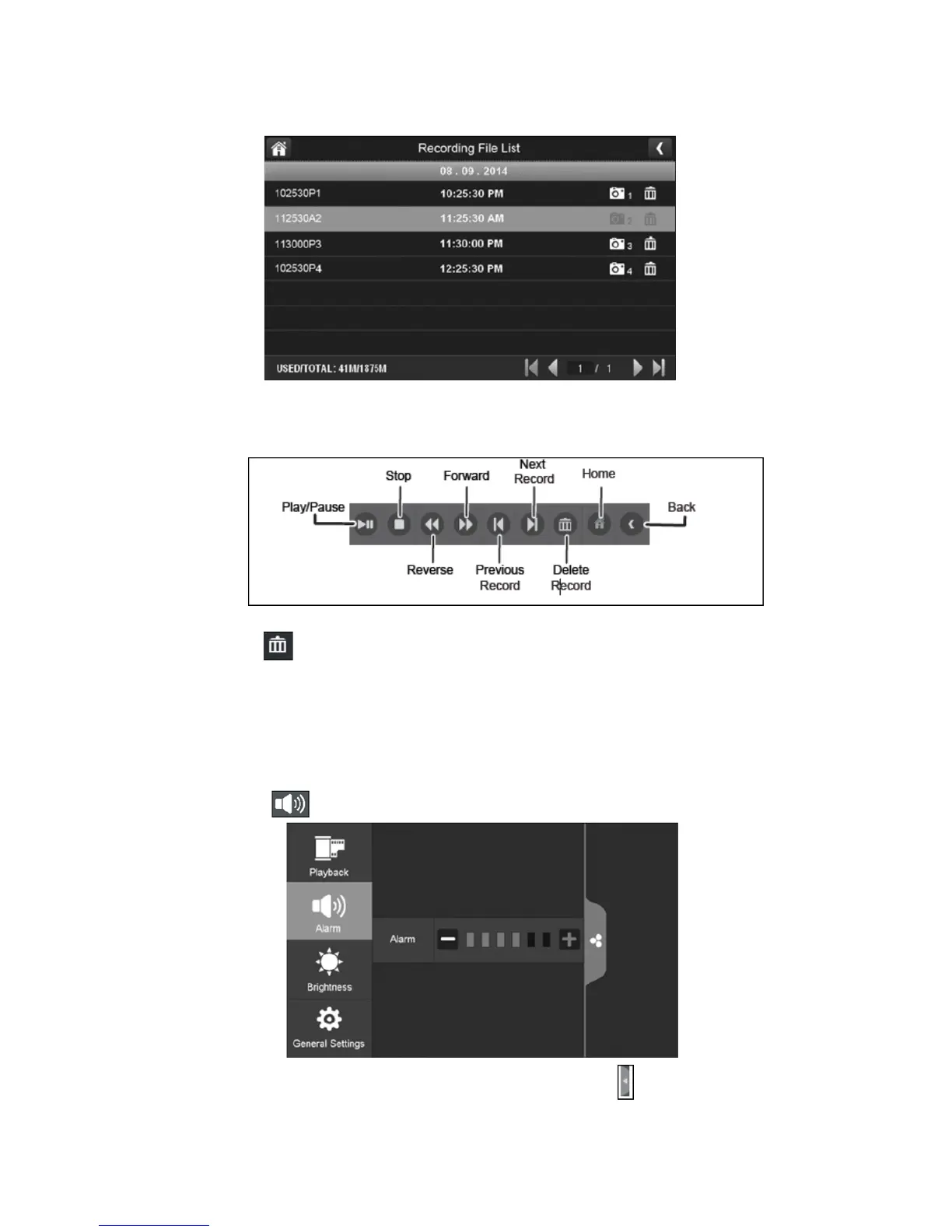
Press the recorded file you want and it will start playing, with a bar across the bottom of
the screen for control.
4.
When the file is finished playing, the monitor will display the recorded file list again.
5.
Press the recycle icon to delete the recorded file.
Alarm:
When the motion sensor is triggered, the camera will begin to record. The monitor will sound
with an alarm tone. This screen lets you determine how loud the alarm will be.
1.
Press the alarm icon which is as shown below:
Press + or – to increase or decrease the alarm volume. Press the pop up menu tab to
return to the previous menu.



 To Next Page