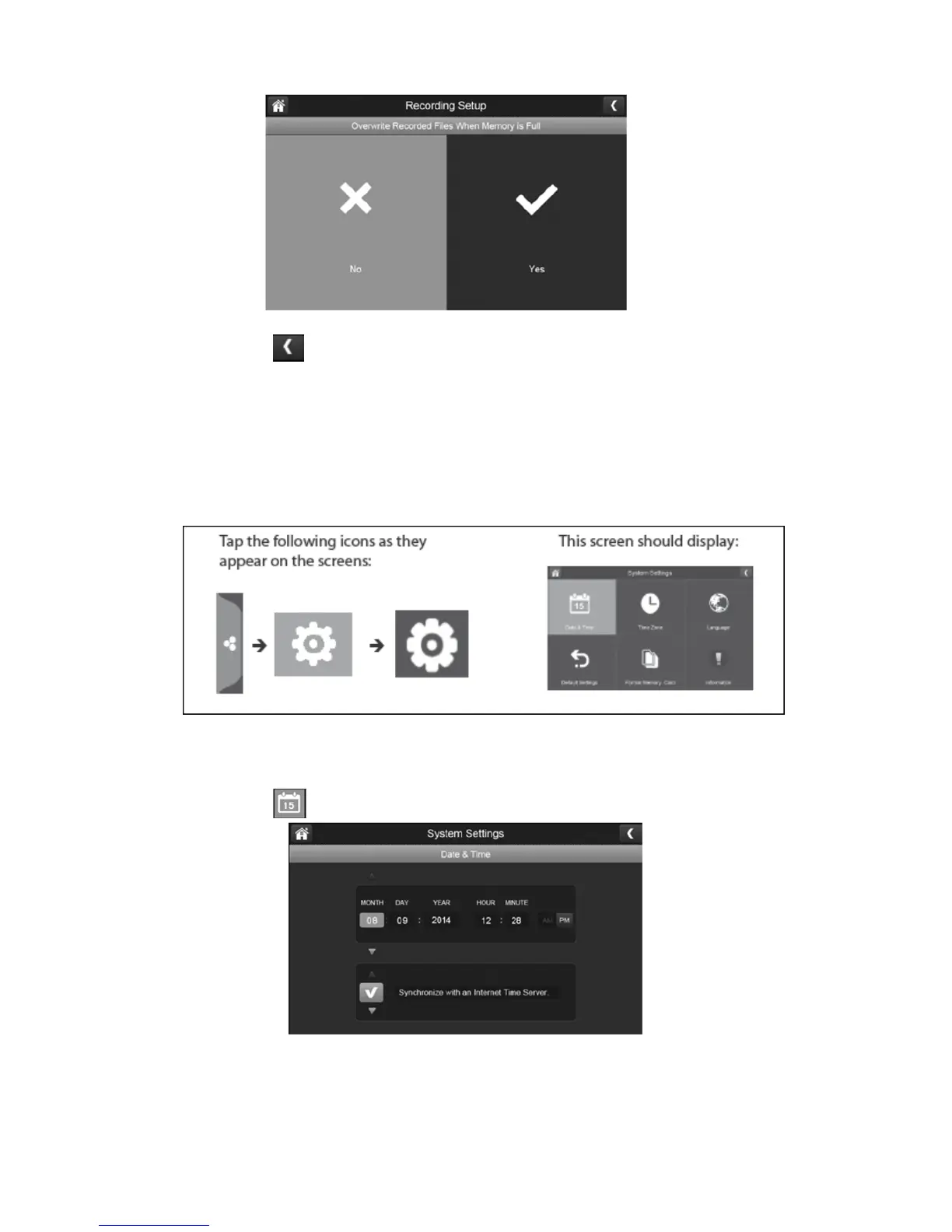
2.
Press the left arrow to return to the previous menu.
System Settings:
You can use these settings to change the date, time, time zone, language, reset to default,
format memory card and information as shown below:
Date & Time:
1.
Press the date & time icon to access the date & time menu.
2.
Press the up or down arrow to set the month, day, and date.



 To Next Page