4.
A progress bar will be displayed on the screen. After formatting is complete format ok
message will display.
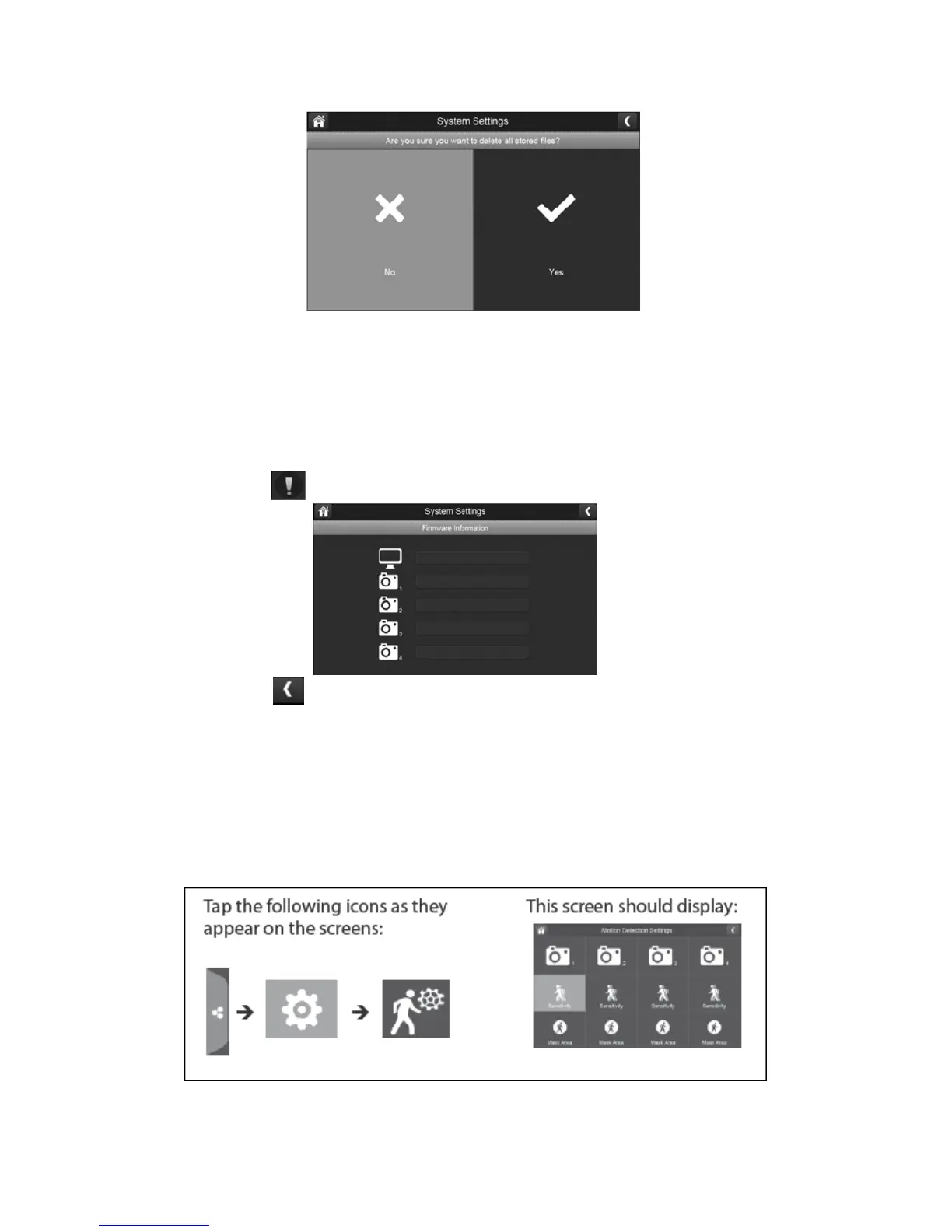
Information:
This screen lists the firmware information of the monitor and all cameras paired to it.
1.
Press the information button to display this screen.
2.
Press the left arrow to return to the previous menu.
Motion Detection:
You are able to control how sensitive the motion detection is triggered and mask off any
areas for the camera to ignore. For example, you may have trees located in your image that
would set off the motion detection if there is wind so you are able to block them out.



 To Next Page