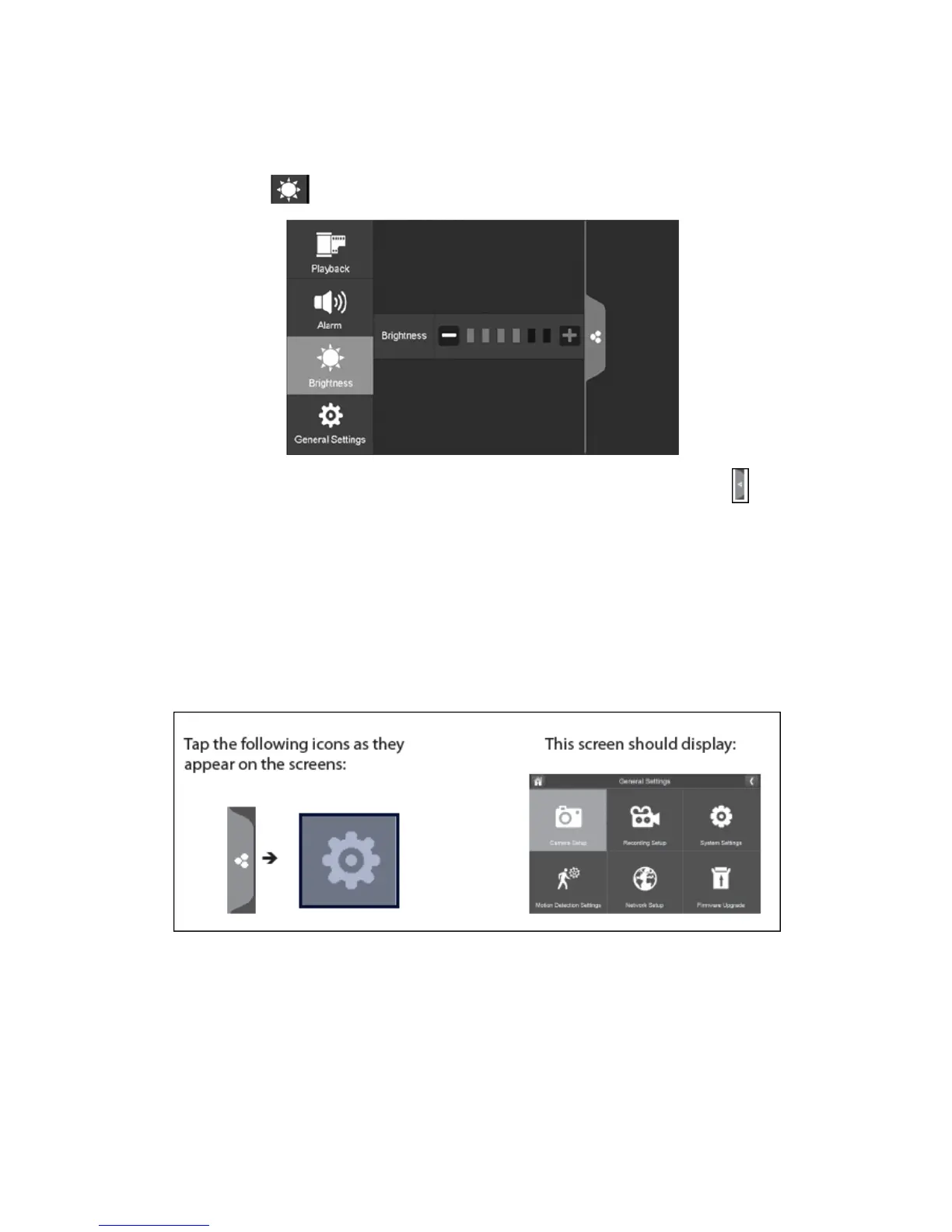
Brightness:
This allows you to set each camera’s brightness level.
1.
Press the brightness icon which is as shown below:
2.
Press + or – to increase or decrease the monitor’s screen brightness. Press the pop
up menu tab to return to the previous menu.
General Settings:
The general settings tab will display camera setup, recording setup, system settings,
motion detection settings, network setup and firmware upgrade which is shown
below:
Please Note: This model does not support network function.



 To Next Page