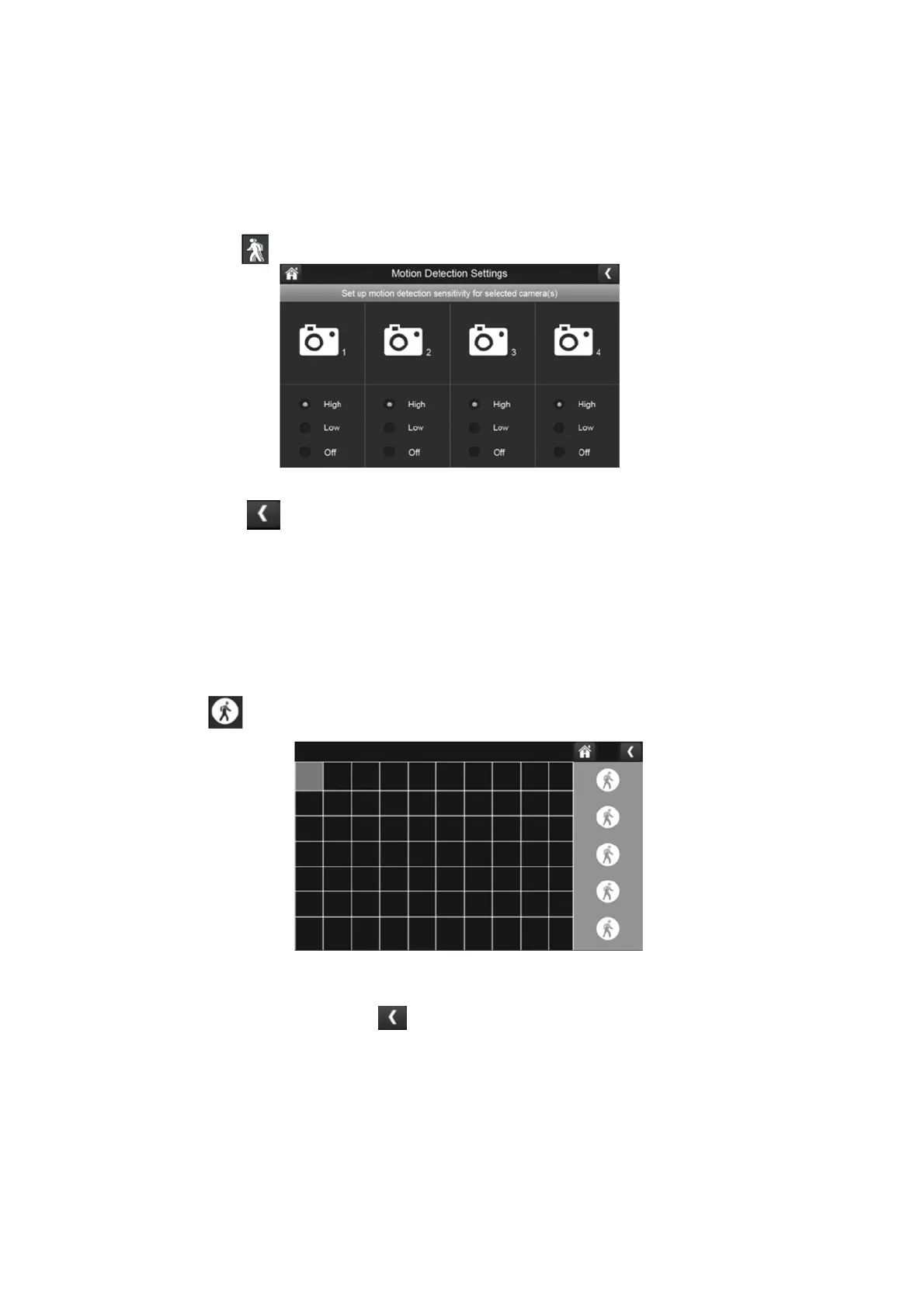
Sensitivity:
This option allows you to set the camera’s motion detection sensitivity levels to high, low, or
off.
1.
Press the sensitivity button to access the following menu:
2.
Press high, low, or off to set sensitivity.
3.
Press the left arrow to return to the previous menu.
Mask Area:
Use this option to mask off any parts of the viewing area you don’t want to be included for
motion detection.
1.
Press the mask area button to display which blocks you would like superimposed
over the image.
2.
Select the squares that cover the areas of the image you do not want affected by motion
detection.
3.
When you are finished, press the left arrow to return to the previous menu.



 To Next Page