Firmware:
Upgrade From SD Card:
1.
Press the upgrade from SD card button to upgrade the firmware.
2.
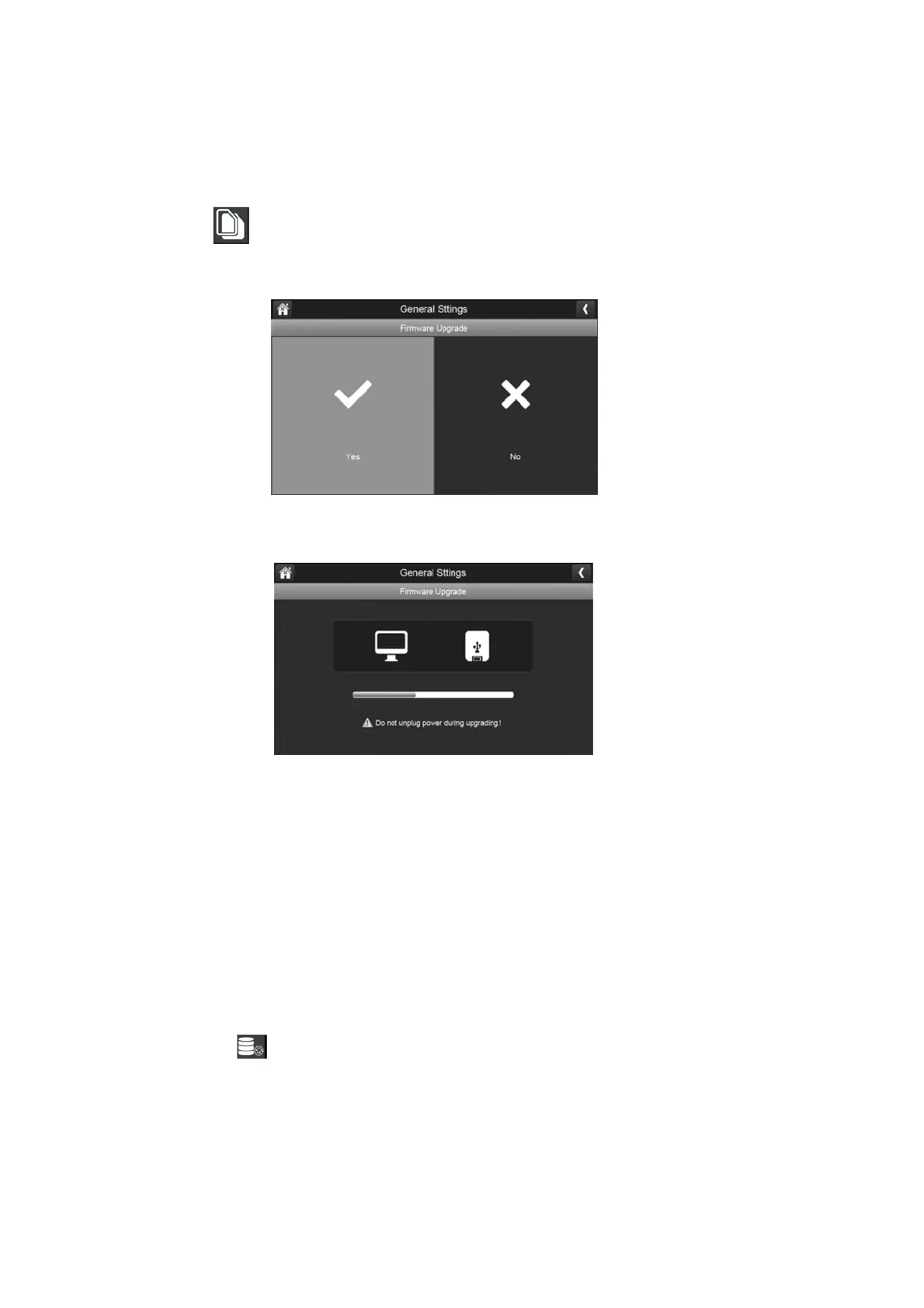
To upgrade the firmware through the SD card, select yes on the confirmation screen.
3.
A progress screen will be displayed.
4.
When the update is complete, the monitor displays Firmware Upgrade Successful and
automatically reboots.
Please Note: It is not required to update the firmware from default unless deemed
necessary.
Upgrade From Network:
1. Use an ethernet cable and connect it to the rear ethernet port located on the monitor.
2. Press the firmware button to upgrade through the network.
3. A confirmation window will display; press yes.
4. The system will check to see if new firmware is available; if the firmware is available then
it will install and automatically reboot once completed.



 To Next Page