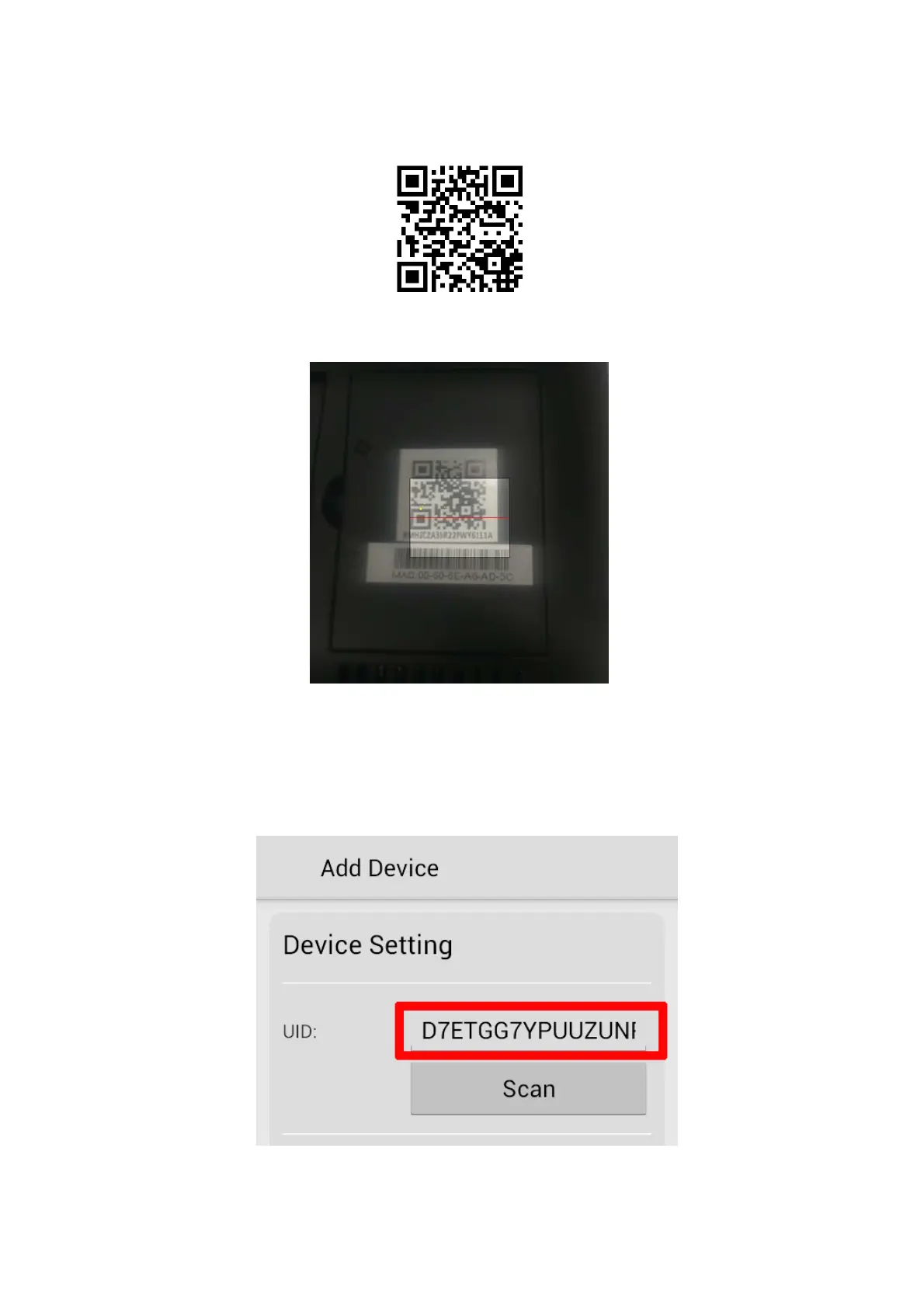
6. Located at the rear of the monitor is a QR code which is as shown below:
7. Match the small display window on your smartphone over the QR code as shown below:
8. Once successfully scanned; a UID number should appear in the UID setting. If you are
unable to scan the QR code successfully then alternately you can enter the UID number
manually which is located below the QR code on the rear of the monitor.



 To Next Page