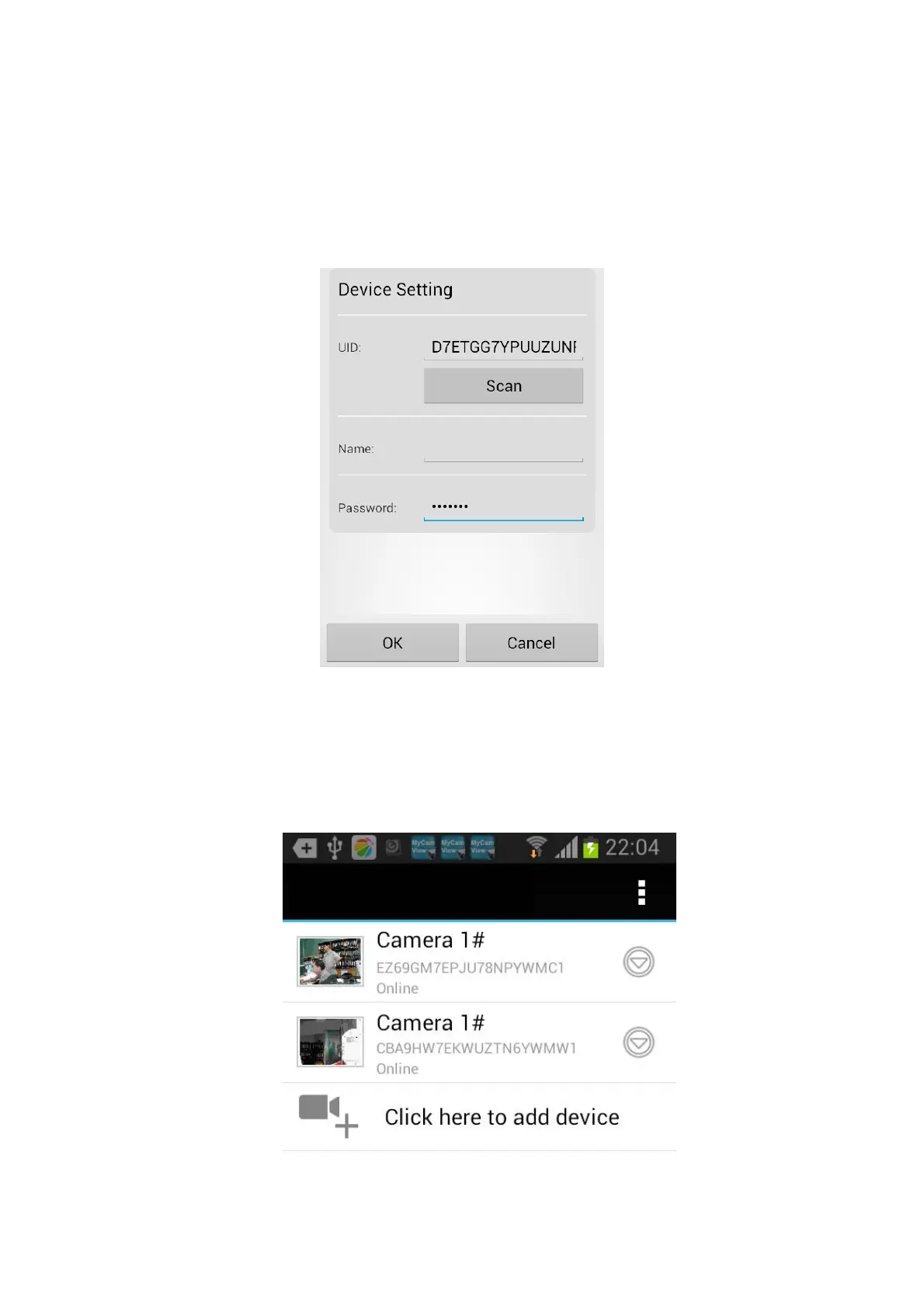
9. It is recommended to change the name of your surveillance system to a preferred name
otherwise the default will be iHomeView.
10. Enter the following password and press ok to confirm.
Default Password: 000000
11. Your system now should display in the current device list and press on the image.
If you switch to 3/4G connection on your smartphone; you will be able to see the image
outside of your home network.



 To Next Page