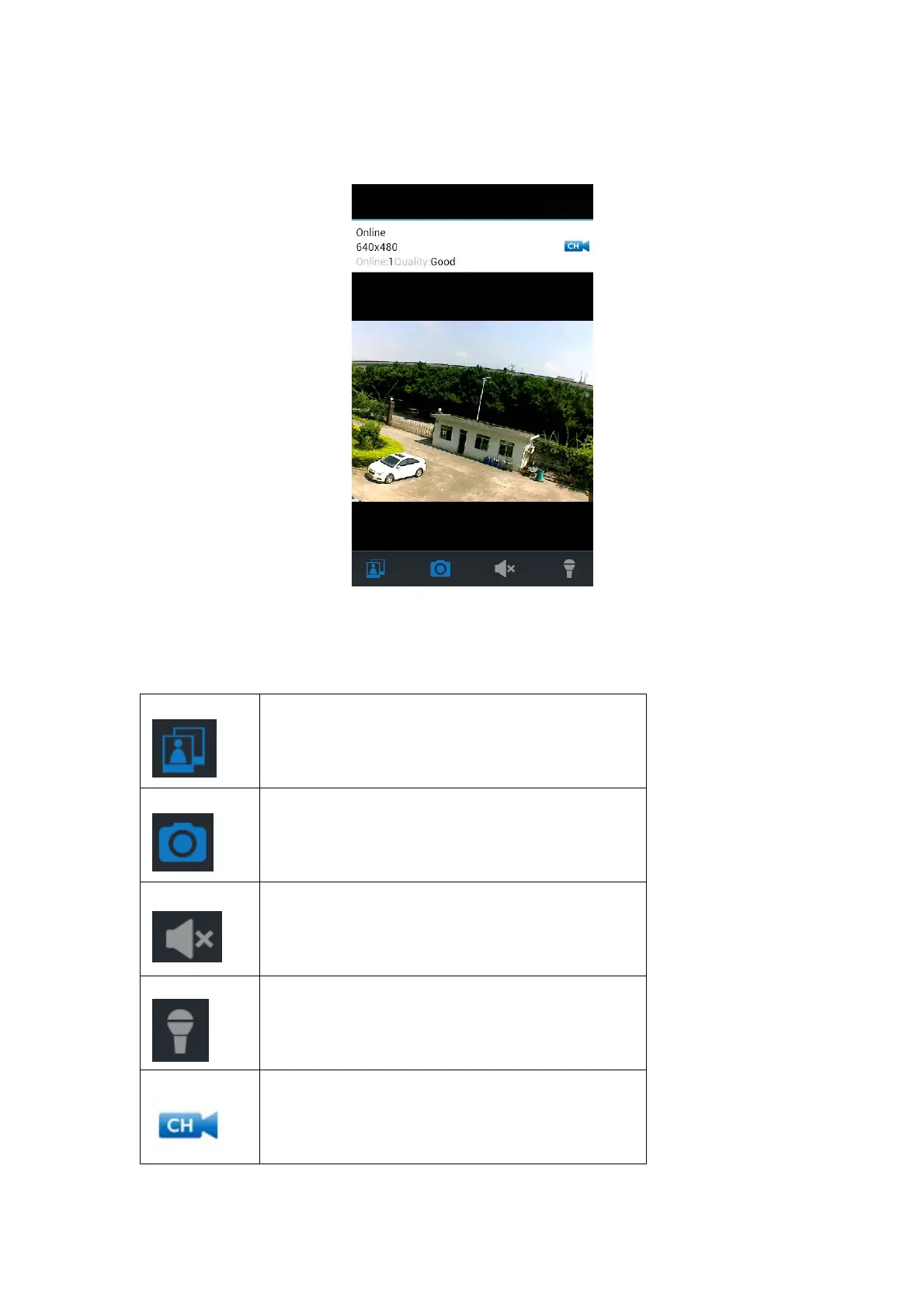
12. Your system should now be showing the live camera view as shown below; the view will
change between portrait and landscape depending on the position your smartphone is in.
Smartphone App Functions:
ViewIcon:Presstoviewimagesalreadytaken
SnapshotIcon:Pressthistotakeanimagefromyour
smartphone
MuteIcon:Presstomutetheaudiocomingfromthe
cameraortounmuteandlistentothecamera's
microphone
TalkbackIcon:Pressthisbuttontotalkintoyour
smartphoneandplaythroughthecamera'sspeaker.
ChannelIcon:Pressthisicontochoosebetweenthe
4channelsdependingonhowmanycamera'syou
haveconnected



 To Next Page