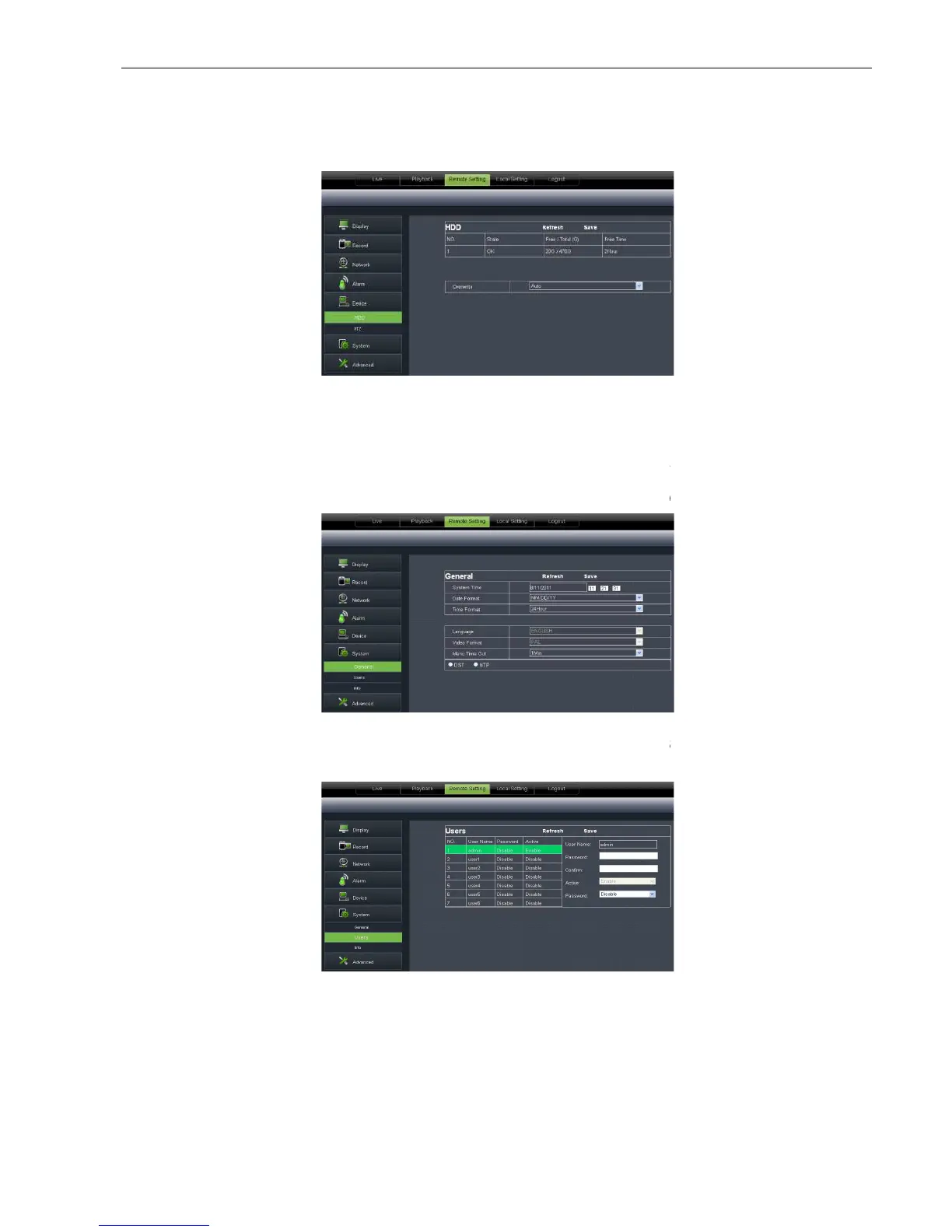
6.3.3.5 Device
Click <Device> to unfo
you check out HDD status and overwr
consistent with DVR local setting.
6.3.3.6 System
Click <System> option to
User could check DVR’s language and video system, and also set system time, date format,
DST and NTP shown as Picture 6
Allow you configure user name an
consistent with DVR local setting.
you check out HDD status and overwr
itten time shown as Pictur
options: General, Users and information.
User could check DVR’s language and video system, and also set system time, date format,
tails setting should be consistent with DVR local setting.
Allow you configure user name an
d password shown as Pictur
-27. Detail setting should be
options: General, Users and information.
User could check DVR’s language and video system, and also set system time, date format,
tails setting should be consistent with DVR local setting.
-30. Details setting should be



 To Next Page