User Manual
5
Chapter 3 DVRCONNECTION
3.1 HDD Installation
Caution:
::
: Please do not Install or take out hard drive when DVR is running!
HDD Installation::
(1) Cut power firstly, and then remove screws and open DVR upper cover carefully;
(2) Insert Power Cord and data cable into Pin of hard drive securely;
(3) Remove the screws on the HDD bracket; fix the HDD to the bracket and then fix the bracket with HDD to
DVR body;
(4) Put the upper cover back carefully, re-attach screws.
Note: If user requires higher performance HDD, strongly recommend you use special hard driver for security
and protection.
3.2 Camera and Monitor Connection
Connect camera cable to video input of DVR, and from video output of DVR to Monitor via BNC connector
(Refer to section2.2-Rear Panel); or
3.3 Power Supply connection
After power on please make sure the video I/O connection well, audio device with BNC cable.
Chapter 4: DVR Boot up
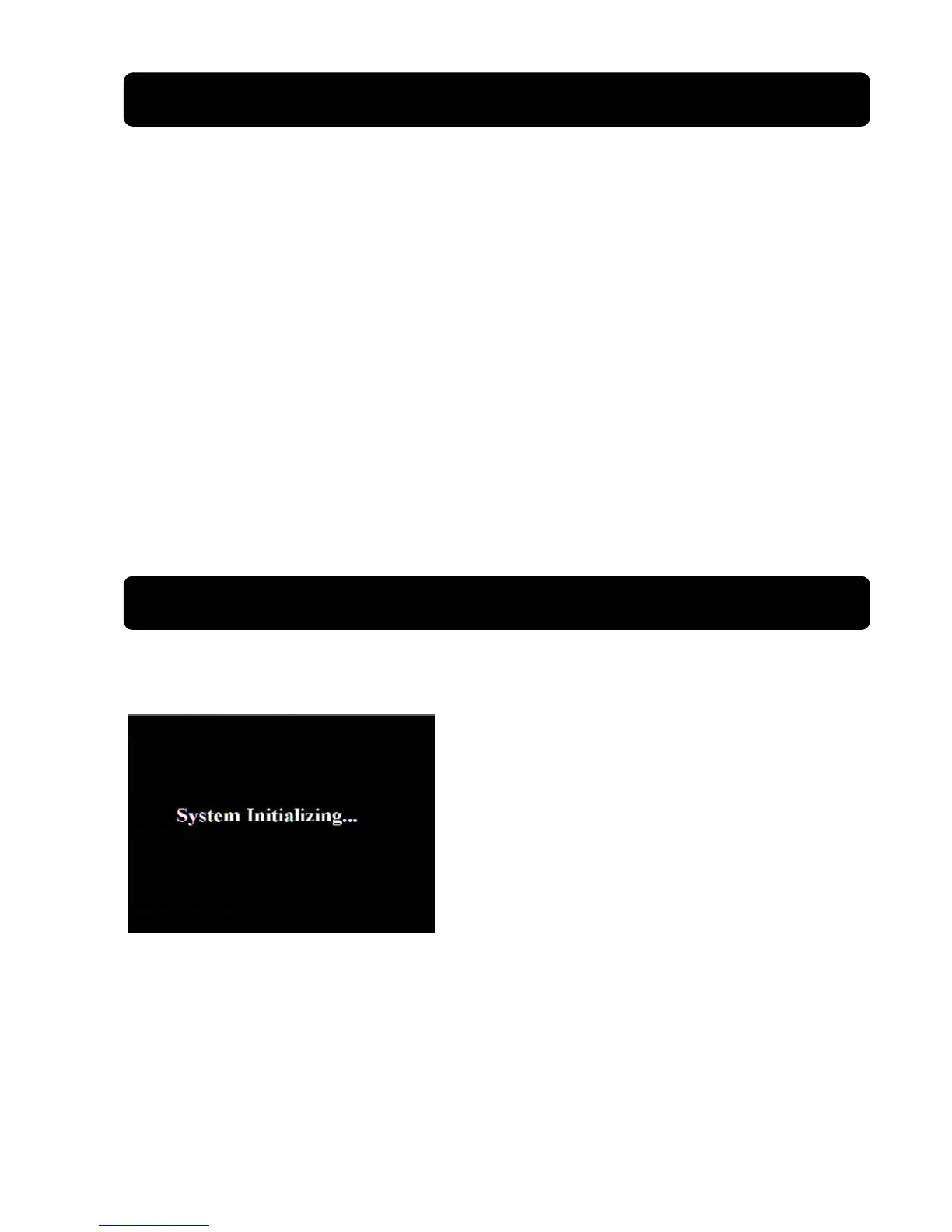
4.1 System Initialization
After connecting the Power cable of DVR to wall outlet
and pressing the Power button on the front panel, you will
enter into the system initializing screen shown as Picture
4-1



 To Next Page