USER MANUAL
5.2.7 Shutdown
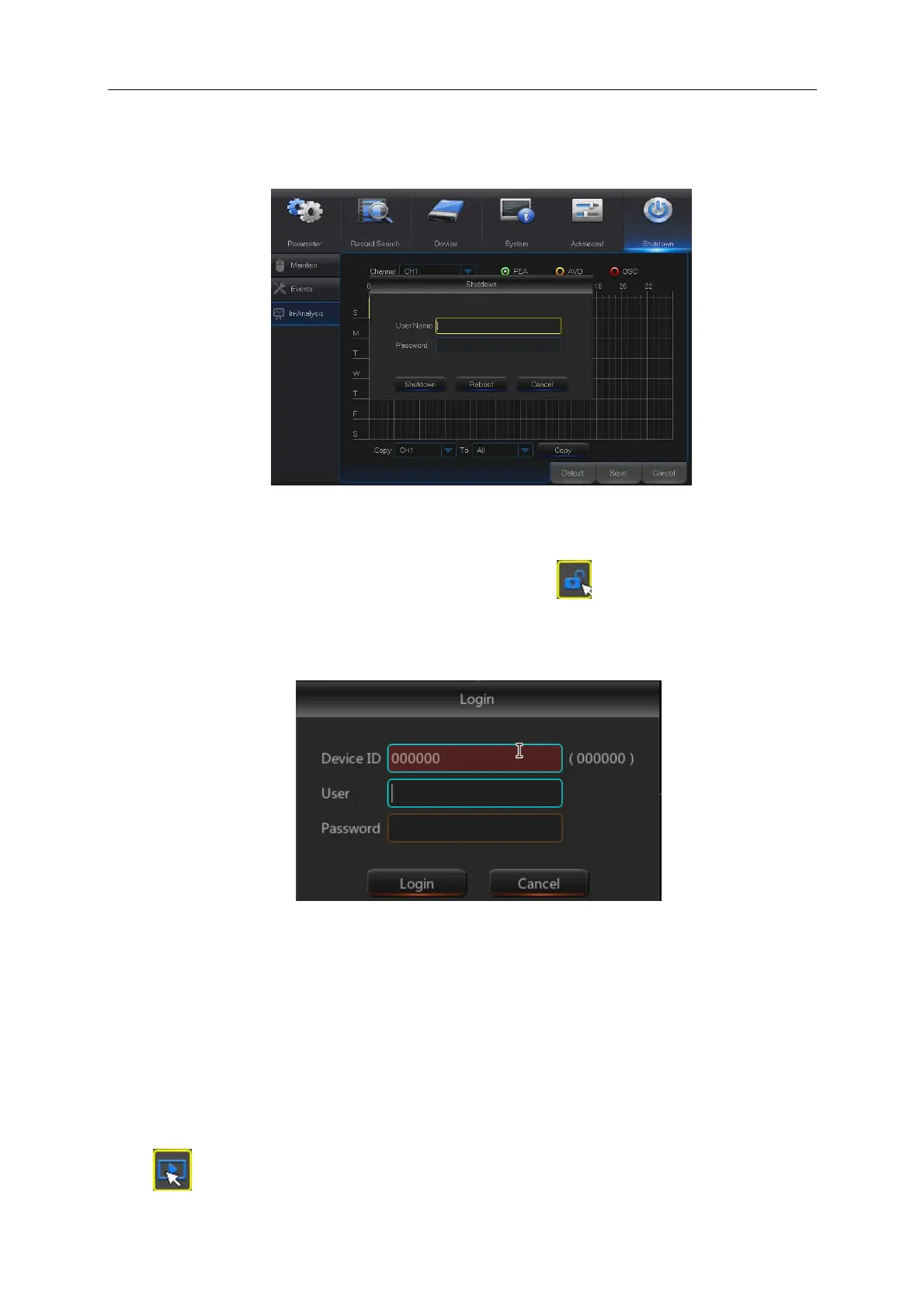
Go to “Main Menu” → “Shutdown” to enter into the interface shown as Picture 5-50.
Picture 5-50
5.3 Menu Lock
In consideration of system safety, user may click the icon on the toolbar when he leaves
away from DVR and the system interface will be locked. User has to input Device ID, User Name
and Password on the login interface to unlock (Default: User Name: admin, Password: blank).
The login interface is as shown in Picture 5-51.
Picture 5-51
Note: Administrator has all authorization of menu operation and users have limitations for
authorization and have to get authorization from administrator.
5.4 Split Mode
There are many display modes in video channel, including single channel display, SEQ
display and split mode.
5.5 Record Search
Click icon on the toolbar to enter into the Record Search interface to search and playback.



 To Next Page