Note: Software support endless macro, each macro support 200
actions, including button down, button up action.
3) You can modify or delete, clear the macro action by below buttons
: Select a action, then click this button, the caption action would
be moved to to the top.
: Select a action, then click this button, the caption action would
be moved to to upper layer.
: Select a action, then click this button, the caption action would
be moved to to next layer.
: Select a action, then click this button, the caption action would
be moved to to the last layer.
: Select a action, then click this button, the caption action would
be deleted.
: Click this button, all the action would be deleted.
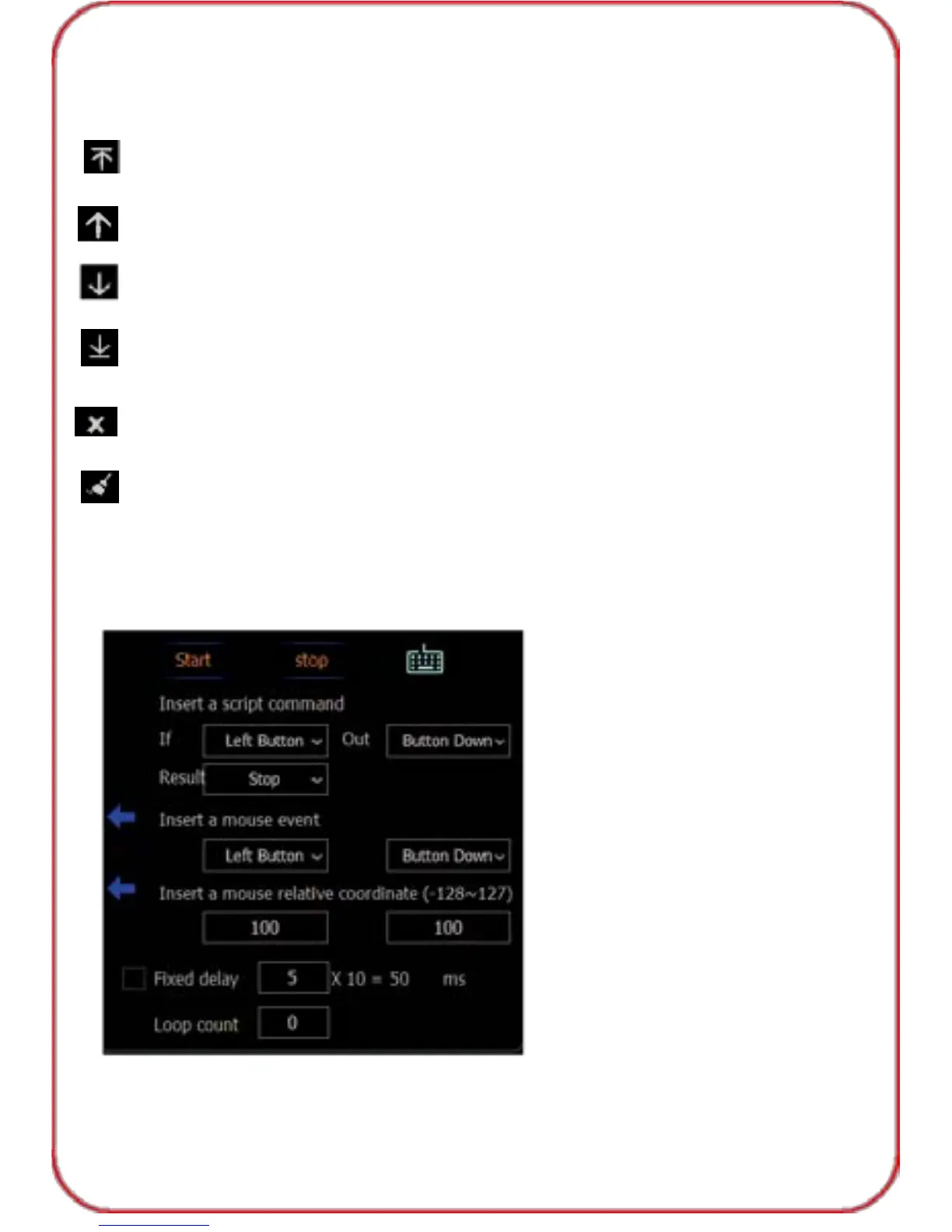
4) You can insert script command or mouse event, or relative coordinate
and adjust fixed delay , loop count after stopping record. Click "OK" to
save the macro, and click "Apply", "OK" before exiting the software.
18



 To Next Page