CSBCryoEMFacilityTF20OperatingInstructionsSEC
05/02/16
VI. SampleLoading(cryo)
1. Makesuretheanticontaminatordewarisfilledwithliquidnitrogen(LN2).
2. The cryo holder should be pumped at least 2hrs in the Dry Pumping Station (see separate
protocol)beforeuse.Preferably,you'llhavepumpedtheholderthedaybeforeforatleast6hrs.
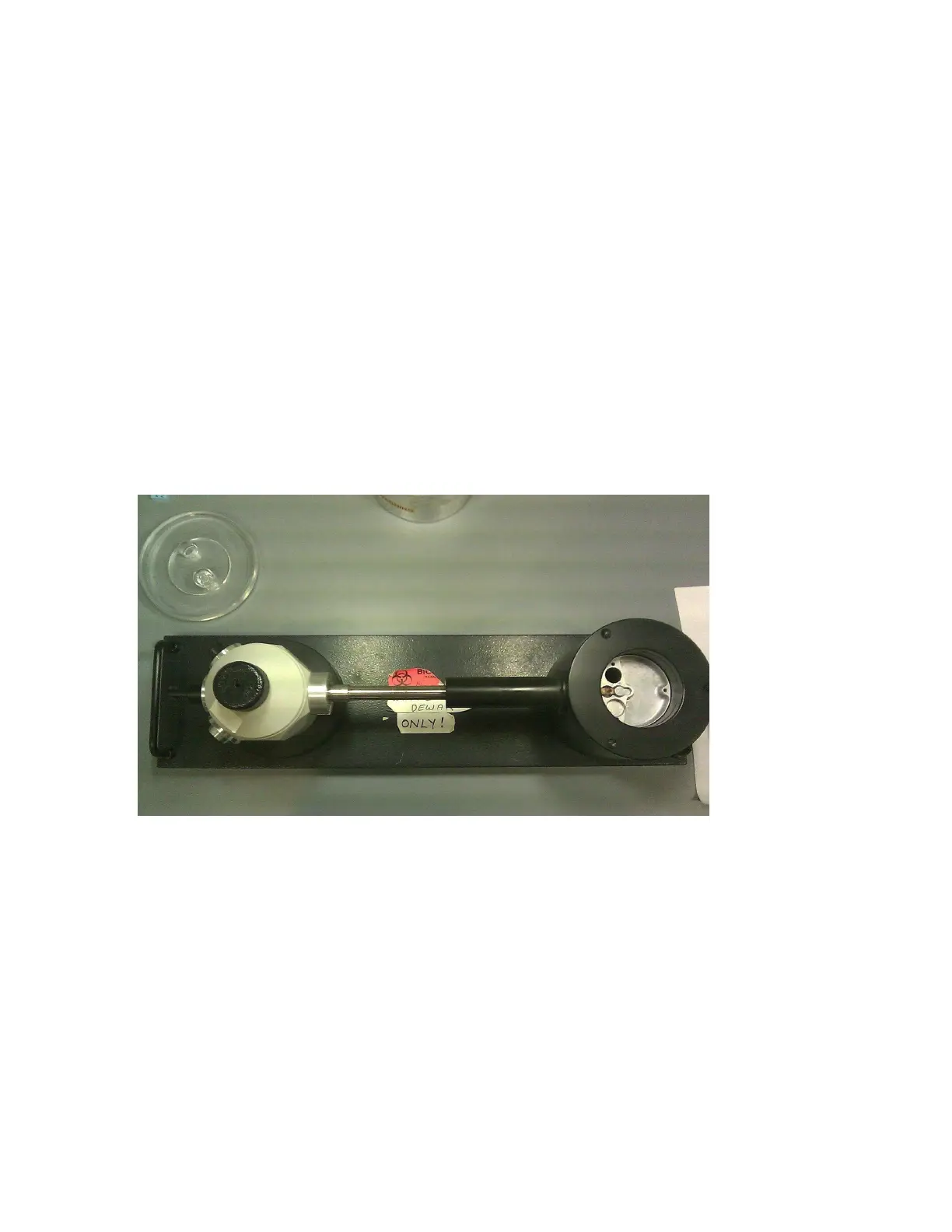
3. Place the cryo transfer station on the table top. Insert the cryo holder into the station and
removetheclipringandpreviousgridifpresent.
4. Make sure you have gathered your cryo sample in transfer dewar, forceps, large forceps for
gridboxtransfer,andanythingelseneededandplaceitnearthetransferstation.
5. Add LN2 to both the cryo transfer station and the cryoholder. These will boil at different times.
Do not overfill the holder nor the station, this will only cause the holder to become icy and the
transferstationtofrost.
6. Pluginthecontrolunitcordandturnonthetemperaturecontrolunit.
7. Tilt the compustage to 60° by going to the Search tab, flapout window, Control tab, Alpha
toggle,typein60°andclickSetAlpha.TurntheTurboon.
8. Check that the airlock pump time is set to 6090s (Setup tab, flapout window, Settings tab,
Defaultairlocktime:60s).



 To Next Page