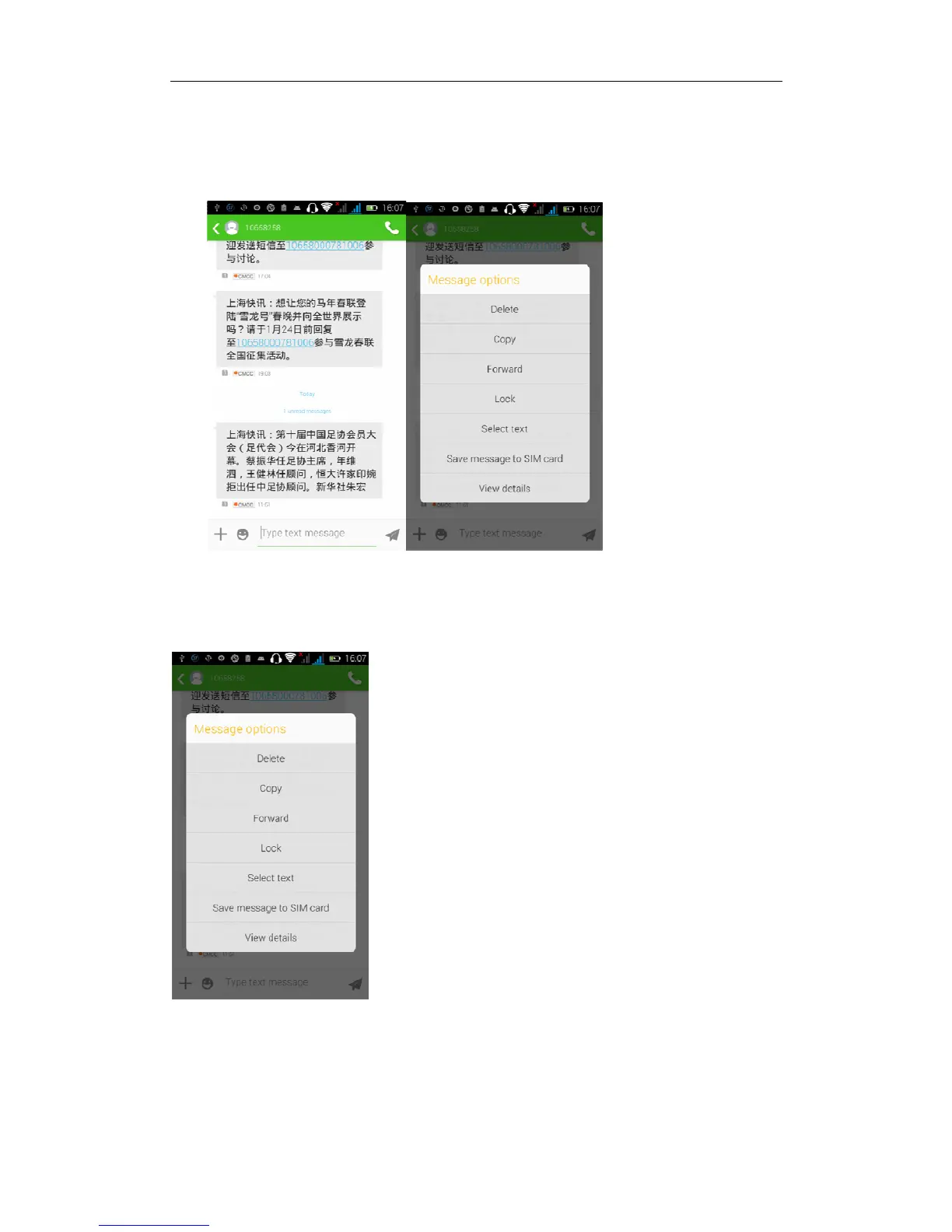
Forward
Access to the information screen-- Select the message -- Long pressing the
Information, there appears shortcut key -- select "Forward "function
View information details
Access to the information screen -- Select the message -- Long pressing the
Information, there appears shortcut key -- select “View details” function
Delete information
Access to the information screen -- Select the message -- "Long pressing the
Information, there appears shortcut key - select "Delete "function


 To Next Page