EV 10-50
49
Wireless hybrid arm sy em
Wireless hybrid arm sy em
By sending SMS text messages, it is possible to interact with the system's remote controls and request the available telephone
credit (only for prepaid SIM cards).
The reception of the message by the System leads to the carrying out of the requested operation and the generation of a reply
SMS which is sent to the sender, the reply SMS contains the text confi rming the requested command has been carried out.
1 - Remote Control Management
It is possible to interact with the remote controls using three
commands: activation, deactivation and query.
Activation - Puts the remote control in the ON "Active" status.
Deactivation - Puts the remote control in the OFF "Not
active" status.
Query - Request of the functional status of the remote
control which can be in the "Active" or "Not active" status.
Composition of the messages
The messages sent to the System are composed of three
words:
Password (word 1), remote control name (word 2) and
command (word 3).
It is necessary to leave a space between one word and
another.
The only exception is the query command which is made
u
p of two words:Password (word 1) and remote control
name (word 2).
N.B. The password must be preset on the control panel
Syntax rules
The messages sent to the System must be written following
precise syntax rules.
Password - can be made up of 8 alphanumeric characters.
It is case sensitive.
Remote control name - can be made up of 16 characters. It
is not case sensitive.
Command - command syntax is predefi ned
(ON or OFF). It is not case sensitive.
Commands
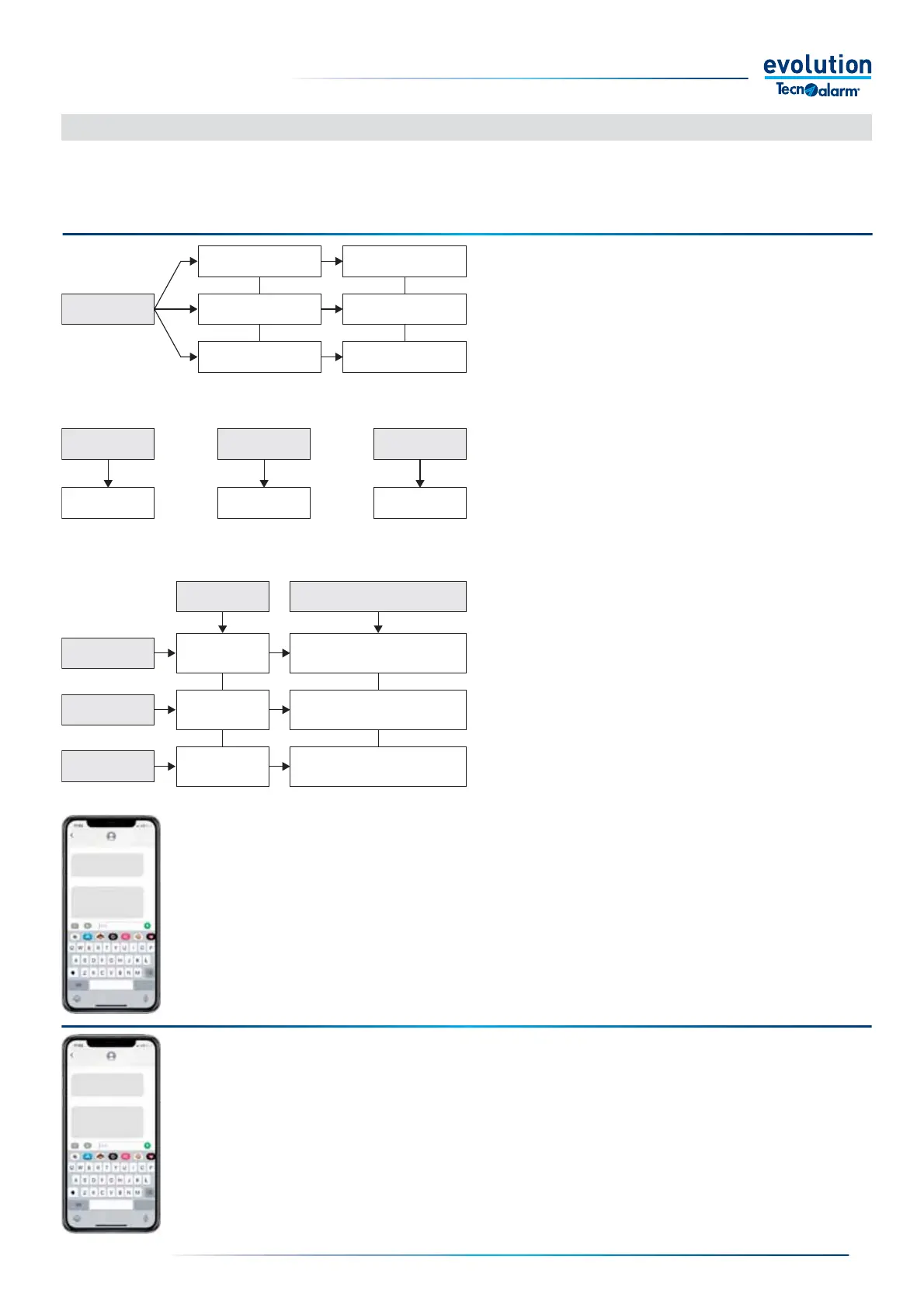
Word 1
Word 2 Word 3
Access
password
1 space 1 space
Name of the
Remote Control
Command
To activate
he remote control
Write ON
To disable
the remote control
Write OFF
To query
the remote control.
No characters,
don't write anything
Characters
Access
password
Remote control
name
Command
Syntax rules
Alphanumeric
maximum 8
The password is case sensitive
The name can be written
in upper or lower case
The command can be written in
upper or lower case
Alphanumeric
maximum 16
See commands
5-2 - Telephone management by SMS messages
Example - The example illustrates a remote control activation SMS, in which the Password is "Steve58"
and the name of the remote control is "Lights".
- SMS query text - Steve58 lights.
- SMS activation text - Steve58 lights ON.
- SMS deactivation text - Steve58 lights OFF.
The reception of the message by the System leads to the carrying out of the requested operation and
the generation of a reply SMS which is sent to the sender, the SMS contains the text confi rming the
requested command has been carried out.
2 - Telephone credit request
If the GSM module uses a prepaid SIM, it is necessary to periodically check the remaining telephone
credit, this is done by SMS.
In order to carry out this request, it is necessary to program the parameters "Credit number" and "SMS
credit" in the menu Telephone> GSM telephone, as required by the telephone service provider.
Warning: the service is not offered by all providers.
To carry out this request, send an SMS to the system containing the word CREDIT, written in capital
letters
The reception of the message by the System causes the generation of a reply SMS which is sent to the
sender, the SMS contains information on the remaining telephone credit.
Steve58 lights ON
CREDIT
Burglar alarm
Steve house
Active Lights
Euro 10,20
spazio
spazio
today 08:31
today 09:00
today 09:00
BURGLAR ALARM SYSTEM
BURGLAR ALARM SYSTEM
invio
invio


 To Next Page
 Loading...





