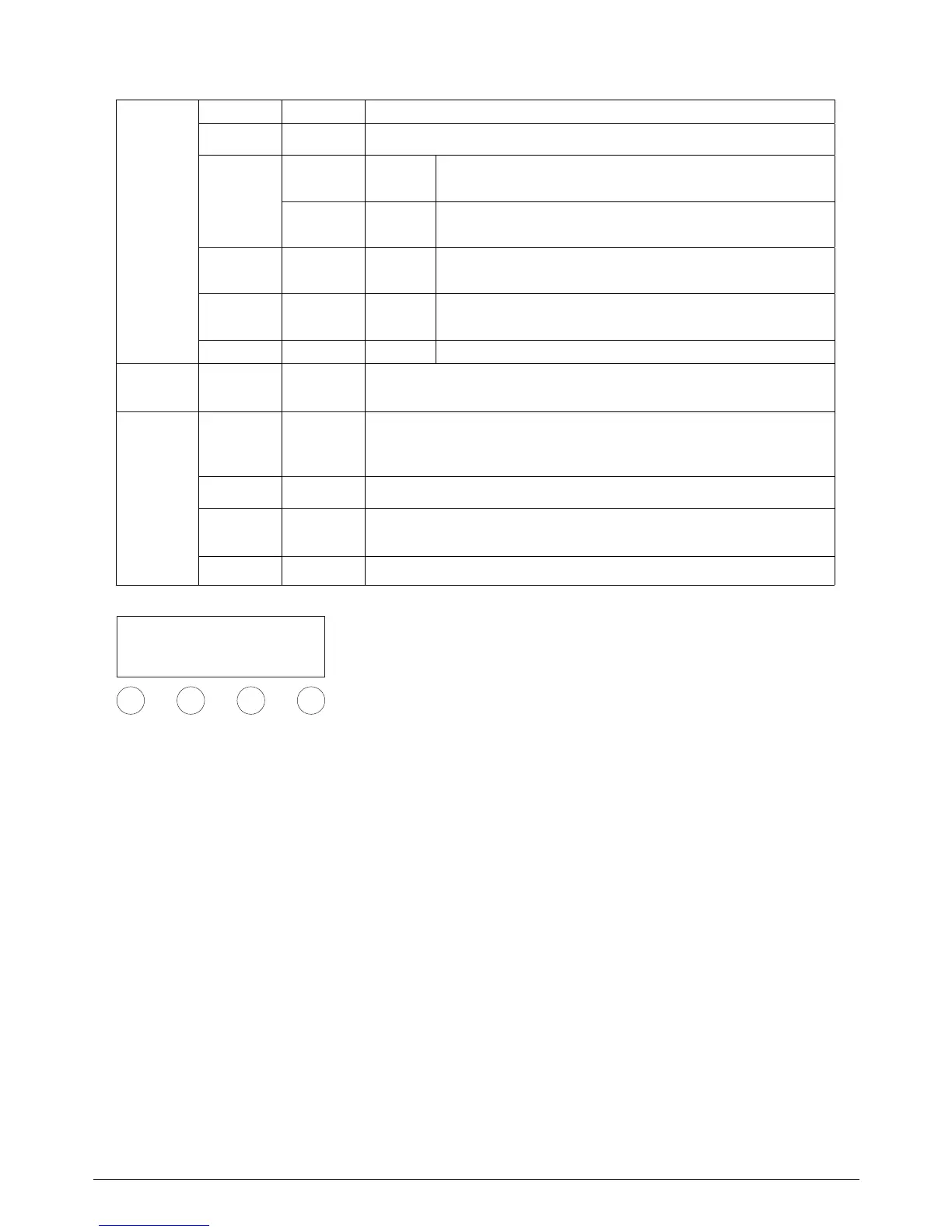
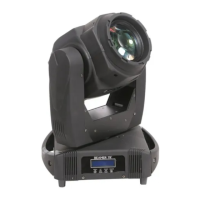
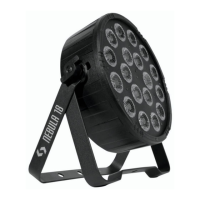
Control Menu
UP DOWN ENTERMENU
MENU
Address ENTER UP/DOWN→ENTER
Control ENTER UP/DOWN to choose 11CH/14CH→ENTER
DMX Reset
ENTER→UP/DOWN→Yes/No(Yes=DMX reset;No=Cannot DMX
reset)→ENTER
ENTER→UP/
DOWN
Pan
ENTER→UP/DOWN→Yes/No(Yes = Pan Anti-clockwise rotate; No=-
clockwise) → ENTER
Option Tilt
ENTER→UP/DOWN→Yes/No(Yes=Anti-clockwise; No=clockwise) →
ENTER
Color
ENTER→UP/DOWN→ Color Step/Color linear ( Color step=color
jumping change; Color linear = color linear change → ENTER
Option ENTER Key lock ENTER→UP/DOWN →Yes/No(Yes =lock, No=unlock)→ENTER
MENU Manual →UP/ DOWN CH11/CH14→ENTER;UP/DOWN to adjust Channel →ENTER
Test
Test Auto/Test Sound(Test Auto= stand alone, Test Sound= music ac-
tive)→ENTER
Lamp Yes/No(Yes = Lamp on, No= Lamp o)→ENTER
Default Yes/No( Yes = reset, NO = Current value address)→ENTER
Reset Yes/No(Yes = reset, No= N/A)→ENTER
Remark: ☐ Always press ENTER to next class menu and save
your settings; return last menu class, press MENU. LCD is dark
automatically if no operation on panel within 30 seconds.
Master and slave model
Set one of the unit as master, choose auto-running function
on the menu. Set other units as slave, press MENU button to
DMX address setting state. Connect master and slave with
signal cable. Then all slave units will run follow the master.
BEAMER
ENGLISH VERSION
p. 6


 To Next Page