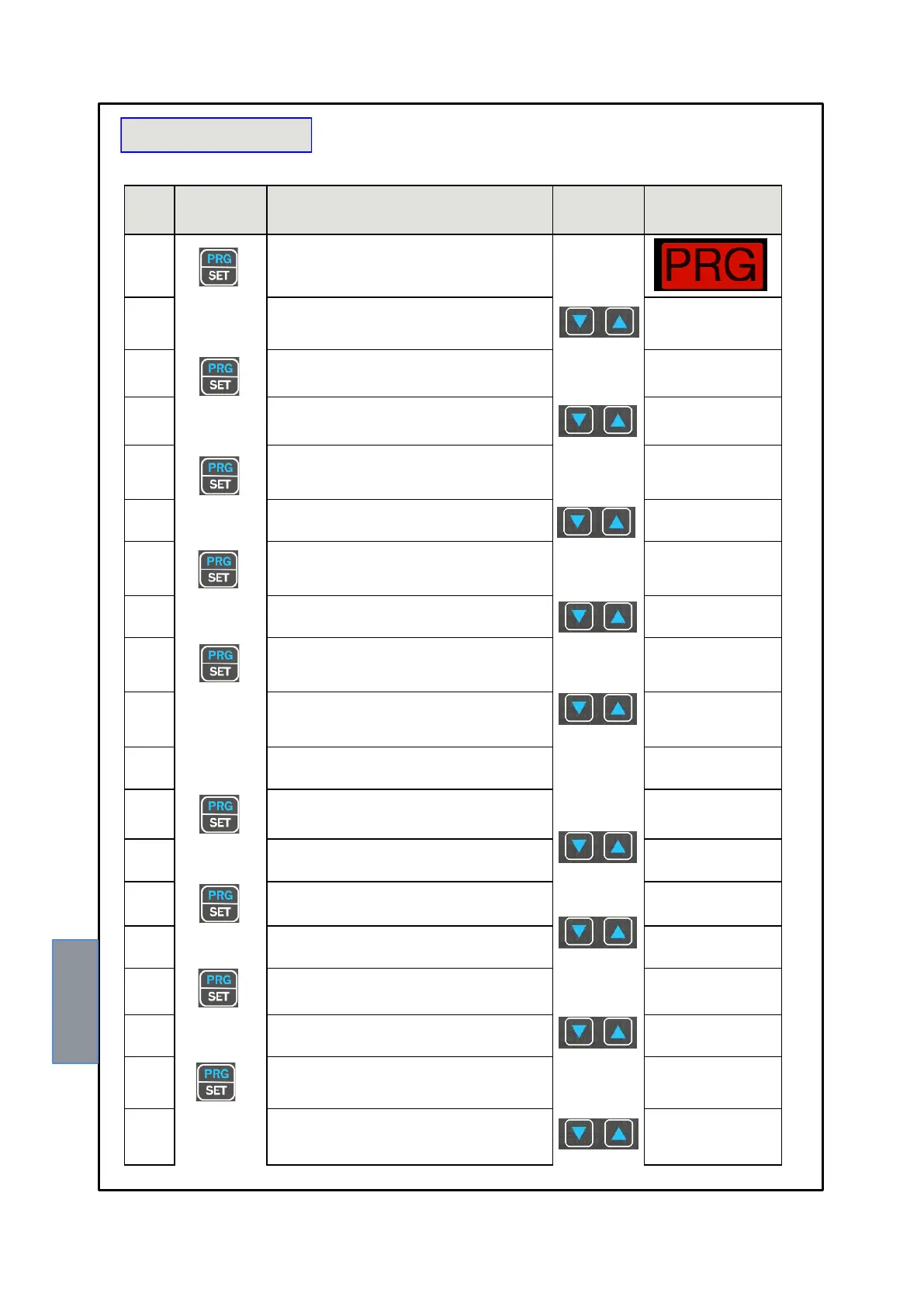
Keep the PRG key pressed until the display shows PRG
SET
Select PRG SET for entering in the programming mode or
PRG 1 to restore the default programmed value.
it is displayed the CH1 activation
YES = CH1 Enable
NO = CH1 Disable
The ALARM CH1 threshold for is displayed Set the
desired threshold, the Alarm LED flashes
Set the desired threshold
The TRIP CH1 threshold for is displayed Set the desired
threshold, the Trip LED flashes
Set the desired threshold
it is displayed the CH1 FAN activation,
FAN1 and FAN2 ARE flashing
info functioning fans : fan
control section page 17
Select : YES + FAN1 FAN2 enabled flashing
YES only FAN1 enabled flashing
YES only FAN2 enabled flashing
NO LED FAN1- FAN2 off
Repeat the above steps for all channels
CH2 - CH8
The display shows ON this indicator flashes FAN1
Set the desired threshold
The display shows OFF this indicator flashes FAN1
Set the desired threshold
The display shows ON this indicator flashes FAN2
Set the desired threshold
The display shows OFF this indicator flashes FAN2
Set the desired threshold



 To Next Page