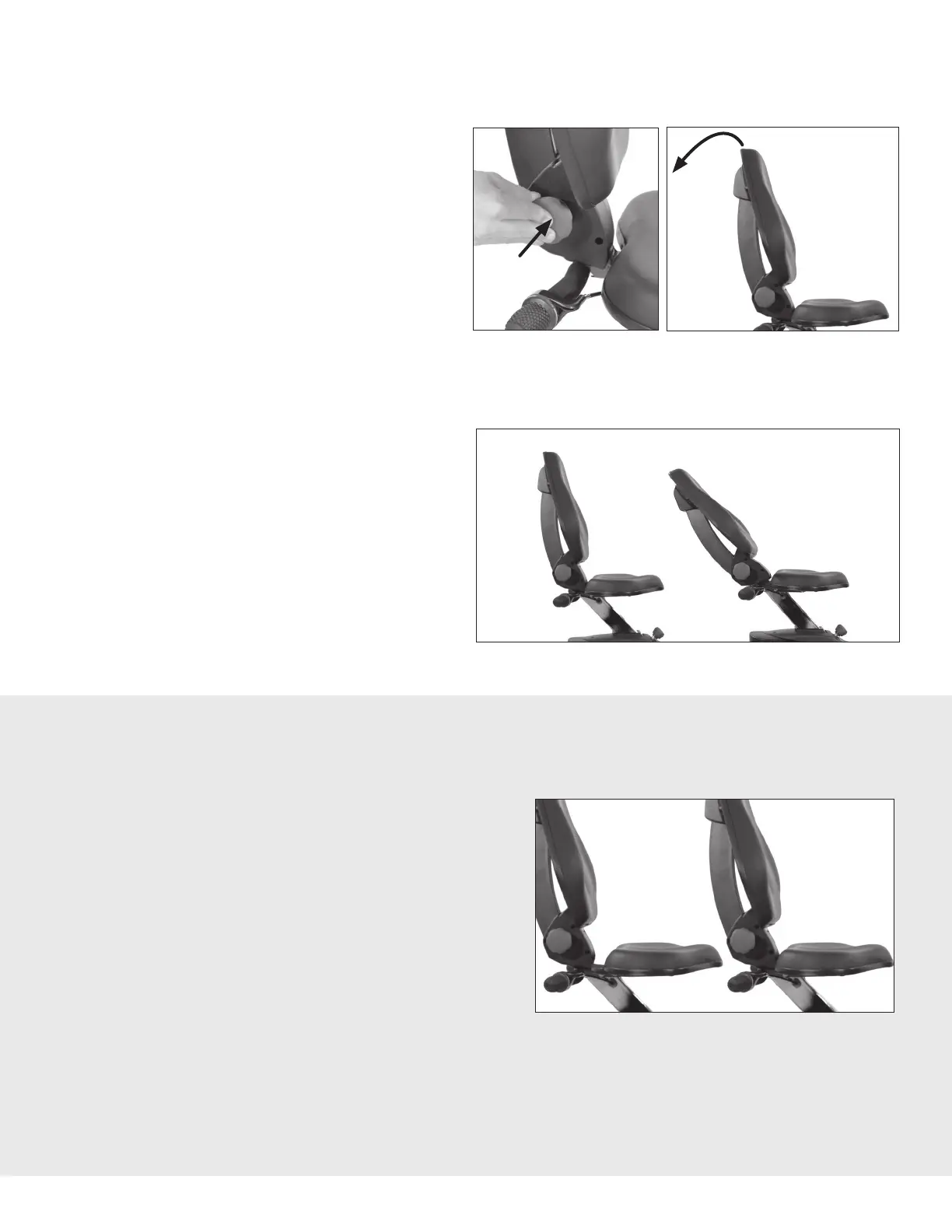
Set Seat Back Position
The Seat Back can recline to offer support
for the lower back while targeting different
muscle groups during your workout.
To properly set the Seat Back position, start
with the seat in the fully upright position.
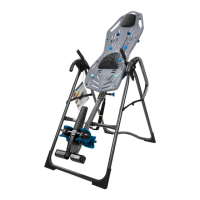
Figure 36: To adjust the Seat Back position,
first push in on the Seat Back Adjustment
Knob.
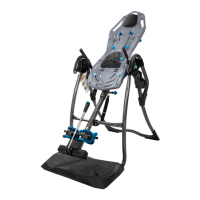
Figure 39: The Lower Seat can be adjusted to a
Forward or Back Position. The Forward Position
will provide the largest surface area of support
while seated.
The Lower Seat is bolted to the to the Seat Back
Assembly with 4 × Bolts and is attached during
the assembly process.
To adjust the Lower Seat, set the Seat Post Height
to the tallest position for better access to the Bolts
under the Lower Seat, and remove the 4 × Bolts
with the Allen Wrench provided. Set the Bolts and
Washers aside.
Fully
Upright
Forward
Position
Fully
Reclined
Back
Position
15
Figure 36 Figure 37
Figure 38
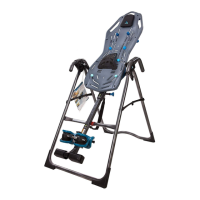
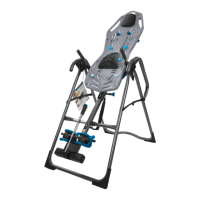
Figure 37-38: Slowly pull back on the
Seat Back and let go of the Seat Back
Adjustment Knob until the Knob snaps
into a hole setting.
You may need to adjust the Seat Height
to accommodate a reclined position.
Figure 39
MODEL LT3 ONLY
Modify Lower Seat Position (requires Allen Wrench to adjust)
Adjust the Seat to the desired position and reassemble the Bolts and Washers. Refer to Figure 9
and 10 on Page 8 of the Assembly Instructions for more details on Bolt and Washer reassembly.
USER GUIDE



 To Next Page