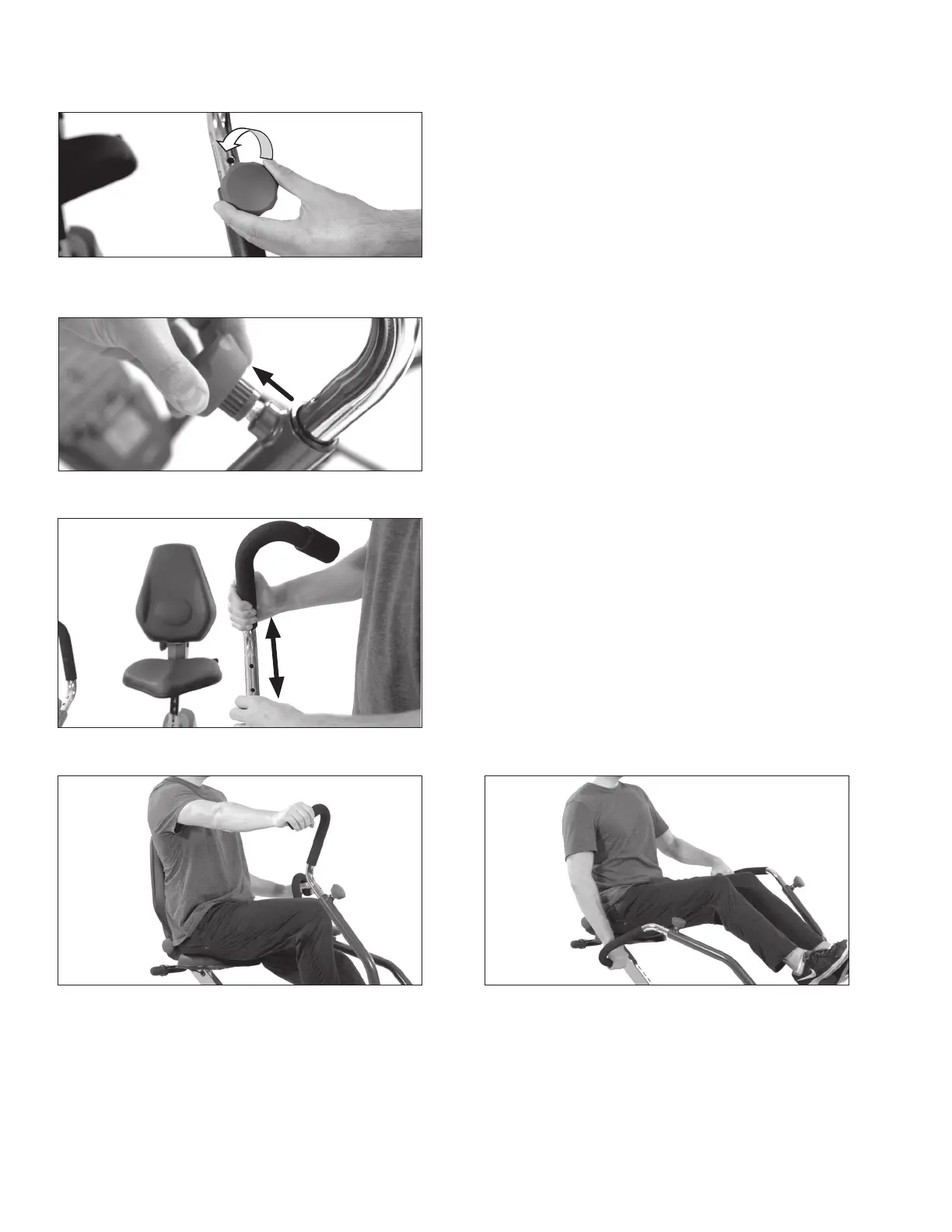
Handle Length Adjustment
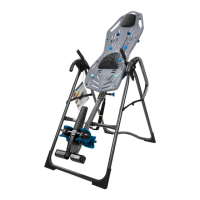
Figure 40: Loosen the Handle Adjustment Knob
by turning it counter-clockwise.
16
Figure 40
Figure 41
Figure 42
Figure 43 Figure 44
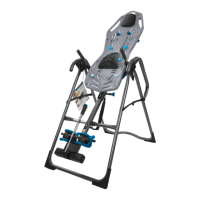
Figure 43-44: The Handle length should be set so that when your arms are fully extended, your
back and shoulders remain in good posture and stabilized by the Seat Back.
Release the Handle Adjustment Knob into the desired hole setting. Secure the Handle by rotating
the Handle Adjustment Knob clockwise.
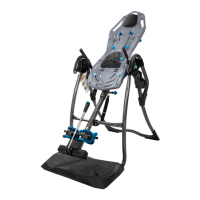
Figure 42: Continue holding the Handle
Adjustment Knob outward while pulling or
pushing on the handle to adjust the length.
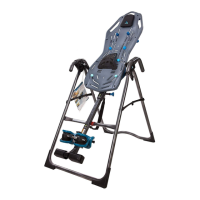
Figure 41: Release the auto-locking
mechanism by pulling outward on the spring-
loaded Handle Adjustment Knob.
USER GUIDE



 To Next Page