- 15 -
Opens menu to display sensor n (after the first "Set" select n,
select sensor with "+" / "-" and then press "Set" again)
5. Test menu
Displays the switching state of the slab heating; adapt setting with
"Set" and then "+" / "-"; save with "Set".
Select " " to interrupt the heating time, select " " to start again.
Opens the menu for testing sensor n (after the first "Set" select n,
call sensor with "+" / "-" and then press "Set" again)
6. Configuration menu
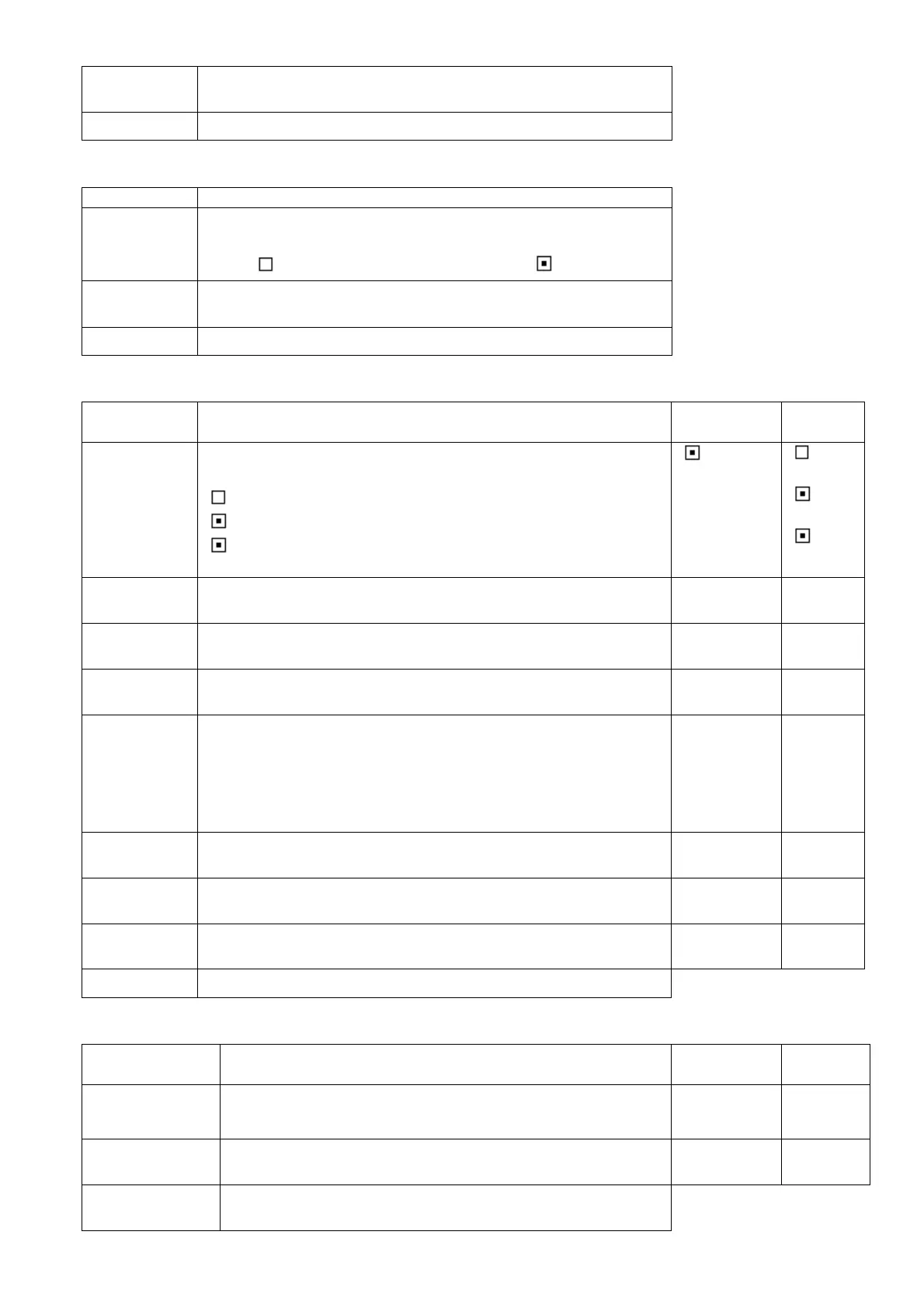
Displays the operating mode; adapt setting with "Set" and then "+"
/ "-"; save with "Set";
" " = system out of service,
" " = system in service,
" !" = system in service with additional function "Slab idle
temperature"
Displays the high temperature limit; adapt setting with "Set" and
then "+" / "-"; save with "Set".
Displays the low temperature limit; adapt setting with "Set" and
then "+" / "-"; save with "Set".
Displays the targeted slab idle temperature ; adapt setting with
"Set" and then "+" / "-"; save with "Set".
Displays the set moisture limit ; adapt setting with "Set" and then
"+" / "-"; save with "Set". Can be set in steps of 5.
5 = very sensitive sensor, little moisture required to trigger heating
(might cause continuous)
95 = very insensitive sensor; sensor must be immersed in water to
detect moisture (might cause no moisture detection at all)
Displays the set minimum heating time ; adapt setting with "Set"
and then "+" / "-"; save with "Set". Can be set in steps of 10.
Opens the menu to configure sensor n (after the first "Set" select n,
call sensor with "+" / "-" and then press "Set" again)
7. Administration menu
Displays the set menu language; adapt setting with "Set" and
then "+" / "-"; save with "Set".
refer to "Initial
installation"
DE, EN,
FR, IT, NL,
CZ,PL
Displays the set temperature unit; adapt setting with "Set" and
then "+" / "-"; save with "Set".
Restores all parameters to factory default settings. Adapt
setting with "Set" and then "+" / "-". After selecting "Yes" and


 To Next Page
 Loading...