14 of 36
© 2019 tekmar 671
_
D - 08/19
Symbols
WARNING SYMBOL
The control has a error message. Press the warning symbol to determine the error code and information on how
to take corrective action. Refer to the Troubleshooting section for a list of error codes.
Help Screen
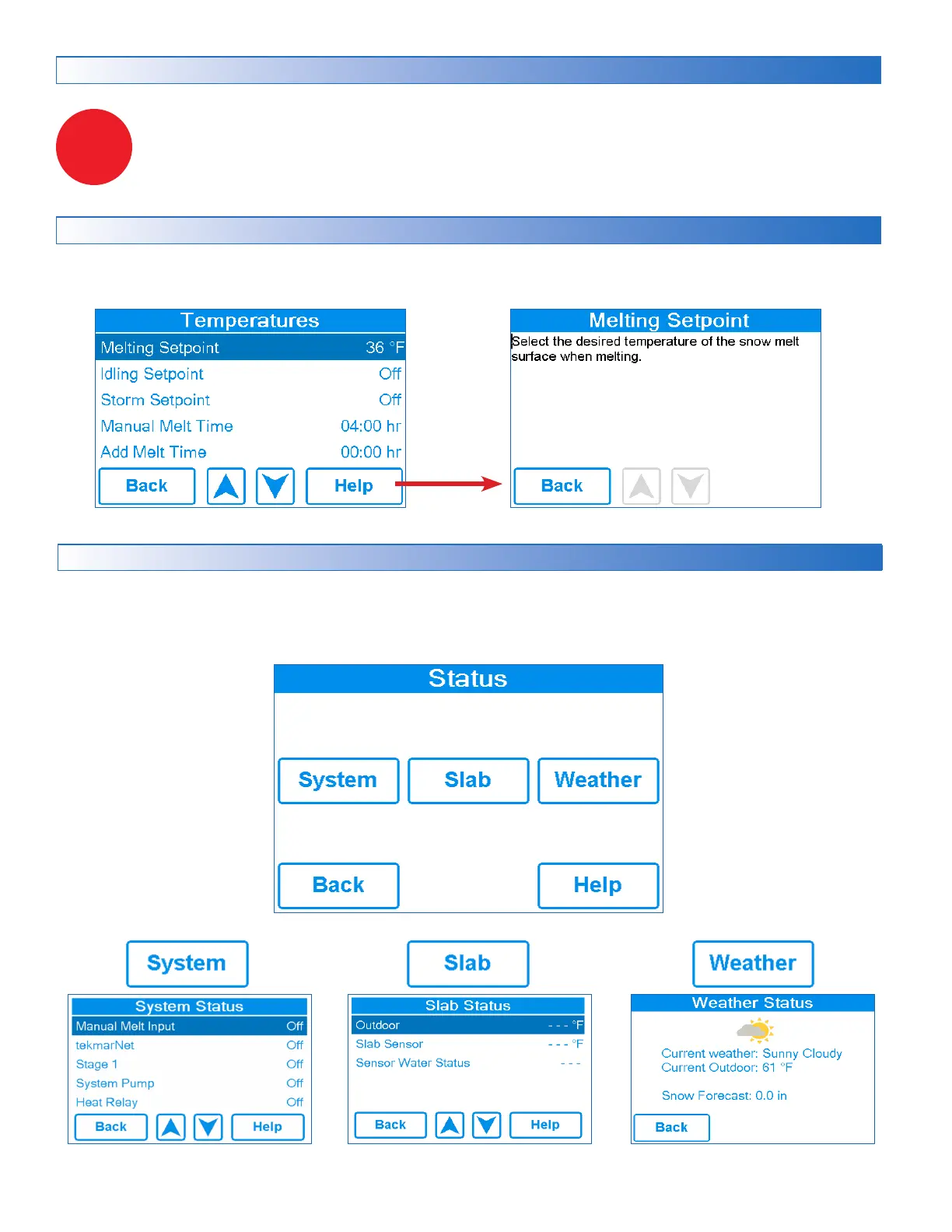
The display includes a Help screen for each setting. The Help screen provides a description of the setting that is identical to
the description found in the Installation and Operation Manual.
Status Menu Navigation
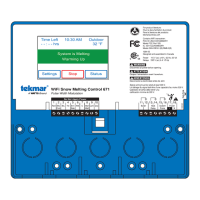
Step 1: Press the Status button on the Home Screen.
Step 2: Press either the System, Slab or Weather button.
Step 3: Press up or down buttons to scroll through the list.


 To Next Page