USER’S MANUAL
-17-
d. When air conditioner is in sleep mode, the display screen will be stopped display when remote control
signal is received for 30 seconds; only display the run indicator.
e. In SLEEP mode,”RUN” indicator lights only.
f. When indoor unit receives the remote signal to exit the SLEEP mode, the buzzer will beep, and the
corresponding indicators light as the normal status.
SERVICE AND MAINTENANCE
Careful maintenance and overhaul in advance can prolong the air conditioner’ s service life and save
electricity charges.
Caution:
1. Stop air conditioner by remote controller and pull off the plug before
service and maintenance.
2. Do not stand on unstable objects when you clean or service air
conditioner, or it may cause personnel injury.
3. Do not touch the metal part of the body when you remove the front
panel, or it may cause personnel injury.
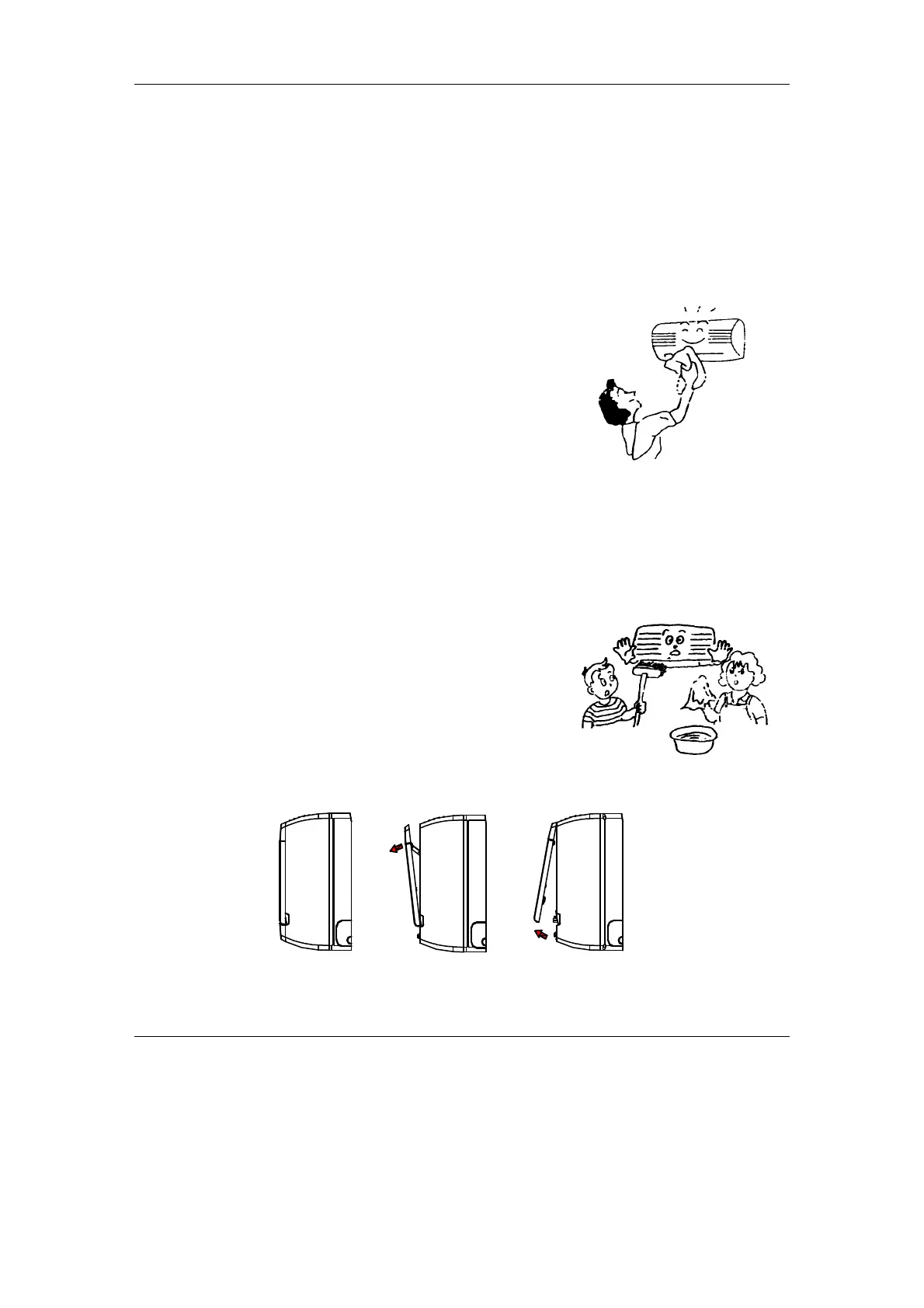
Clean the Front Panel and Remote Controller
If the dirt can’ t be removed, please clean it with warm damp cloth (soaked with warm water below 40)
Caution:
1. Do not clean the unit with water, or it may cause electric shock.
2. Do not clean the remote controller with water.
3. Do not clean with alcohol, gasoline, banana oil, or polishing.
4. Do not clean the unit violently, or it may cause the front panel
falling down.
5. Do not clean the front panel or remote controller with metal
brush; it may damage the surface.
Clean Air Filter
``
Fig. 5.2.1 Fig. 5.2.2 Fig. 5.2.3


 To Next Page