1. Connect the channel 1 probe tip to the
FREQ_ANOMALY (Frequent Anomalies)
signal on the demonstration board.
Connect the ground lead of the probe to
the GND point.
2. Press the front panel Default Setup
button to set the oscilloscope to a known
state. Press Autoset.
3. Press trigger Menu, select Type Edge
lower-bezel button, use Multipurpose a
to scroll down to Runt.
4. Press Thresholds lower-bezel button
and adjust High to approximately 2.00 V
using Multipurpose a, adjust Low to
about 1.00 V using Multipurpose b.
Now you are triggering on a runt.
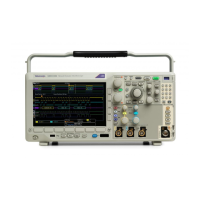
Figure 8.
www.tektronix.com/mdo300016
MDO3000 Series Oscilloscope
Demonstration Guide


 To Next Page
 Loading...