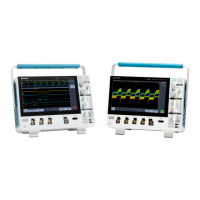
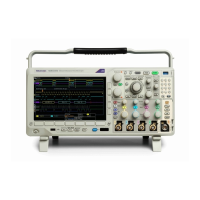
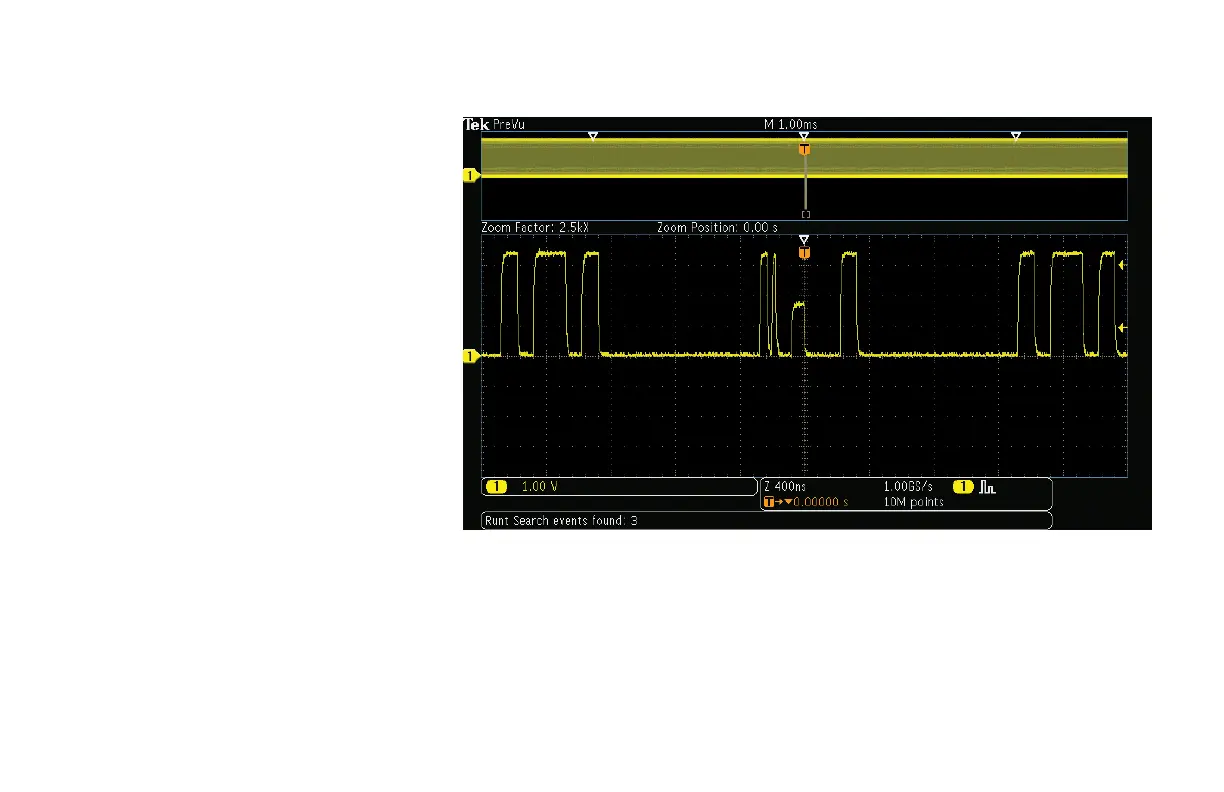
It is very difficult to see much signal
detail in this display. If we zoom in on the
waveform, the details become visible.
14. Turn the inner Wave Inspector control
and notice how the upper window of the
display shows the context while the lower
window shows the zoomed details.
15. Turn the outer, spring-loaded Wave
Inspector control to pan right and left
through the acquired waveform. The
further you turn the control, the faster the
panning.
16. You can also navigate to one of the
marks using the ← and → arrow
buttons.
Figure 11.
www.tektronix.com/mdo3000 19
MDO3000 Series Oscilloscope
Demonstration Guide

 To Next Page
 Loading...