Installation
Upgrading Firmware
To upgrade the firmware of the oscilloscope:
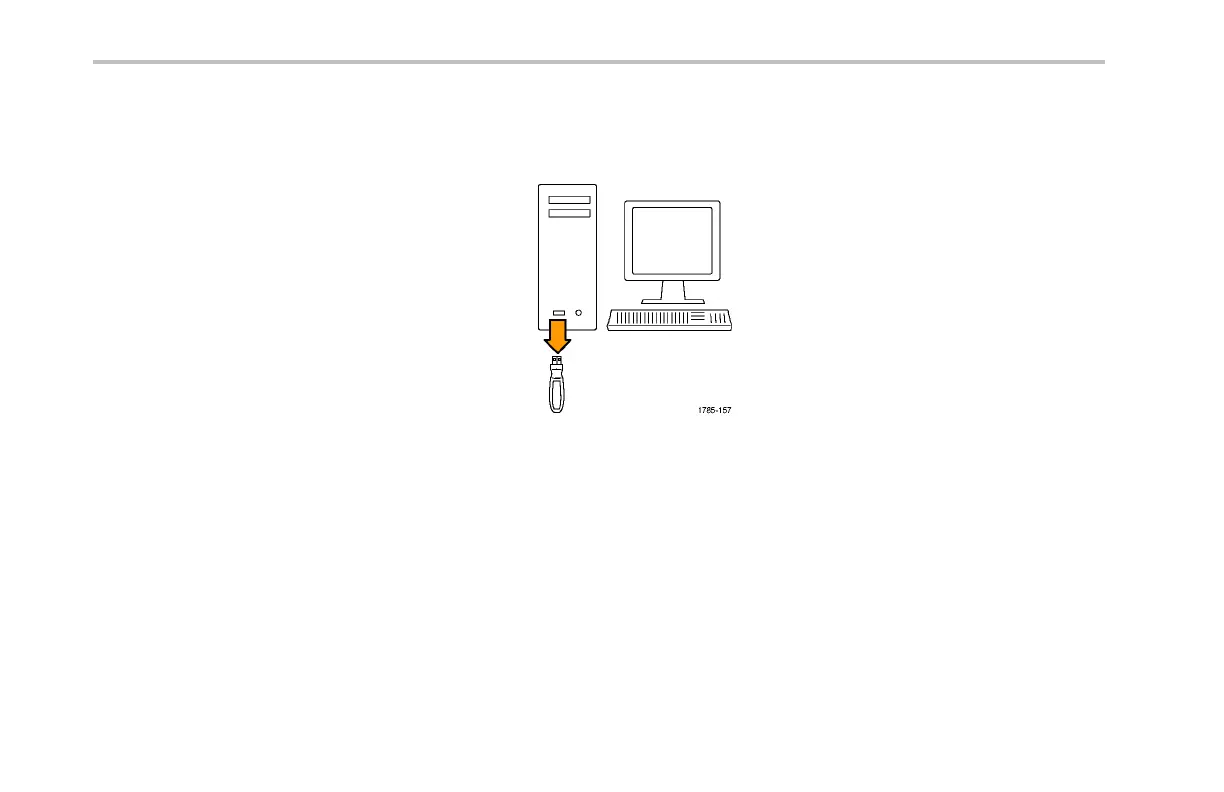
1. Open up a Web browser and go to
www.tektronix.com/software. Proceed to the
software finder. Download the latest firmware
for yo ur oscilloscope on your PC.
Unzip the fi les and copy the firmware.img file
into the roo t folder of a USB flash drive.
32 DPO2000 and MSO2000 Series Oscilloscopes User Manual



 To Next Page